Professional photo filter software Ashampoo COLOR #8 — Free Giveaway (Worth $9.86)
Overview
Ashampoo COLOR #8 is a powerful yet user-friendly photo editing tool designed to help users enhance their images with precision and creativity. Whether you’re a casual photographer or a professional graphic designer, this software offers a streamlined approach to adjusting colors, tones, and overall image quality. Its intuitive interface makes it easy to apply quick fixes or dive into advanced customization, depending on your needs. One of its standout features is the ability to automatically optimize images, ensuring vibrant colors and balanced exposure with minimal effort. For those who prefer more control, the software provides a range of manual optimization templates, allowing you to tailor adjustments to specific styles or projects. With Ashampoo COLOR #8, users can transform ordinary photos into visually striking masterpieces without requiring extensive technical knowledge.
The software is particularly useful for tasks like retouching photos, preparing images for print or digital use, and creating consistent visual styles for social media or portfolios. Its focus on color correction and enhancement makes it a valuable asset for anyone looking to refine their photographic output. By combining automated tools with manual options, Ashampoo COLOR #8 caters to both beginners and experienced users, offering flexibility without compromising quality. The inclusion of expert mode further expands its capabilities, unlocking a vast array of filters and settings for those ready to explore more nuanced editing possibilities. This balance of simplicity and depth ensures that users can achieve professional-grade results, whether they’re working on personal projects or commercial designs.
Key Features
- Automated Image Optimization : The software intelligently analyzes your photos and applies adjustments to enhance brightness, contrast, and color balance, saving time while delivering polished results.
- 12 Categories of Manual Templates : Choose from pre-designed optimization templates organized into themes like portrait enhancement, landscape refinement, or black-and-white conversion, giving you a starting point for creative edits.
- Expert Mode with 245 Professional Filters : Access a wide range of advanced filters and settings to fine-tune details, adjust hues, and apply specialized effects tailored for professional workflows.
- Easy Template Application : Simply click a button to apply preloaded templates, making it simple to experiment with different looks and styles without manual tweaking.
- Customizable Workflow : This type of software typically offers tools for batch processing, allowing you to apply edits to multiple images at once, which is ideal for managing large photo collections efficiently.
![Ashampoo COLOR #8 – Professional photo filter software [Windows] [$69→0]](https://pic.paidgonefree.com/images/f84037a135524b924ba7fd34d7f04bdc5bf5272938aef16cfe8c7b8d3d0b9b44.webp "Ashampoo COLOR #8 – Professional photo filter software [Windows] [$69→0]")
Giveaway Link: https://cdn1.ashampoo.net/public/apc/10120/ashampoo_color_8_50183.exe
Related Deals
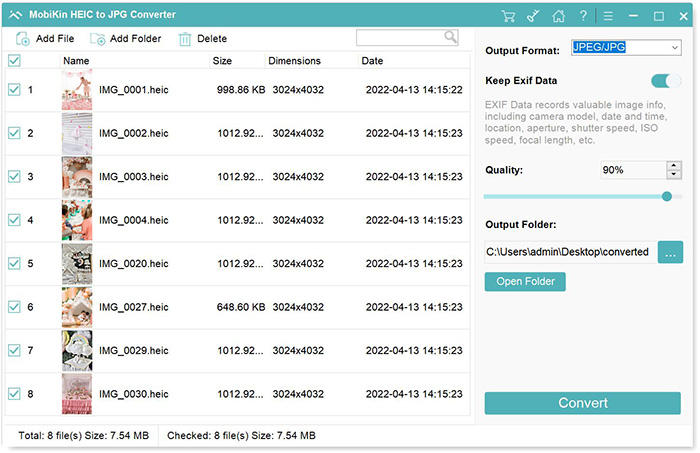
Convert HEIC format to other Image formats MobiKin HEIC to JPG Converter — Free Giveaway (Worth $9.95)
MobiKin HEIC to JPG Converter is a tool that can batch convert HEIC images to PNG, JPG, JPEG Image formats with high quality and speed, supporting drag-and-d...
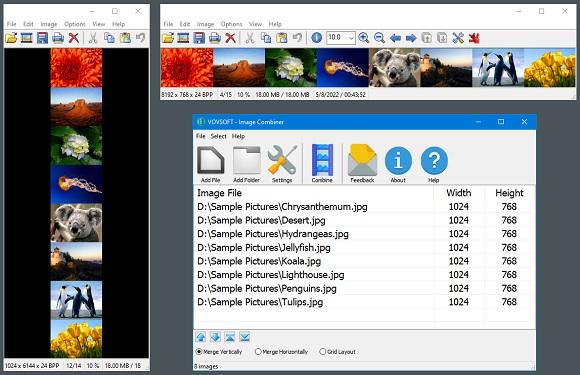
Image Combiner Vovsoft Image Combiner — Free Giveaway (Worth $19.00)
Vovsoft Image Combiner is an Image Combiner tool that can help you quickly combine multiple images, you can choose horizontal or vertical, you can quickly ad...
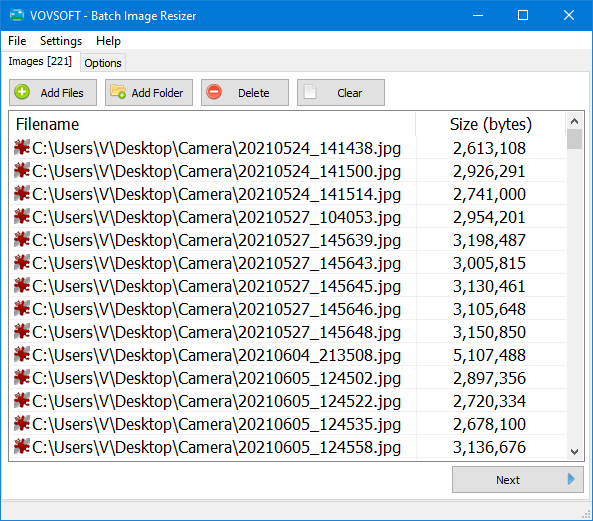
Batch modify Image size Vovsoft Batch Image Resizer — Free Giveaway (Worth $19.00)
Vovsoft Batch Image Resizer is a tool that allows you to batch edit Image size, supporting multiple common Image formats, and the process is also very simple...