Geekersoft PDF Converter — Free Giveaway (Worth $19.99)
Overview
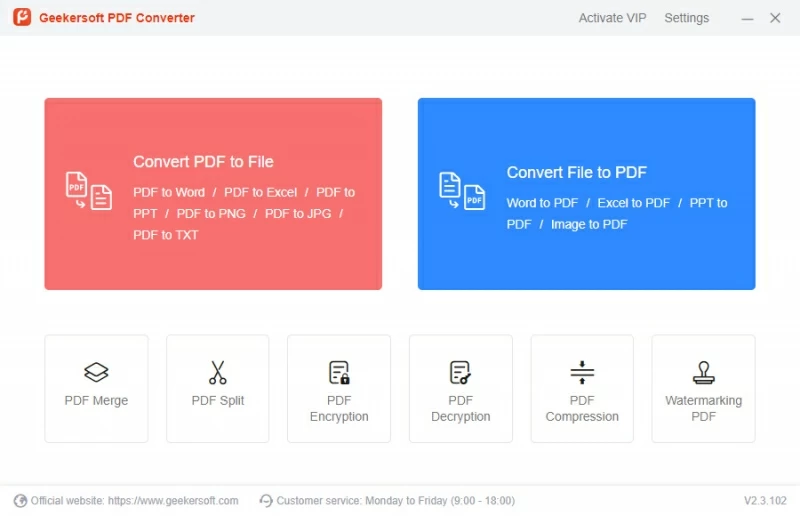
Geekersoft PDF Converter is a versatile tool designed to simplify the process of working with PDF files. Whether you need to convert documents from other formats into PDF or transform PDFs into editable files, this software offers a seamless solution for users who frequently handle PDFs. Its intuitive interface and robust functionality make it an ideal choice for students, professionals, and anyone looking to streamline their document management tasks. One of its standout features is the ability to process multiple files at once, which saves time and effort when dealing with large volumes of data. By eliminating the need for manual conversions, Geekersoft PDF Converter helps users focus on their work rather than the technicalities of file formats.
PDFs are widely used for sharing documents because they preserve formatting across devices, but their rigid structure can sometimes limit usability. This software bridges that gap by allowing users to convert PDFs into editable formats like Word, Excel, or PowerPoint, making it easier to modify content or collaborate on files. Conversely, converting other document types into PDF ensures consistency and professionalism when presenting or archiving information. Beyond basic conversion, Geekersoft PDF Converter also includes tools for organizing and securing PDFs, such as merging multiple files into one, splitting lengthy documents, and adding watermarks. These capabilities make it a one-stop solution for managing PDFs efficiently, without the need for multiple specialized tools.
Key Features
- Bidirectional Conversion: Seamlessly convert files between PDF and popular formats like Word, Excel, PPT, and more, ensuring flexibility for both creation and editing tasks.
- Document Organization: Merge multiple PDFs into a single file or split a large document into smaller sections, helping users manage content more effectively.
- Security Tools: Encrypt or decrypt PDFs to protect sensitive information, giving users control over who can access their files.
- Batch Processing: Handle multiple files simultaneously, significantly boosting productivity for users working with large datasets or extensive document libraries.
- Customization Options: Add watermarks to PDFs for branding or copyright purposes, and compress files to reduce their size without compromising quality.
This type of software typically offers a balance of simplicity and power, catering to both casual users and those with advanced needs. Its ability to handle a wide range of file formats and provide additional tools for editing and security makes it a valuable asset for anyone who relies on PDFs for work, study, or personal use. Whether you’re preparing reports, organizing project files, or ensuring document privacy, Geekersoft PDF Converter delivers reliable performance and user-friendly features to meet your requirements.
Giveaway Link: https://www.giveawayoftheday.com/geekersoft-pdf-converter-2/
Get It Free Now
Click the link below before the giveaway ends!
Related Deals
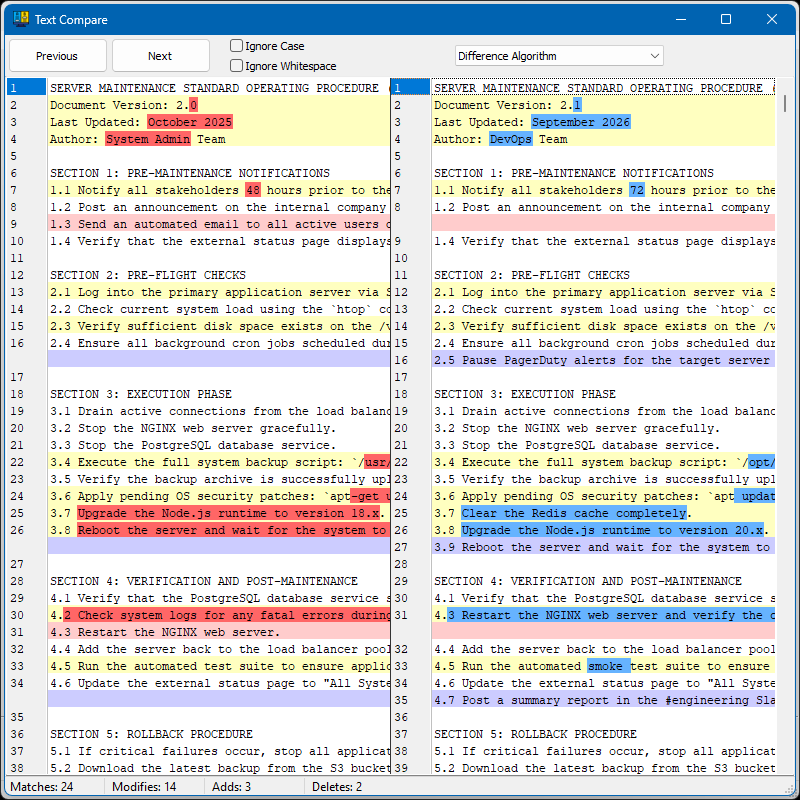
Compare the differences between two documents Compare Two Texts — Free Giveaway (Worth $19.00)
Compare Two Texts is a simple comparison tool that places two texts side by side and automatically highlights differences. It eliminates manual proofreading...
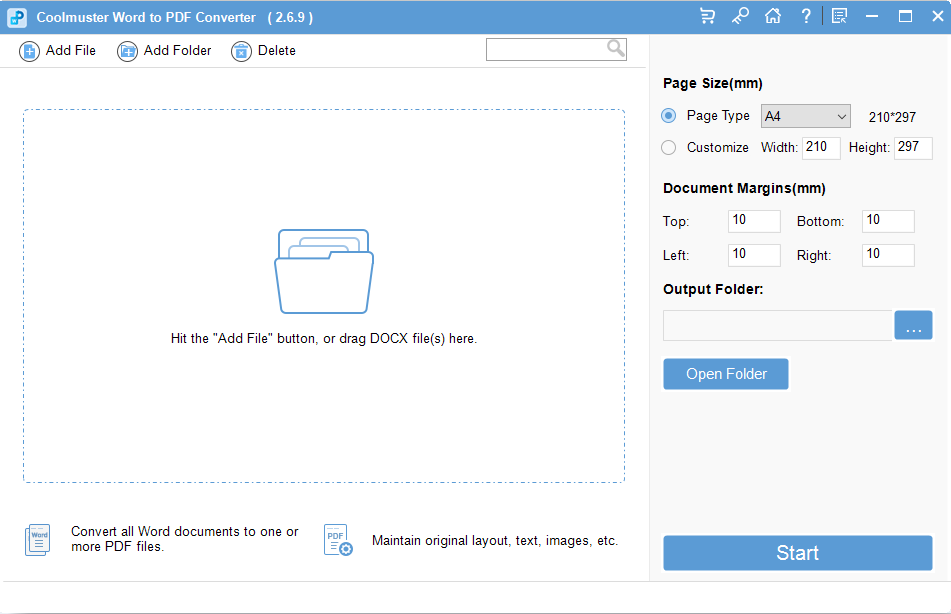
Convert Word documents Converter to PDF documents Coolmuster Word to PDF Converter — Free Giveaway (Worth $15.95)
Coolmuster Word to PDF Converter can seamlessly convert Word to PDF file, with this powerful Word to PDF Converter, you can easily convert your docx file to...
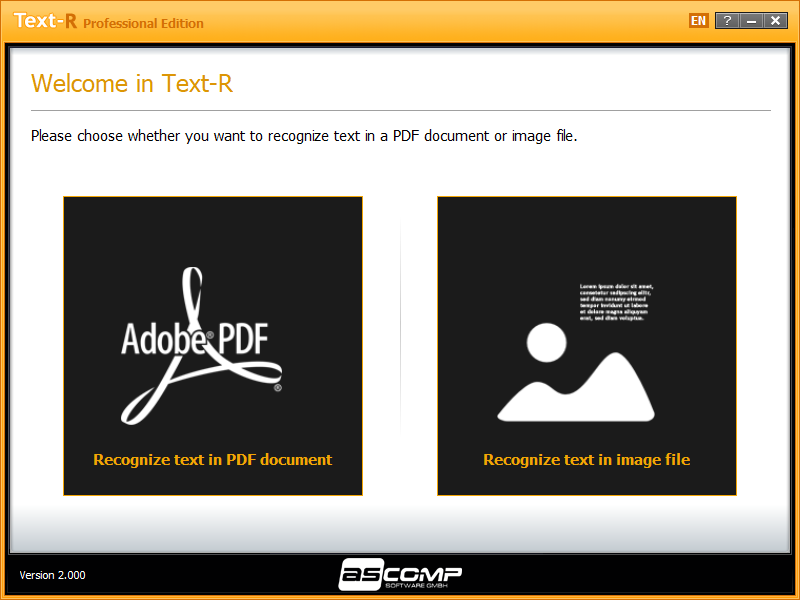
ASCOMP Text — Free Giveaway (Worth $29.90)
ASCOMP Text-R Pro 是一款文档 OCR 工具,可以帮你将扫描版文档中的文字进行识别,这样就不用你慢慢一个字一个字再打出来,不过比较可惜的是这款软件并不支持识别中文。 限免获取地址: https://www.bitsdujour.com/software/text-r/saf=525496 限免截止时间: