PDF Editor — Free Giveaway (Worth $49.99)
Overview
PDF Editor is a powerful yet user-friendly tool designed to streamline the way you handle PDF documents on Windows. Whether you’re a student, professional, or casual user, this software simplifies tasks that often require multiple steps or specialized tools. Its ability to combine reading, viewing, and editing functions into a single application makes it an essential utility for anyone who frequently works with PDFs. From adding notes to modifying content, this tool ensures that your documents remain organized, secure, and easy to share. The clean and modern interface not only enhances usability but also keeps the workflow intuitive, allowing users to focus on their tasks without distractions.
One of the standout aspects of PDF Editor is its versatility. It caters to a wide range of needs, from basic document manipulation to advanced customization. For instance, users can edit text, adjust layouts, and even convert files between different formats. This type of software typically offers a balance between simplicity and functionality, making it accessible to beginners while still providing robust tools for more experienced users. Its seamless integration of features like annotation, signing, and file management ensures that you can handle everything from simple corrections to complex document restructuring with ease.
Key Features
- Comprehensive Editing Capabilities : PDF Editor allows users to modify text, images, and formatting directly within PDF files. This eliminates the need for third-party tools, saving time and effort when refining documents for presentations, reports, or forms.
- Annotation and Highlighting Tools : The software includes intuitive options for adding highlights, comments, and sticky notes to PDFs. These features are ideal for reviewing documents, providing feedback, or marking important sections for quick reference.
- Signature and Drawing Functions : Users can digitally sign documents or sketch annotations, making it perfect for creating legally binding forms, approvals, or visual notes. This functionality is particularly useful for professionals who need to add personal touches to their work.
- File Merging and Splitting : Whether you need to combine multiple PDFs into one or divide a large document into smaller sections, PDF Editor handles these operations efficiently. This is especially helpful for managing projects, organizing data, or preparing materials for distribution.
- Creation from Scratch or Images : Beyond editing, the software enables users to build PDFs from scratch or convert scanned images into editable files. This flexibility ensures that you can generate professional-looking documents tailored to your specific needs, whether for personal use or business purposes.
These features collectively address common pain points associated with PDFs, such as limited editing options, cumbersome file management, and the need for additional tools to annotate or secure documents. By consolidating these functions into one platform, PDF Editor empowers users to work more efficiently and confidently with their PDF files, enhancing productivity without compromising on quality or ease of use.
![PDF Editor - PDF Edit tool [Windows] [$49.99→0]](https://pic.paidgonefree.com/images/22a1a7302247fe88195471b0603c73292912d1761ac9341337e12ffc4ce742ab.webp "PDF Editor - PDF Edit tool [Windows] [$49.99→0]")
Giveaway Link: https://apps.microsoft.com/detail/9p2cqxnmg15n
Get It Free Now
Click the link below before the giveaway ends!
Related Deals
Ashampoo LocaLingo — Free Giveaway (Worth $21.43)
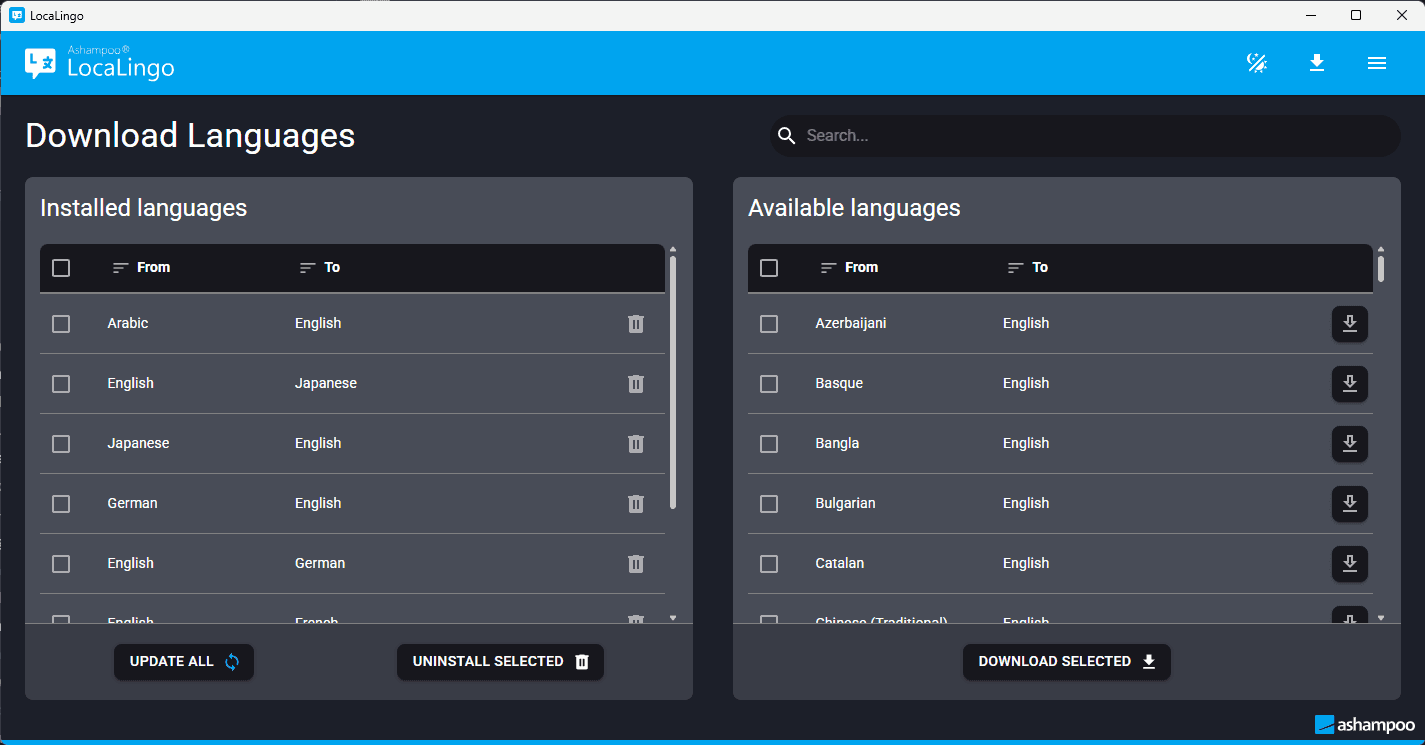
Ashampoo LocaLingo provides a powerful translation tool, combining advanced AI technology with top-level Data security. This software supports high-quality a...
PDF — Free Giveaway (Worth $24.90)
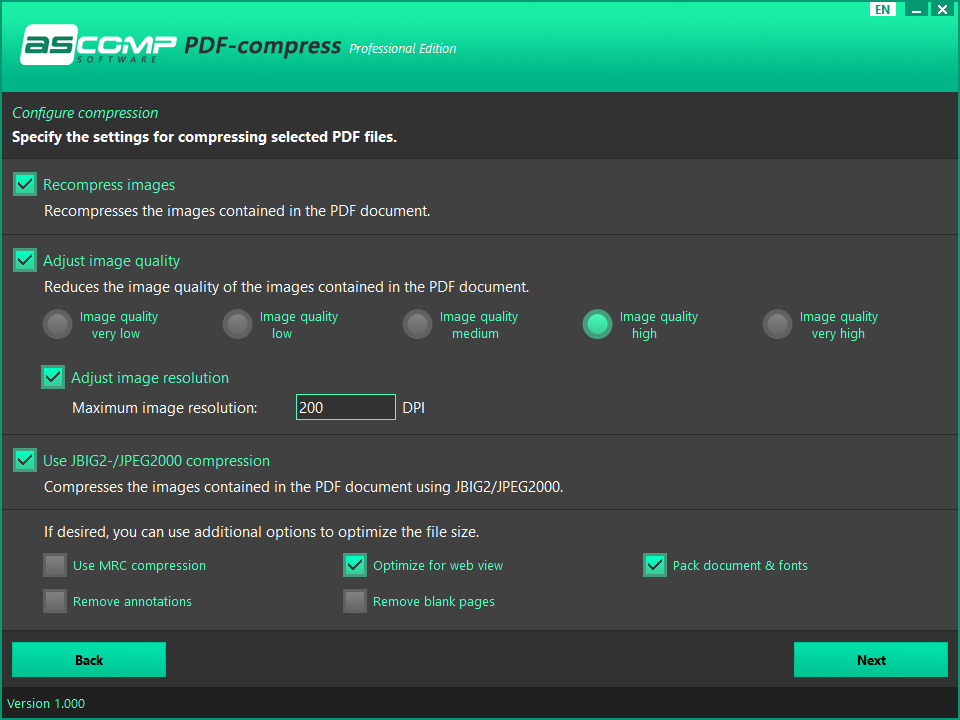
PDF-compress 是一款 PDF 文件体积压缩工具,它可以批量快速地帮你将多个 PDF 文档进行体积压缩,同时保留高质量的文档内容。设置方便,使用也很简单,操作起来非常简洁。 限免获取地址: https://sharewareonsale.com/s/free-pdf-compress-100-discount
将 PDF 文档转换为 Word 文档 Coolmuster PDF to Word Converter — Free Giveaway (Worth $15.95)
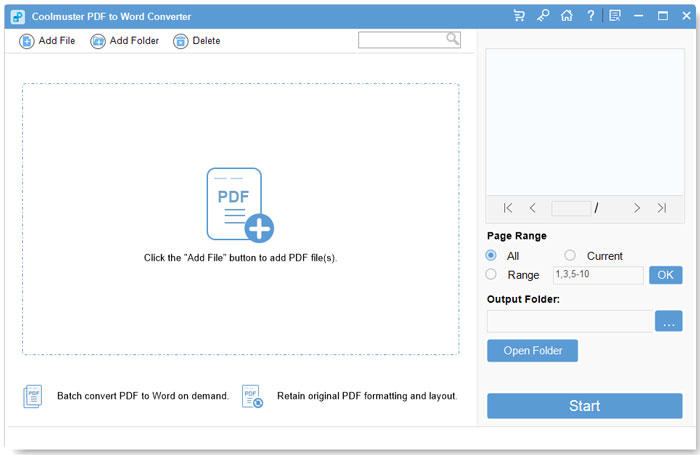
Coolmuster PDF to Word Converter is a tool that can help you convert multiple PDF Converter to Word. Maintain layout, fonts, and images during the Converter...