Compare the differences between two documents Compare Two Texts — Free Giveaway (Worth $19.00)
Overview
Compare Two Texts is a straightforward yet powerful utility designed to simplify the process of identifying differences between two text documents. Whether you’re a developer, writer, or researcher, this tool streamlines tasks that require meticulous comparison, such as reviewing code changes, tracking document revisions, or analyzing content for accuracy. By placing texts side by side and automatically highlighting discrepancies, it eliminates the need for tedious manual proofreading, saving time and reducing errors. The intuitive interface ensures that even users with minimal technical expertise can navigate its features effortlessly. Its lightweight design and focus on precision make it an ideal choice for anyone who needs to ensure consistency or spot inconsistencies quickly. With a range of customization options, the software adapts to different workflows, making it a versatile addition to your productivity toolkit.
One of the standout aspects of Compare Two Texts is its ability to handle a variety of text-based tasks without requiring advanced technical skills. It’s particularly useful for scenarios where even minor changes can have significant impacts, such as debugging code, verifying translations, or reviewing legal or academic documents. The tool’s emphasis on clarity and efficiency means users can focus on the content rather than the process of comparison. By automating the detection of differences, it empowers users to make faster, more accurate decisions, whether they’re working on a small project or managing large-scale document revisions.
Key Features
- Side-by-Side Comparison with Highlighting : The software presents two texts in parallel, using color-coded highlights to visually distinguish additions, deletions, and modifications. This makes it easy to scan through content and pinpoint changes at a glance.
- Intuitive Interface : Designed for simplicity, the tool offers an easy-to-use layout that minimizes the learning curve. Users can quickly load files, adjust settings, and review results without needing extensive training.
- Support for Multiple File Types : Beyond plain text, Compare Two Texts can handle code files, formatted documents, and other text-based formats. This versatility ensures it’s suitable for a wide range of professional and personal applications.
- Real-Time Updates : As users edit files, the tool dynamically updates the comparison, allowing for immediate visibility of changes. This feature is especially valuable for collaborative workflows or iterative content development.
- Customizable Settings : Users can tailor the comparison experience by adjusting highlight colors, selecting specific sections to compare, or choosing how differences are marked. This flexibility ensures the tool meets diverse user needs.
Compare Two Texts is more than just a comparison tool—it’s a time-saving solution for anyone dealing with text analysis. Its seamless integration of automation and customization makes it a reliable choice for both casual users and professionals. Whether you’re refining a manuscript, debugging software, or ensuring document accuracy, this software provides a clear, efficient way to stay on top of changes without compromising quality. Its focus on usability and precision ensures that it’s a valuable asset for any workflow involving text comparison.
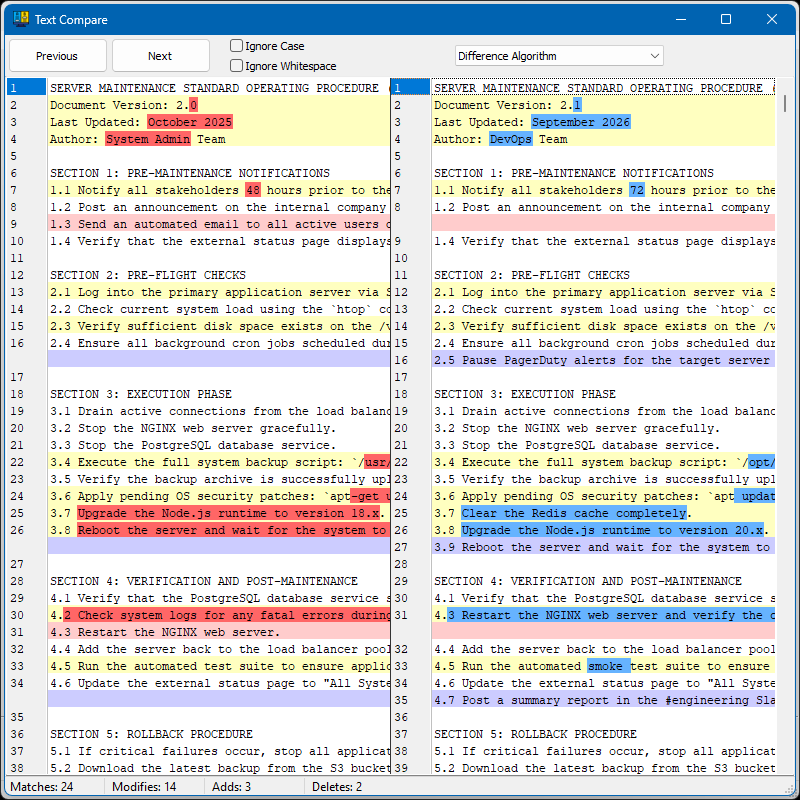
Giveaway Link: https://vovsoft.com/files/compare-two-texts.exe
Related Deals
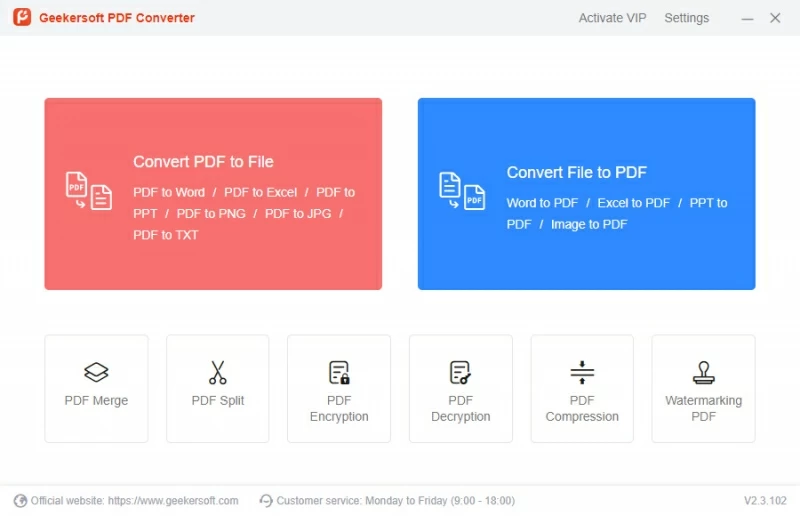
Geekersoft PDF Converter — Free Giveaway (Worth $19.99)
Geekersoft PDF Converter is a powerful PDF Converter tool, which can easily convert various file formats to PDF, including Word, Excel, PPT, etc., and also s...
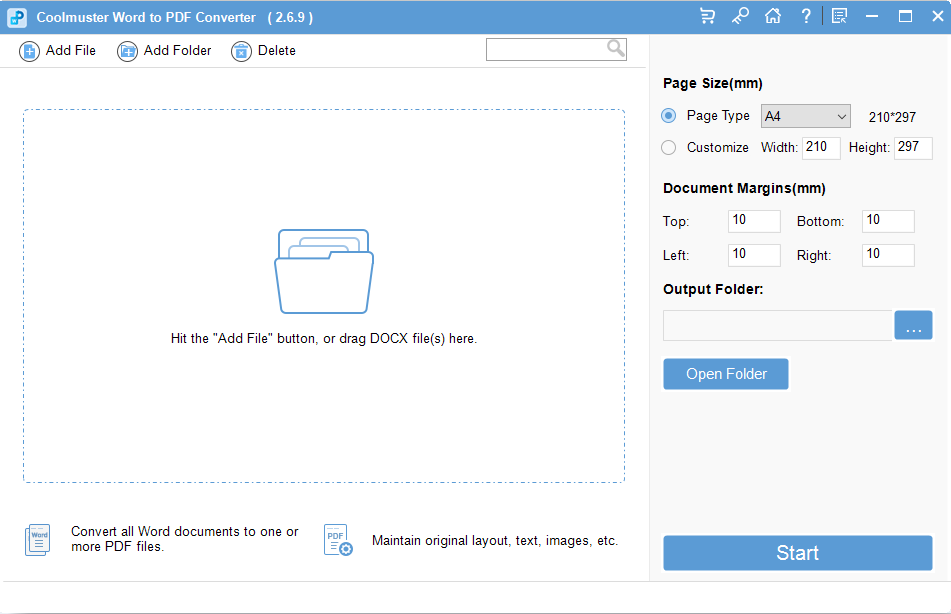
Convert Word documents Converter to PDF documents Coolmuster Word to PDF Converter — Free Giveaway (Worth $15.95)
Coolmuster Word to PDF Converter can seamlessly convert Word to PDF file, with this powerful Word to PDF Converter, you can easily convert your docx file to...
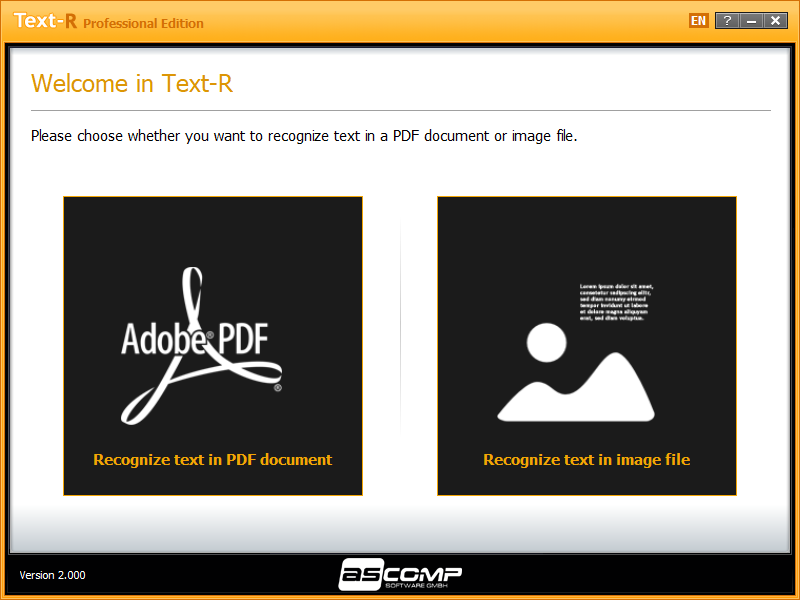
ASCOMP Text — Free Giveaway (Worth $29.90)
ASCOMP Text-R Pro 是一款文档 OCR 工具,可以帮你将扫描版文档中的文字进行识别,这样就不用你慢慢一个字一个字再打出来,不过比较可惜的是这款软件并不支持识别中文。 限免获取地址: https://www.bitsdujour.com/software/text-r/saf=525496 限免截止时间: