Image Combiner Vovsoft Image Combiner — Free Giveaway (Worth $19.00)
Overview
Vovsoft Image Combiner is a straightforward yet powerful tool designed to simplify the process of merging multiple images into a single composite. Whether you’re a graphic designer, photographer, or casual user looking to create visual projects, this software offers a user-friendly interface that streamlines the workflow for combining images. Its intuitive design allows even those with minimal technical skills to quickly assemble images side by side or stacked vertically, making it an ideal choice for anyone needing to generate collages, banners, or multi-image layouts. The ability to drag and drop images to adjust their order adds a layer of flexibility, ensuring you can experiment with different arrangements without the hassle of complex settings. With a focus on efficiency and ease of use, Image Combiner eliminates the need for manual editing or advanced software, saving time while maintaining high-quality results.
One of the standout aspects of this tool is its versatility. It caters to a wide range of creative and practical tasks, from compiling photos for a scrapbook to creating promotional materials for social media or websites. The software’s streamlined approach means you can focus on your vision rather than the technicalities of image alignment and sizing. Whether you’re working on a personal project or professional design work, Image Combiner provides a reliable solution for bringing multiple visuals together in a cohesive format. Its simplicity makes it a great option for users who want to avoid the steep learning curve of more complex image editing programs, while still achieving professional-grade outcomes.
Key Features
- Flexible Layout Options : Users can combine images horizontally or vertically, allowing for creative freedom in how visuals are arranged. This adaptability ensures the software can handle a variety of projects, from wide-format banners to stacked photo albums.
- Intuitive Drag-and-Drop Interface : Adjusting the order of images is as simple as dragging them to your desired position. This feature removes the need for complicated menus or commands, making the process quick and effortless.
- Batch Image Processing : The tool enables users to add multiple images at once, reducing the time spent on repetitive tasks. This is particularly useful for those working with large collections of photos or graphics.
- Customizable Output Settings : While the core functionality is focused on combining images, the software typically offers options to fine-tune spacing, alignment, and even image resizing. These adjustments help users achieve precise layouts tailored to their specific needs.
- Seamless Workflow Integration : Designed to work efficiently with common image formats, Image Combiner integrates smoothly into everyday tasks. It’s perfect for users who need to create multi-image files for presentations, social media posts, or digital signage without switching between applications.
![Vovsoft Image Combiner - Image Combiner [Windows][$19→0]](https://pic.paidgonefree.com/images/888c4fcdca2cc17d6190a9a2b1baa1d4614dbd1ab92a38a0e935099d9947a440.jpg "Vovsoft Image Combiner - Image Combiner [Windows][$19→0]")
Giveaway Link: https://vovsoft.com/giveaway/free-image-combiner-2026/
Get It Free Now
Click the link below before the giveaway ends!
Related Deals
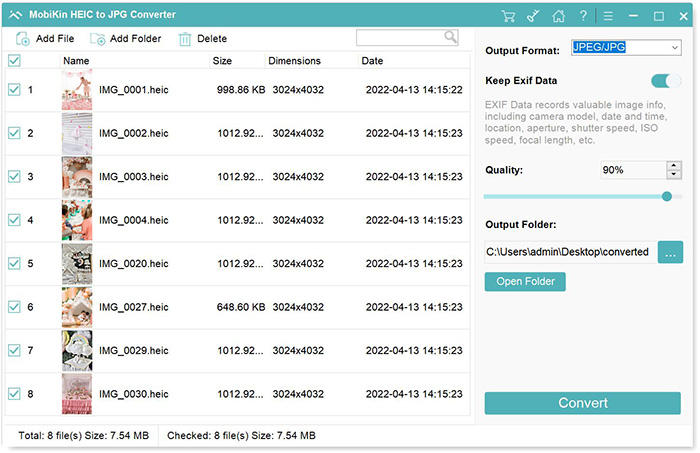
Convert HEIC format to other Image formats MobiKin HEIC to JPG Converter — Free Giveaway (Worth $9.95)
MobiKin HEIC to JPG Converter is a tool that can batch convert HEIC images to PNG, JPG, JPEG Image formats with high quality and speed, supporting drag-and-d...
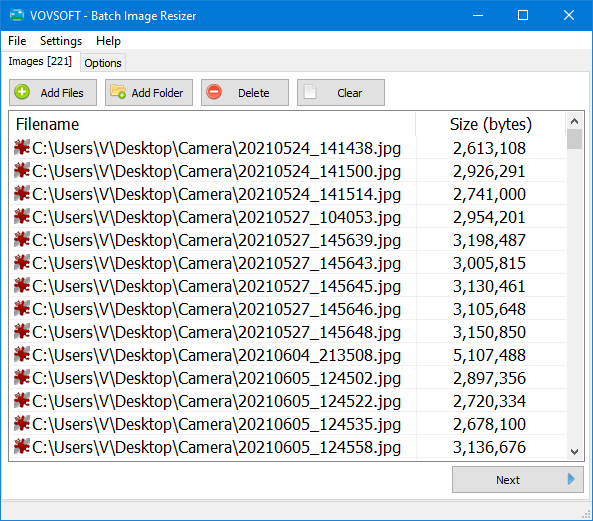
Batch modify Image size Vovsoft Batch Image Resizer — Free Giveaway (Worth $19.00)
Vovsoft Batch Image Resizer is a tool that allows you to batch edit Image size, supporting multiple common Image formats, and the process is also very simple...
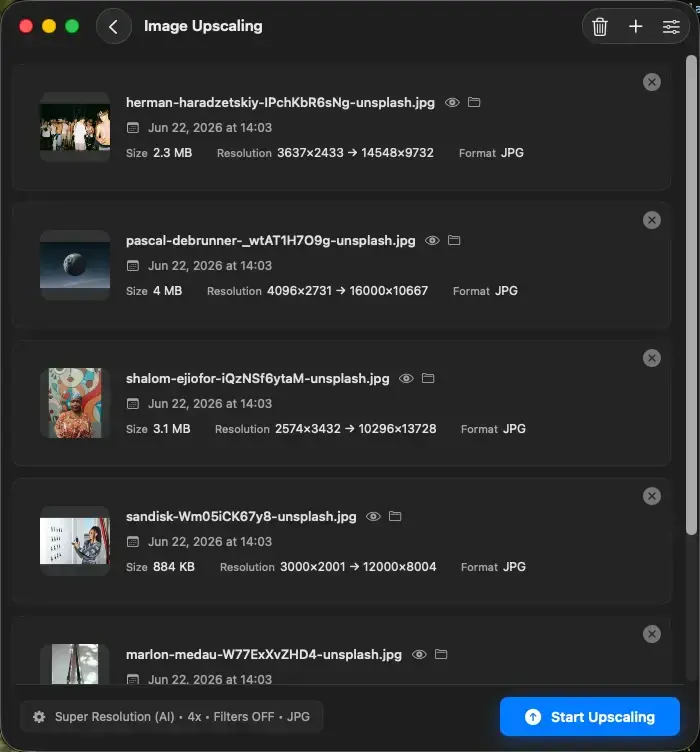
Upscal — Free Giveaway (Worth $39.00)
Upscal can perform super-resolution processing directly on your device, allowing you to enlarge and improve media File without uploading it to a cloud server...