Coolmuster PDF Password Remover — Free Giveaway (Worth $19.95)
Overview
Coolmuster PDF Password Remover is a specialized utility designed to help users eliminate encryption barriers from PDF files, granting them full access to the content. Whether you’re a student needing to edit a protected research paper, a professional working with confidential documents, or someone simply trying to share a PDF without restrictions, this tool addresses a common pain point: password-locked files that limit functionality. PDF encryption can prevent actions like copying text, printing, or converting the document to other formats, making it frustrating to work with. By removing passwords, the software empowers users to unlock these files and perform tasks that would otherwise be impossible. Its intuitive interface and straightforward operation make it accessible even to those with limited technical expertise, ensuring a smooth experience for a wide range of users.
For many, PDFs are a go-to format for sharing documents due to their portability and security features. However, when these files are password-protected, they can become a hindrance. Coolmuster PDF Password Remover tackles this issue head-on by streamlining the process of removing passwords, allowing users to regain control over their files. It’s particularly useful for scenarios where collaboration is needed, such as preparing reports for a team or converting PDFs into editable formats for further work. The tool’s focus on simplicity and efficiency ensures that users can quickly resolve password-related obstacles without unnecessary complexity.
Key Features
- Unlock PDFs with Ease : The software efficiently removes passwords from encrypted PDFs, enabling users to access and manipulate the content without any hassle. This is especially beneficial for those who need to edit, print, or convert files but are blocked by security measures.
- Enhanced Document Flexibility : Once passwords are removed, users can perform a variety of actions, including editing text, adding annotations, or exporting the file to other formats like Word or Excel. This flexibility is crucial for workflows that require customization or integration with other tools.
- Support for Multiple Encryption Types : It handles different password protection methods, ensuring compatibility with a broad range of PDF files. This adaptability makes it a reliable choice for users dealing with diverse document formats.
- Batch Processing Capability : This type of software typically offers the ability to process multiple files at once, saving time for users who need to unlock several PDFs simultaneously. It’s ideal for managing large volumes of documents efficiently.
- Secure and Reliable Operation : The tool prioritizes data safety, ensuring that the removal process doesn’t compromise the integrity of the original file. Users can trust it to handle sensitive information while maintaining the document’s structure and formatting.
By addressing the limitations of password-protected PDFs, Coolmuster PDF Password Remover simplifies document management and enhances productivity. Its combination of functionality and user-friendly design makes it a valuable asset for anyone working with PDFs in both personal and professional contexts.
![Coolmuster PDF Password Remover – Remove PDF Document Password Tool [Windows] [$19.95→0]](https://pic.paidgonefree.com/images/ff6b3c717b8b92061e819f2b60fdd69fa6bfb49845081c6ae215933a760dc8f2.jpg "Coolmuster PDF Password Remover – Remove PDF Document Password Tool [Windows] [$19.95→0]")
Giveaway Link: https://www.coolmuster.com/giveaway/pdf-password-remover.html
Get It Free Now
Click the link below before the giveaway ends!
Related Deals
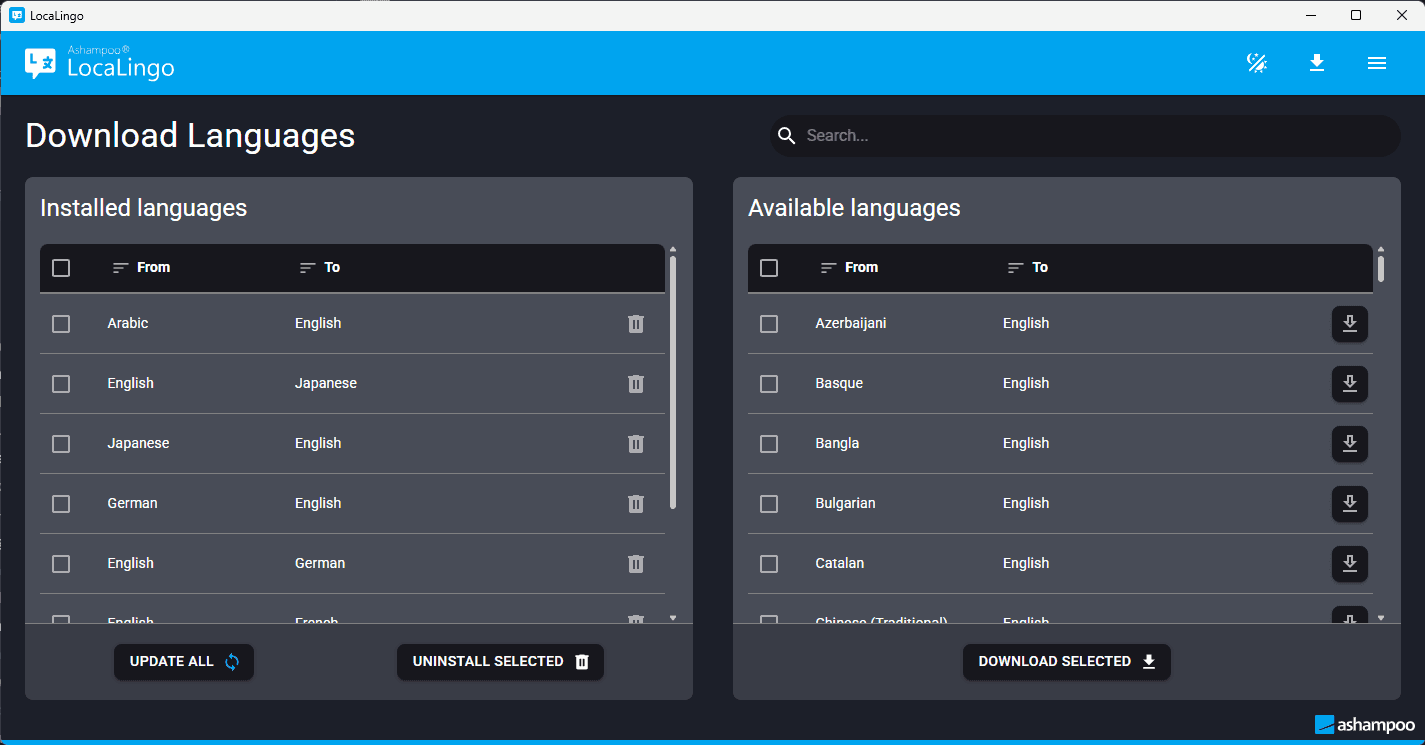
Ashampoo LocaLingo — Free Giveaway (Worth $21.43)
Ashampoo LocaLingo provides a powerful translation tool, combining advanced AI technology with top-level Data security. This software supports high-quality a...
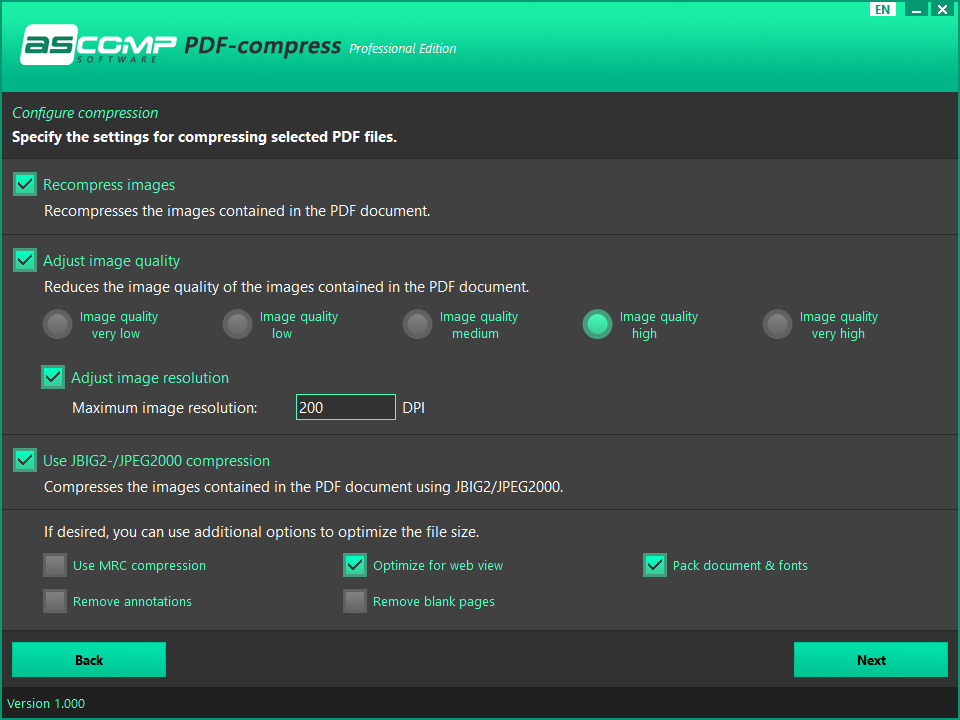
PDF — Free Giveaway (Worth $24.90)
PDF-compress 是一款 PDF 文件体积压缩工具,它可以批量快速地帮你将多个 PDF 文档进行体积压缩,同时保留高质量的文档内容。设置方便,使用也很简单,操作起来非常简洁。 限免获取地址: https://sharewareonsale.com/s/free-pdf-compress-100-discount
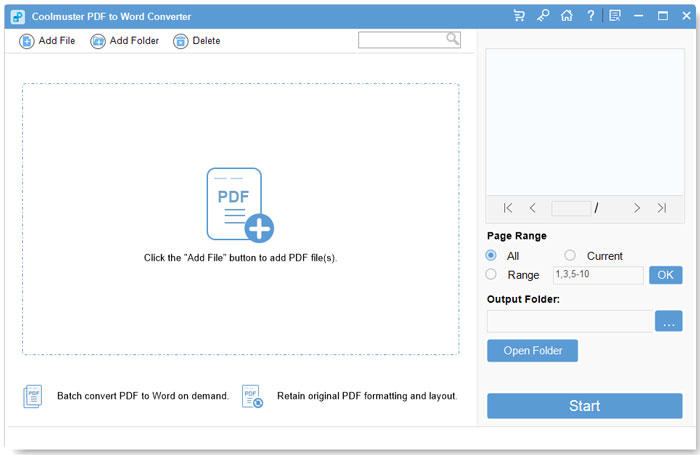
将 PDF 文档转换为 Word 文档 Coolmuster PDF to Word Converter — Free Giveaway (Worth $15.95)
Coolmuster PDF to Word Converter is a tool that can help you convert multiple PDF Converter to Word. Maintain layout, fonts, and images during the Converter...