Convert HEIC format to other Image formats MobiKin HEIC to JPG Converter — Free Giveaway (Worth $9.95)
Overview
MobiKin HEIC to JPG Converter is a specialized utility designed to address the growing need for converting HEIC image files into more universally compatible formats. HEIC, or High-Efficiency Image Format, is a modern, compressed format developed by Apple for use in iOS devices and other platforms. While it offers superior quality and smaller file sizes compared to traditional formats like JPEG, its limited compatibility can pose challenges for users working on Windows systems or platforms that don’t support HEIC natively. This tool bridges that gap by allowing seamless conversion of HEIC files to widely used formats such as PNG, JPG, and JPEG, ensuring your images can be viewed, edited, or shared without technical hurdles. Whether you’re transferring photos from an iPhone to a Windows PC, preparing files for web publishing, or organizing a media library, MobiKin HEIC to JPG Converter simplifies the process with intuitive functionality and reliable performance. Its focus on efficiency and quality makes it a valuable asset for anyone dealing with HEIC files regularly.
HEIC files are often used in smartphones and cameras due to their efficient compression, but they can be tricky to handle on non-Apple devices. MobiKin HEIC to JPG Converter eliminates this inconvenience by providing a straightforward solution for converting these files. The software is built with user experience in mind, offering features that cater to both casual users and those with more technical needs. By streamlining the conversion process, it saves time and reduces the risk of losing image quality during file transfers. This makes it particularly useful for photographers, graphic designers, and everyday users who need to work with HEIC files but require compatibility with other software or platforms. The tool’s ability to handle batch conversions further enhances its appeal, allowing multiple files to be processed at once without repetitive effort.
Key Features
- Batch Conversion Capabilities : Convert multiple HEIC files simultaneously, making it ideal for users with large photo libraries or those needing to process numerous images quickly.
- Drag-and-Drop Support : Easily import HEIC files by dragging them into the application interface, eliminating the need for complex file selection processes.
- High-Quality Output : Retains the original image resolution and color fidelity during conversion, ensuring the final files are as sharp and vibrant as the source.
- Fast Processing Speed : Optimized algorithms allow for quick conversions, minimizing wait times even when handling high-resolution or large-volume files.
- Support for Multiple Formats : Converts HEIC to PNG, JPG, and JPEG, providing flexibility for different use cases such as printing, online sharing, or editing in standard software.
This type of software typically offers a balance between simplicity and power, catering to users who want to avoid the complexities of manual file management. Its focus on compatibility and efficiency ensures that HEIC files—often overlooked due to their niche origins—can be effortlessly integrated into workflows that rely on more traditional image formats. Whether you’re dealing with personal photos or professional-grade visuals, MobiKin HEIC to JPG Converter provides a reliable way to adapt your files to broader standards without compromising their quality. The tool’s design emphasizes ease of use, making it accessible even to those unfamiliar with advanced image processing options.
![MobiKin HEIC to JPG Converter - Convert HEIC format to other Image formats [Windows][$9.95→0]](https://pic.paidgonefree.com/images/8958b435ee033587663f54189e61f8077c755d8dd76b17cfeb2272bafff1707c.jpeg "MobiKin HEIC to JPG Converter - Convert HEIC format to other Image formats [Windows][$9.95→0]")
Giveaway Link: https://www.giveawayoftheday.com/mobikin-heic-to-jpg-converter-3-10-18-3/
Get It Free Now
Click the link below before the giveaway ends!
Related Deals
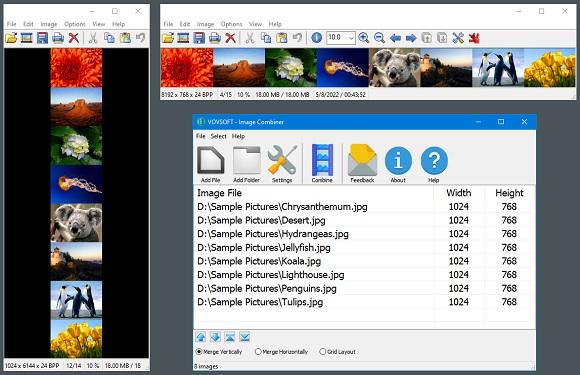
Image Combiner Vovsoft Image Combiner — Free Giveaway (Worth $19.00)
Vovsoft Image Combiner is an Image Combiner tool that can help you quickly combine multiple images, you can choose horizontal or vertical, you can quickly ad...
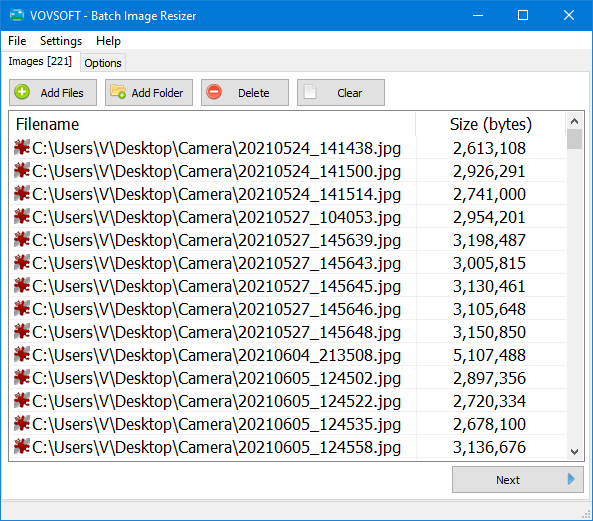
Batch modify Image size Vovsoft Batch Image Resizer — Free Giveaway (Worth $19.00)
Vovsoft Batch Image Resizer is a tool that allows you to batch edit Image size, supporting multiple common Image formats, and the process is also very simple...
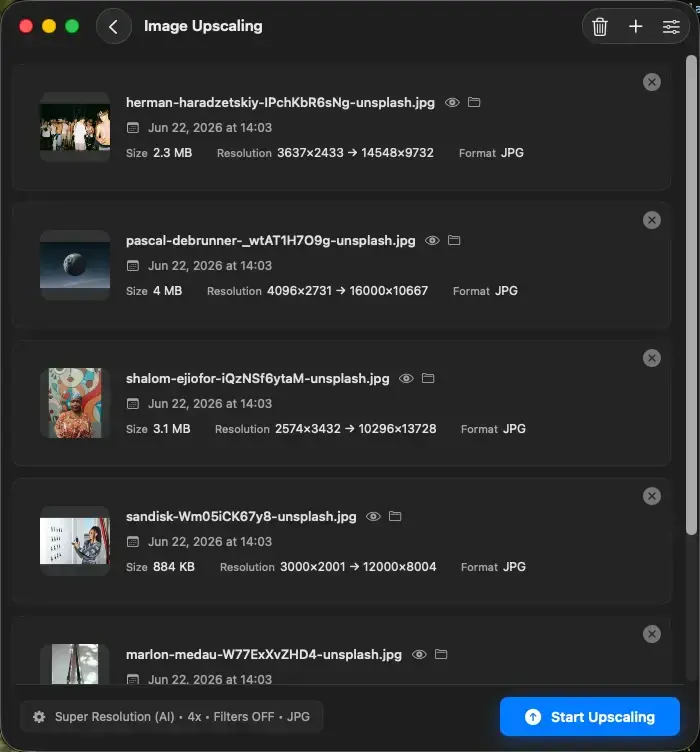
Upscal — Free Giveaway (Worth $39.00)
Upscal can perform super-resolution processing directly on your device, allowing you to enlarge and improve media File without uploading it to a cloud server...