AOMEI Backupper Pro — Free Giveaway (Worth $29.95)
Overview
AOMEI Backupper Pro is a powerful system backup and recovery tool designed for Windows users who want to safeguard their data against unexpected loss. Whether you’re dealing with hardware failures, accidental deletions, or malware attacks, this software provides a reliable solution to ensure your files, operating system, and critical applications remain protected. Its intuitive interface makes it accessible to both beginners and advanced users, while its robust features cater to a wide range of backup needs. From creating full system images to cloning hard drives, AOMEI Backupper Pro simplifies the process of preserving your digital assets. The software’s ability to handle multiple disk formats and partition types ensures flexibility, allowing users to customize their backup strategies to fit their specific requirements. With automatic backup options, you can set up regular schedules to keep your data up to date without manual intervention, offering peace of mind in an increasingly digital world.
One of the standout aspects of AOMEI Backupper Pro is its focus on efficiency and reliability. It eliminates the stress of data loss by streamlining backup and recovery workflows, ensuring that even complex tasks like migrating to a new drive or restoring a system image are straightforward. The software also emphasizes speed and resource management, making it suitable for both personal and professional environments. Whether you’re preparing for a system upgrade, troubleshooting issues, or simply maintaining a safety net for your files, AOMEI Backupper Pro empowers users to take control of their data protection. Its versatility and ease of use make it a valuable asset for anyone looking to minimize the risks associated with modern computing.
Key Features
- Automated Backup Scheduling : Set up recurring backup tasks to ensure your system and files are consistently protected, reducing the need for manual oversight.
- Comprehensive Partition Support : Back up and restore data from various disk formats and partition types, including NTFS, FAT32, and exFAT, ensuring compatibility with most storage solutions.
- Multiple Backup Modes : Choose between full, incremental, or differential backups to optimize storage space and recovery time based on your needs.
- System Image Creation : Generate complete copies of your operating system, installed programs, and personal files, enabling quick restoration in case of critical failures.
- User-Friendly Interface : Navigate through backup and recovery processes with ease, thanks to a clear, step-by-step design that minimizes technical barriers.

Get It Free Now
Click the link below before the giveaway ends!
Related Deals
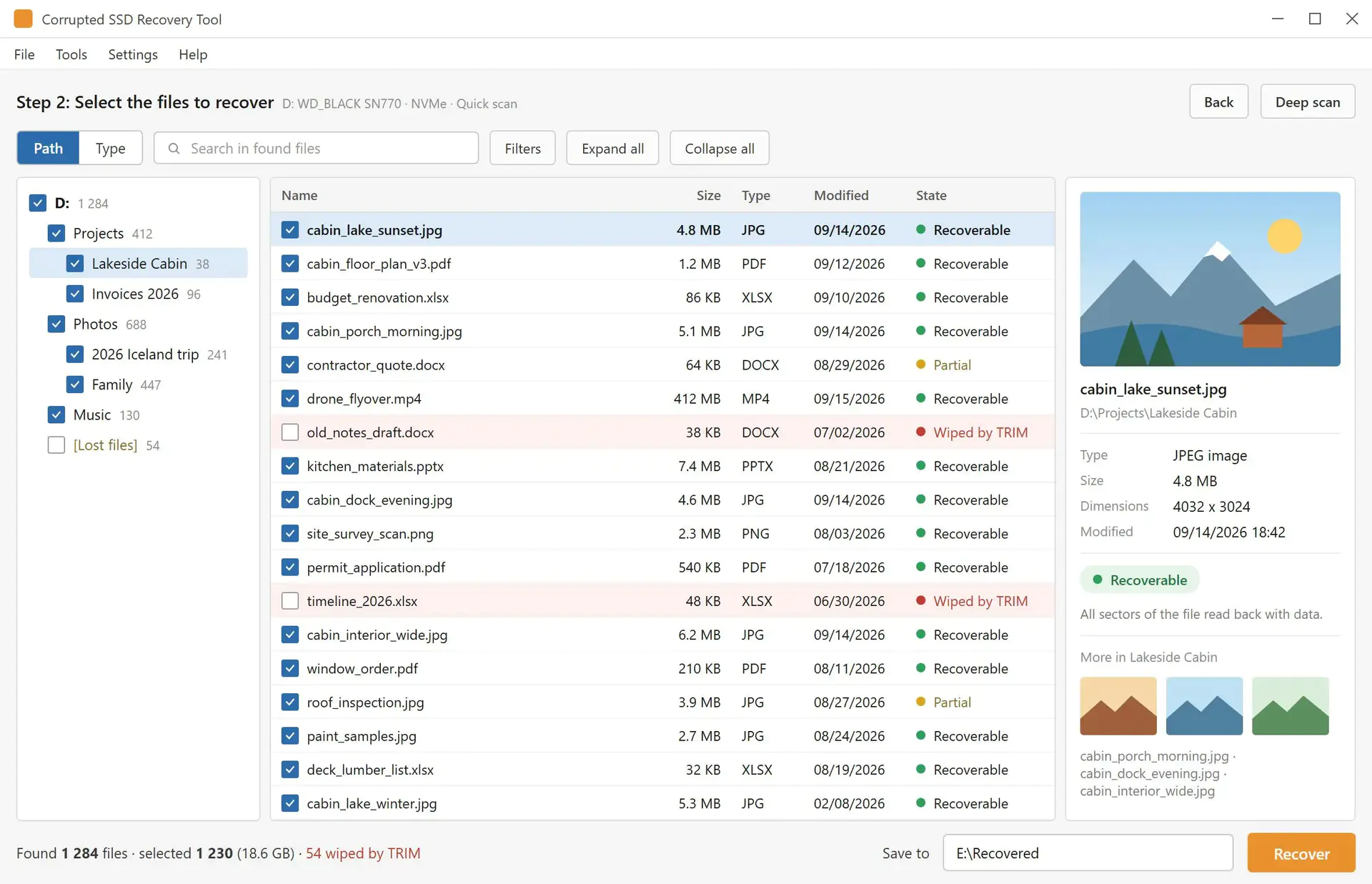
Corrupted SSD Recovery Tool — Free Giveaway (Worth $29.99)
Corrupted SSD Recovery Tool 是一款 SSD 固态硬盘文件恢复工具,它可以帮你在 SATA、NVMe 或 USB SSD 上进行数据恢复,这些 SSD 以 RAW 格式打开,或在崩溃后丢失文件夹。它先检查 TRIM,扫描卷,在预览窗格显示找到的文件,并把你勾选的文件保存到另一个驱动器。 限免下
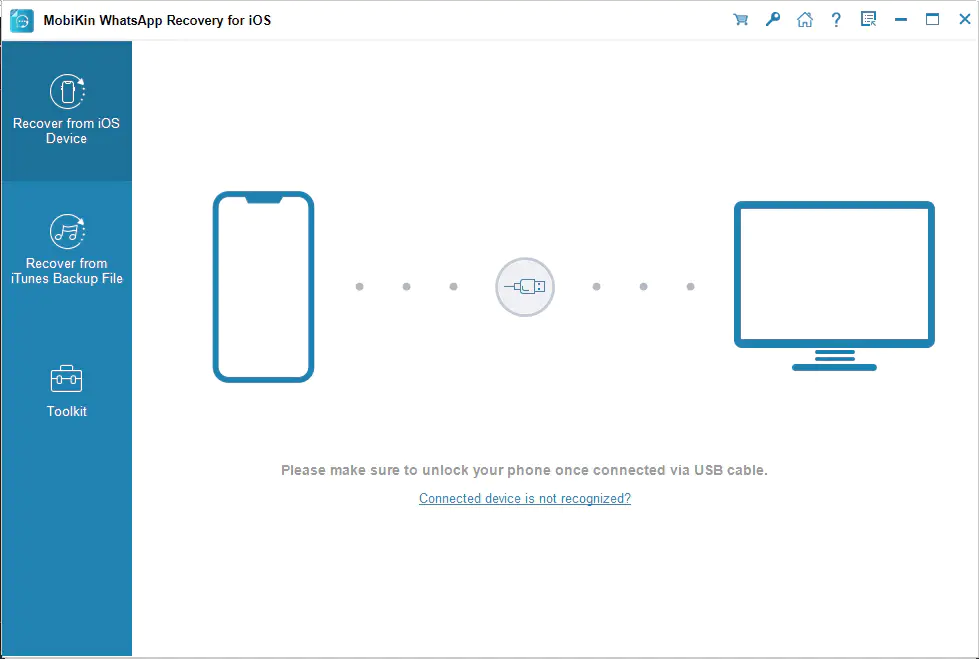
MobiKin WhatsApp Recovery for iOS — Free Giveaway (Worth $35.95)
MobiKin WhatsApp Recovery for iOS allows you to recover or extract content you previewed previously in WhatsApp, you can retrieve the content you need and re...

Coolmuster Android Backup Manager — Free Giveaway (Worth $19.95)
Coolmuster Android Backup Manager is an Android Data backup tool. It can quickly help you backup the Data on your Android device, with an operating interface...