Coolmuster Android Backup Manager — Free Giveaway (Worth $19.95)
Overview
Coolmuster Android Backup Manager is a powerful yet intuitive tool designed to simplify the process of backing up and restoring data on Android devices. In an era where mobile devices store critical information—ranging from personal photos and messages to app data and contacts—having a reliable backup solution is essential. This software addresses the common pain points of data loss by offering a straightforward way to safeguard your Android device’s content. Whether you’re preparing for a factory reset, switching to a new phone, or simply ensuring your data is secure, Coolmuster Android Backup Manager provides a seamless experience that minimizes the risk of losing important files. Its focus on user accessibility makes it ideal for both tech-savvy users and those less familiar with data management tools. By streamlining the backup and restoration process, it helps users maintain peace of mind knowing their data is protected and easily recoverable when needed.
One of the standout aspects of this tool is its ability to handle a wide array of data types without requiring advanced technical knowledge. It eliminates the frustration of manual transfers or complicated settings by automating key steps. Additionally, its efficient performance ensures that backups are completed quickly, saving users time and effort. The software’s design prioritizes simplicity, allowing users to navigate through backup options with minimal clicks. This makes it a valuable asset for anyone looking to avoid the stress of data loss while maintaining an organized digital life.
Key Features
- Comprehensive Data Backup : This tool supports a broad range of data types, including contacts, messages, photos, videos, app settings, and more, ensuring that users can protect all their essential information in one place.
- User-Friendly Interface : With an intuitive layout, the software guides users through backup and restoration tasks effortlessly, reducing the learning curve and making it accessible to all skill levels.
- Fast and Reliable Restoration : In the event of data loss, the tool enables quick recovery of backed-up files, minimizing downtime and helping users regain access to their content swiftly.
- Seamless Integration with Windows : Optimized for Windows systems, it allows users to connect their Android devices directly to their computers, making the backup process as simple as dragging and dropping files.
- Secure Storage Options : By providing encrypted backups and organized file management, it ensures that sensitive data remains protected while remaining easy to access when needed.

Giveaway Link: https://www.coolmuster.com/giveaway/android-backup-and-restore.html
Get It Free Now
Click the link below before the giveaway ends!
Related Deals
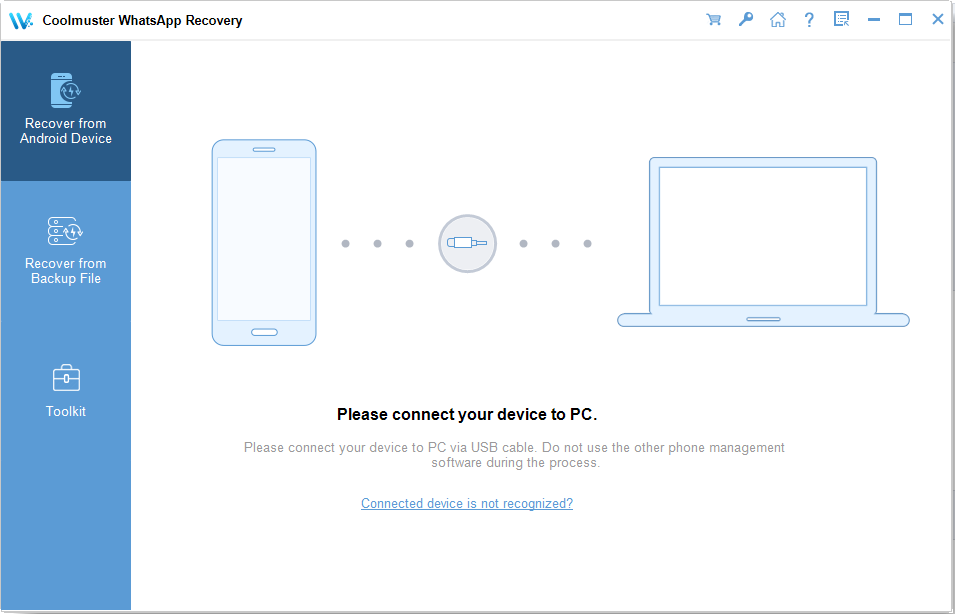
Coolmuster Android WhatsApp Recovery — Free Giveaway (Worth $35.95)
Coolmuster Android WhatsApp Recovery allows you to recover lost or deleted WhatsApp messages, photos, and videos on Android devices. It supports various Andr...
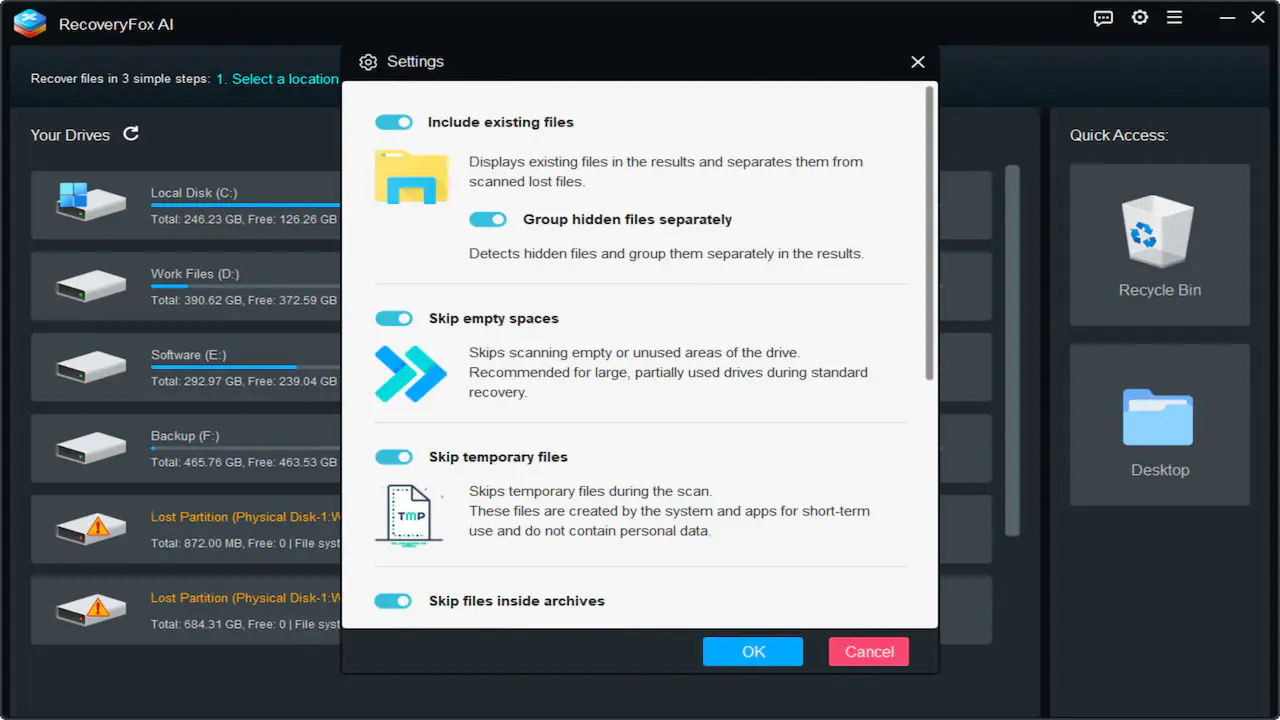
Data recovery tool RecoveryFox AI — Free Giveaway (Worth $8.56)
RecoveryFox AI is a Windows Data recovery software aimed at helping users recover lost, deleted, or accidentally formatted files. It supports various storage...
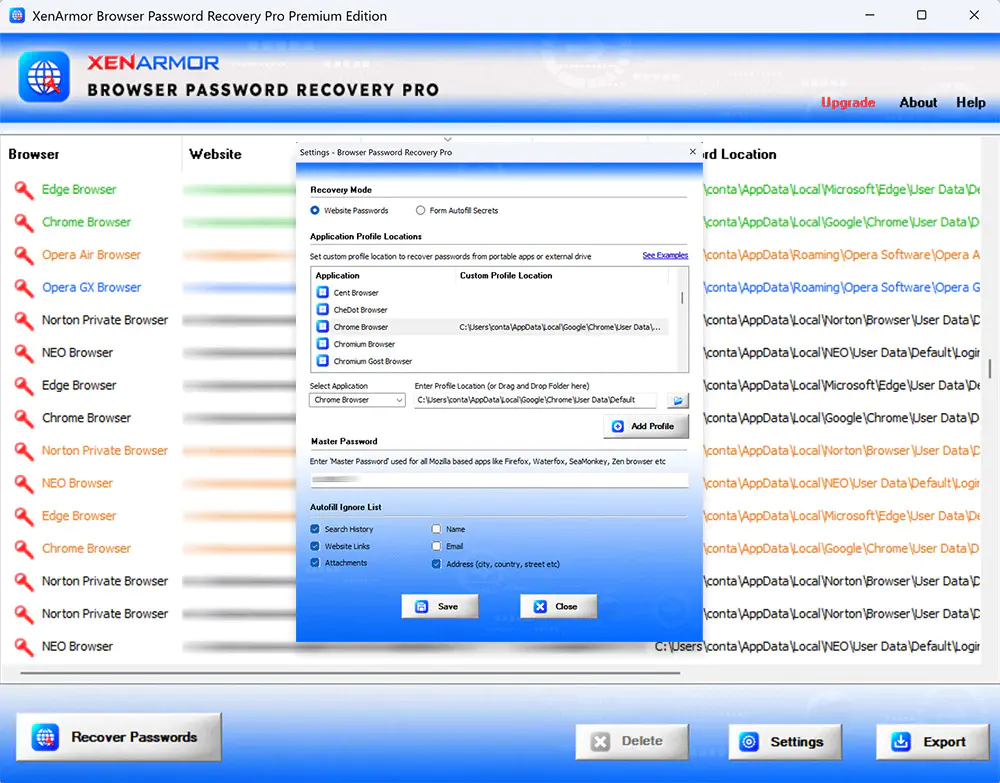
Browser Password Recovery Pro — Free Giveaway (Worth $19.95)
Browser Password Recovery Pro is a tool that can help you recover passwords stored in your browser, supports most browsers on the market, can help you save t...