Export photos from Google Photos with complete metadata Ashampoo Meta Fusion — Free Giveaway (Worth $20.00)
Overview
When working with photos from Google Photos, users often face a challenge: the platform doesn’t embed most metadata directly into image files. Instead, this data is stored separately in a JSON file, which can be difficult to access or utilize with standard photo viewers, editors, or managers. Ashampoo Meta Fusion is a powerful utility designed to address this issue by seamlessly integrating the metadata back into the image files. This ensures that all critical information—such as location, camera settings, timestamps, and tags—is preserved and accessible, making it easier to organize, share, or edit your photos without losing important details. Whether you’re a casual user or a professional photographer, this tool streamlines the process of managing metadata, allowing you to work with your images in a more efficient and compatible way.
Exporting photos from Google Photos can sometimes feel like a puzzle, especially when you need to retain all the data associated with them. Ashampoo Meta Fusion simplifies this by acting as a bridge between the JSON metadata files and your image files. Once merged, the metadata becomes part of the image itself, eliminating the need for external tools or manual tracking. This is particularly valuable for users who rely on metadata for sorting, searching, or analyzing their photo collections. By solving this common pain point, the software empowers you to take full control of your digital media, ensuring that your photos are ready for use in any application that requires embedded metadata.
Key Features
- Seamless Metadata Integration : Automatically merges JSON metadata files with image files, ensuring all data is embedded directly into the photo. This eliminates the need for separate files and makes metadata accessible in any compatible software.
- Preservation of Critical Data : Retains essential information like GPS coordinates, camera models, exposure settings, and user-added tags, which are often lost or overlooked during standard exports.
- Built-in Batch Processing : Handles multiple files at once, saving time when working with large photo libraries. This feature is ideal for users who need to process hundreds or thousands of images efficiently.
- Non-Destructive Editing : Maintains the original quality and resolution of your images while embedding metadata. You can edit or reorganize your photos without compromising their integrity.
- Universal Compatibility : Works with a wide range of image formats, including JPEG, PNG, and RAW, ensuring that your photos are ready for use in any viewer, editor, or management tool that supports metadata.
This type of utility is especially useful for photographers, archivists, and anyone who needs to maintain detailed records of their visual content. By resolving the metadata fragmentation issue inherent in Google Photos, Ashampoo Meta Fusion enhances workflow efficiency and ensures your photos are fully functional for both personal and professional purposes. Its straightforward design and robust features make it a reliable choice for users looking to streamline their photo management tasks. 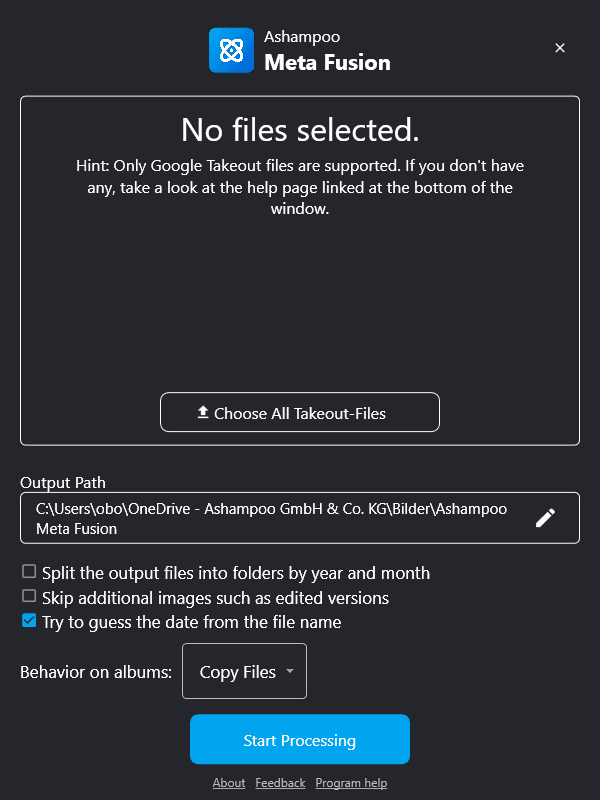
Giveaway Link: https://sharewareonsale.com/s/free-ashampoo-meta-fusion-100-discount
Get It Free Now
Click the link below before the giveaway ends!
Related Deals
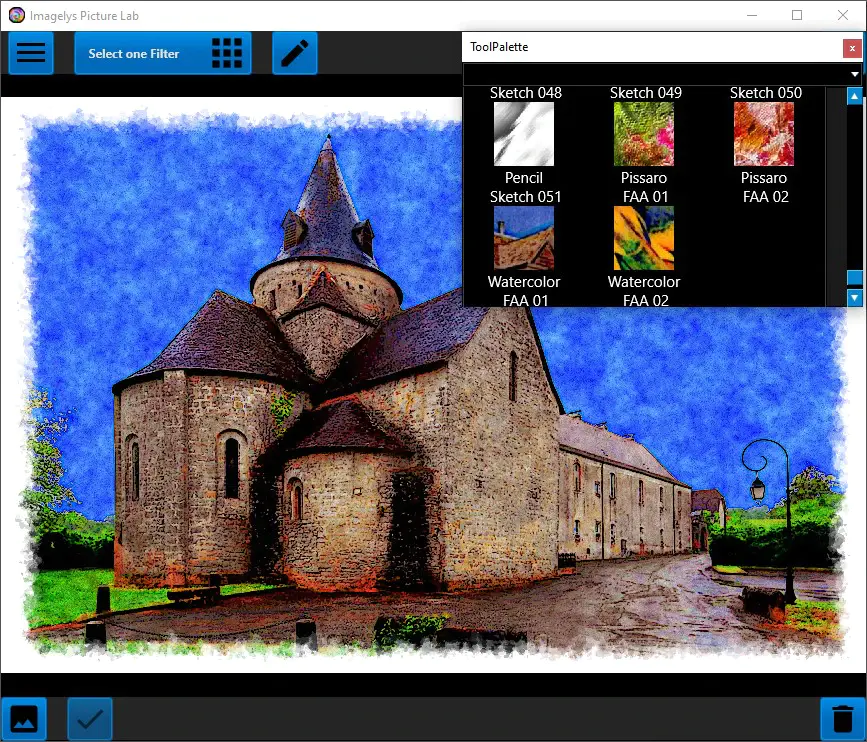
Imagelys Image Effect Filter Imagelys Picture Lab — Free Giveaway (Worth $9.00)
Imagelys Picture Lab's artistic effects and textures allow you to quickly and easily enhance the beauty and emotional impact of photos. These controls are me...
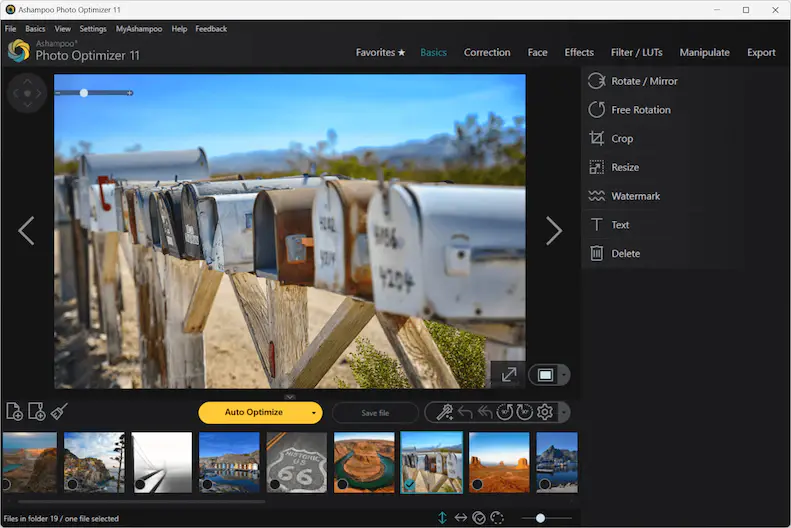
Ashampoo Photo Optimizer 11 — Free Giveaway (Worth $39.99)
Ashampoo Photo Optimizer 11 makes your photos shine like never before! 15 new LUTs can be applied with just one click, instantly revitalizing your photos. To...
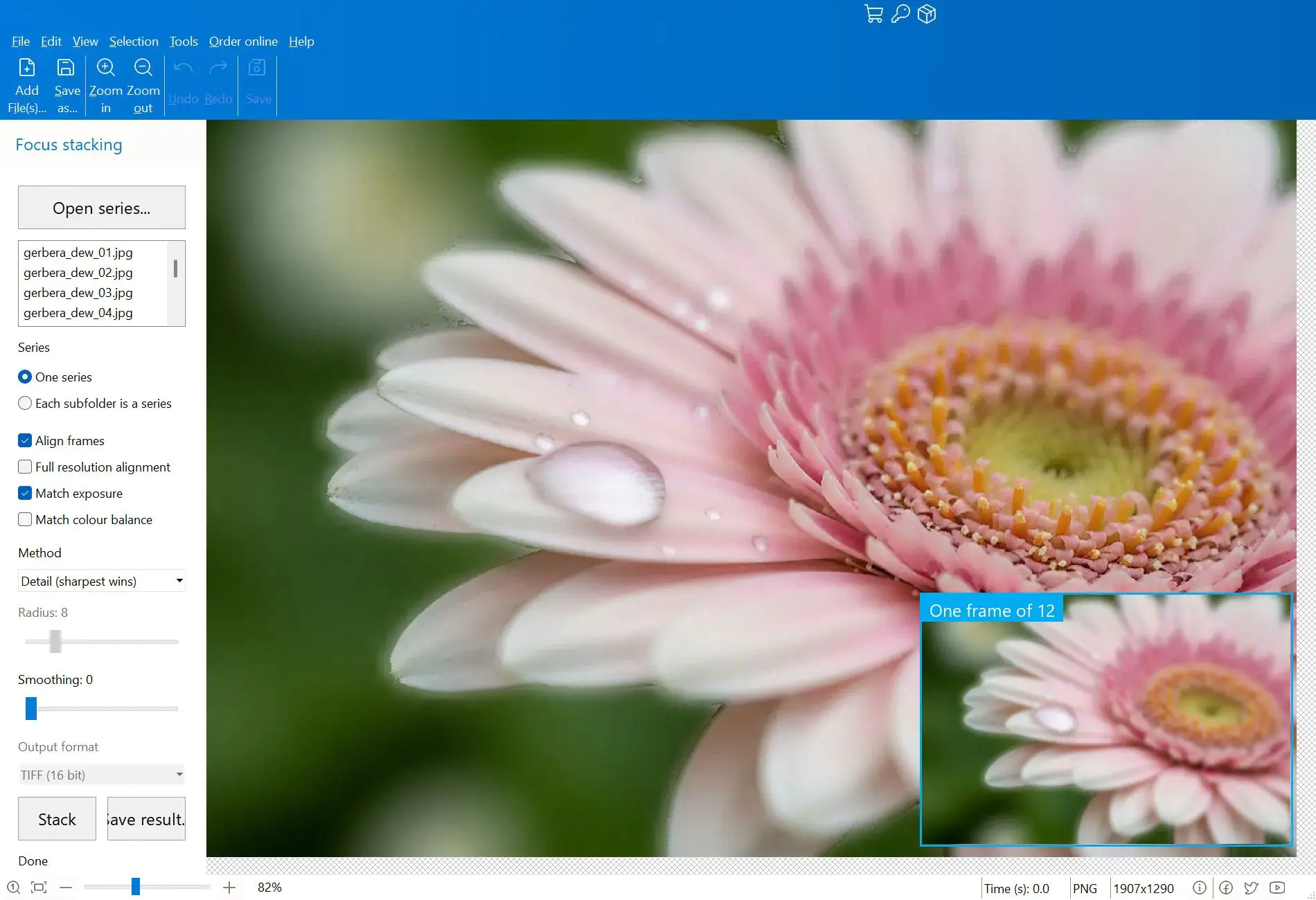
Combine multiple images into a single clear image Focus Stacker Pro — Free Giveaway (Worth $15.00)
Focus Stacker Pro 能够将在不同焦点距离下拍摄的一系列照片合并为一张清晰无比的图像。它可以加载 JPEG、PNG、TIFF 或 Camera RAW 格式的帧文件,每张照片中最清晰的像素会被自动合并为单一的 16 位 TIFF 格式输出文件。 限免获取地址: https://sharewareonsal