AnyWebP — Free Giveaway (Worth $9.99)
Overview
AnyWebP is a powerful image conversion tool designed to help users streamline their workflow when optimizing digital assets for the web. In today’s fast-paced online environment, website speed and performance are critical factors that impact user experience and search engine rankings. Large image files can slow down loading times, making AnyWebP an essential utility for anyone looking to reduce file sizes without compromising quality. Whether you’re a web developer, graphic designer, or content creator, this software simplifies the process of converting images between formats, ensuring your visuals are both efficient and visually appealing. By leveraging the WebP format—a modern image standard known for its superior compression rates—AnyWebP enables users to significantly shrink image dimensions while maintaining high-resolution clarity. Its intuitive interface and automated capabilities make it a go-to solution for managing image files across projects, from personal blogs to professional websites.
The tool’s primary function revolves around batch processing, allowing users to convert multiple images at once. This eliminates the need for manual, time-consuming adjustments and ensures consistency across your media library. Additionally, AnyWebP supports both directions of conversion, meaning you can work with WebP files as easily as you can with traditional JPG and PNG formats. This flexibility is particularly valuable for developers who need to adapt images for different platforms or browsers that may not fully support WebP yet. The software also prioritizes ease of use, making it accessible even for those with limited technical expertise. By integrating AnyWebP into your routine, you can enhance your website’s performance, reduce bandwidth usage, and improve overall efficiency in handling digital content.
Key Features
- Batch Image Conversion : Process hundreds of images simultaneously, saving time and effort compared to manual conversions.
- Lossless and Lossy Compression Options : Adjust compression settings to balance file size reduction with image quality retention, depending on your needs.
- Preview Functionality : View converted images before saving them, ensuring the output meets your expectations without errors.
- Bidirectional Format Support : Seamlessly convert between WebP, JPG, and PNG formats, giving you full control over your media workflow.
- Intuitive Interface : A user-friendly design allows quick setup and execution, even for those unfamiliar with advanced image optimization tools.
AnyWebP is built with the needs of modern web creators in mind, offering a straightforward yet effective way to manage image formats. Its ability to handle large volumes of files efficiently makes it ideal for projects where speed and precision are paramount. Whether you’re preparing assets for a website, social media, or email campaigns, this tool empowers you to maintain high-quality visuals while optimizing for performance. By simplifying the conversion process, AnyWebP helps users focus on their core tasks without getting bogged down by technical hurdles, making it a valuable addition to any digital toolkit.
![AnyWebP - WebP Image format Converter tool[Windows][$9.99→0]](https://pic.paidgonefree.com/images/93d3634c838969c08ebb087fc051eaf398bbd130d3f3340d75d8400095611e80.webp "AnyWebP - WebP Image format Converter tool[Windows][$9.99→0]")
Giveaway Link: https://www.bitsdujour.com/software/anywebp-webp-converter-for-win/saf=525496
Get It Free Now
Click the link below before the giveaway ends!
Related Deals
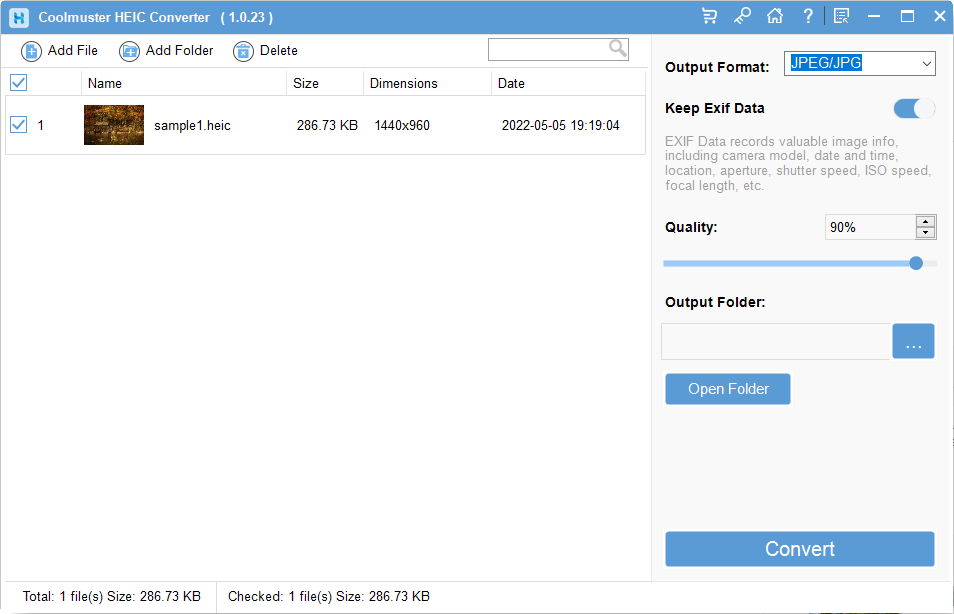
Coolmuster HEIC Converter — Free Giveaway (Worth $19.95)
Overview Coolmuster HEIC Converter is a powerful tool designed to address the growing need for compatibility with HEIC image files.
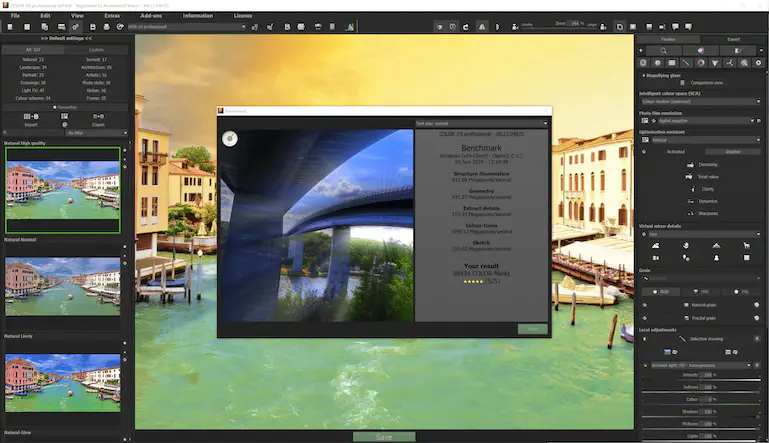
Professional photo filter software Ashampoo COLOR #8 — Free Giveaway (Worth $9.86)
COLOR #8 will automatically optimize your Image, and provide twelve categories of manually optimized Image templates, you can simply click the button to appl...
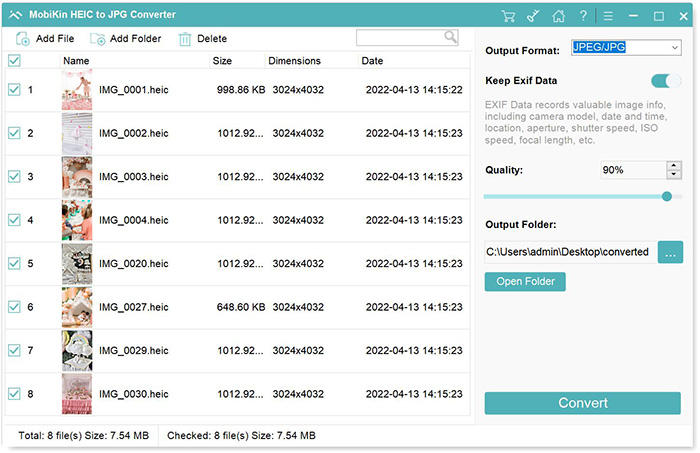
Convert HEIC format to other Image formats MobiKin HEIC to JPG Converter — Free Giveaway (Worth $9.95)
MobiKin HEIC to JPG Converter is a tool that can batch convert HEIC images to PNG, JPG, JPEG Image formats with high quality and speed, supporting drag-and-d...