AnyHeic — Free Giveaway (Worth $9.99)
Overview
AnyHeic is a powerful yet user-friendly image conversion tool designed to simplify the process of working with HEIC and HEIF file formats. These modern image formats, known for their high compression efficiency and superior quality, are increasingly used on smartphones and cameras to save storage space without sacrificing visual fidelity. However, their adoption isn’t universal—many older devices, software applications, and platforms still rely on traditional formats like JPEG or PNG. AnyHeic bridges this gap by allowing users to convert HEIC/HEIF files into widely supported formats, ensuring compatibility across devices and workflows. Whether you’re preparing images for web publishing, sharing files with colleagues, or organizing a photo library, AnyHeic streamlines the conversion process with intuitive controls and robust functionality.
What sets AnyHeic apart is its focus on efficiency and flexibility. The software eliminates the need for manual file-by-file conversions, enabling users to handle large batches of images in one go. This makes it an ideal choice for photographers, graphic designers, and anyone managing a substantial collection of HEIC/HEIF files. By offering a straightforward interface and customizable settings, AnyHeic empowers users to maintain control over output quality while saving time. Its ability to adapt to different use cases—from casual users to professionals—makes it a versatile addition to any digital toolkit.
Key Features
- Batch Conversion Support : Convert multiple HEIC or HEIF files simultaneously, reducing repetitive tasks and boosting productivity. This feature is especially valuable for users with large image libraries, as it allows seamless processing without the need for individual conversions.
- Multi-Format Compatibility : Choose from a range of output options, including JPG, PNG, and WEBP, to suit different needs. Whether you require lossless quality for print or optimized compression for web use, AnyHeic provides the flexibility to tailor results.
- Customizable Image Settings : Adjust parameters such as resolution, quality, and compression levels to fine-tune the final output. This ensures that converted images meet specific requirements, whether for professional projects or personal use.
- Intuitive Interface : Navigate the software effortlessly with a clean, organized layout. Drag-and-drop functionality and straightforward options make it accessible even for users with minimal technical expertise.
- Efficient Processing : Optimized algorithms ensure quick conversions without compromising performance. This is crucial for handling high-resolution images or large batches, as it minimizes wait times and keeps workflows smooth.
AnyHeic’s design prioritizes user experience, making it a reliable solution for anyone needing to work with HEIC/HEIF files. Its combination of speed, adaptability, and simplicity ensures that users can focus on their tasks rather than the technical hurdles of format conversion. Whether you’re dealing with legacy systems or modern workflows, this tool offers a practical way to maintain compatibility and efficiency. For those looking to streamline their image management process, AnyHeic stands out as a valuable utility that addresses common pain points in file conversion. ![AnyHeic - HEIC Format Image Converter Tool [Windows] [$9.99→0]](https://pic.paidgonefree.com/images/c24c15638f895a49705927a861512e47fe8e5d8f2c53fac4251cf017d63204ec.webp "AnyHeic - HEIC Format Image Converter Tool [Windows] [$9.99→0]")
Giveaway Link: https://www.bitsdujour.com/software/anyheic-heic-photo-converter-for-win/saf=525496
Get It Free Now
Click the link below before the giveaway ends!
Related Deals
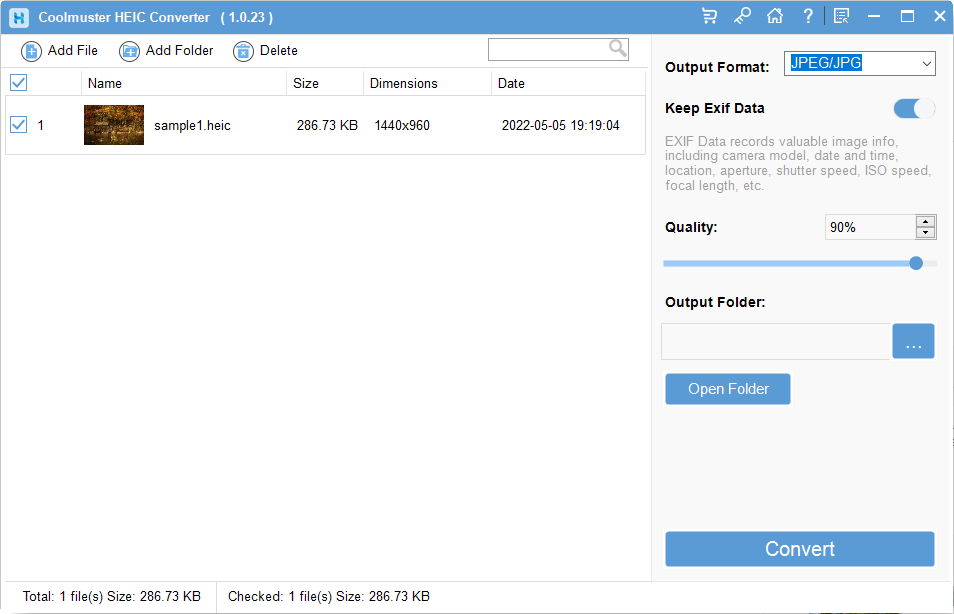
Coolmuster HEIC Converter — Free Giveaway (Worth $19.95)
Overview Coolmuster HEIC Converter is a powerful tool designed to address the growing need for compatibility with HEIC image files.
Professional photo filter software Ashampoo COLOR #8 — Free Giveaway (Worth $9.86)
COLOR #8 will automatically optimize your Image, and provide twelve categories of manually optimized Image templates, you can simply click the button to appl...
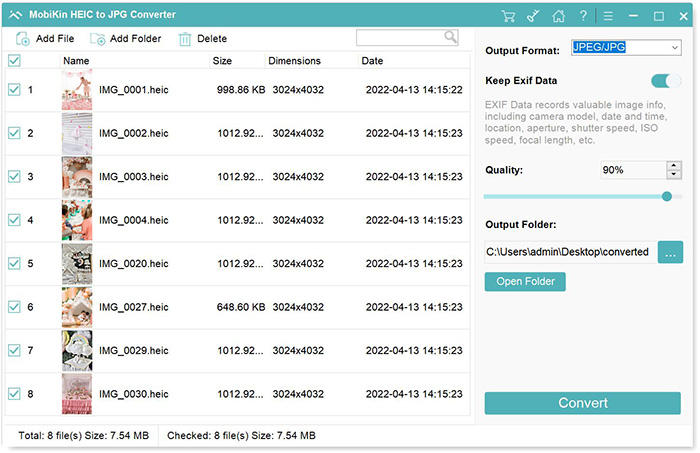
Convert HEIC format to other Image formats MobiKin HEIC to JPG Converter — Free Giveaway (Worth $9.95)
MobiKin HEIC to JPG Converter is a tool that can batch convert HEIC images to PNG, JPG, JPEG Image formats with high quality and speed, supporting drag-and-d...