Vov Screen Recorder — Free Giveaway (Worth $19.00)
Overview
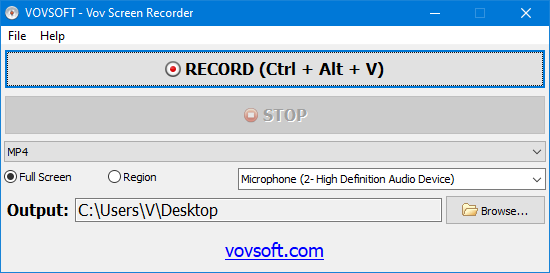
Vov Screen Recorder is a straightforward yet effective tool designed to simplify the process of capturing screen activity on Windows devices. Whether you’re creating tutorials, demonstrating software features, or documenting online content, this utility provides a reliable way to record your screen with minimal effort. Its user-friendly interface ensures that even those with limited technical experience can navigate the software quickly, making it an ideal choice for everyday tasks. While it may not boast an extensive array of advanced features, its simplicity and efficiency cater to users who prioritize ease of use over complex customization. The software is particularly well-suited for individuals who need to create short, focused recordings without the hassle of learning a complicated program.
Screen recording has become an essential part of modern digital workflows, from remote work collaborations to educational content creation. Vov Screen Recorder streamlines this process by offering a streamlined experience that balances functionality with approachability. It allows users to capture everything from full-screen sessions to specific application windows, ensuring flexibility for a variety of needs. The tool’s intuitive design means you can start recording in seconds, and its lightweight nature ensures it doesn’t strain system performance. For users looking to save time and avoid unnecessary complexity, this software serves as a practical solution that meets the basics without overcomplicating things.
Key Features
- Simple and Intuitive Interface: The software’s clean layout minimizes the learning curve, enabling users to begin recording with just a few clicks. This makes it accessible for both beginners and those who prefer straightforward tools.
- Flexible Recording Modes: Whether you need to capture the entire screen, a specific window, or a selected region, Vov Screen Recorder adapts to your needs. This versatility ensures you can record exactly what you want without unnecessary distractions.
- Basic Editing Tools: While not a full-featured video editor, the software includes essential tools like trimming, splitting, and adjusting playback speed. These functions allow users to refine their recordings before saving or sharing them.
- Customizable Settings: Users can tweak options such as resolution, frame rate, and audio input to suit their specific requirements. This level of control ensures recordings are optimized for clarity and quality without overwhelming the user with options.
- Seamless Integration with Windows: Designed for Windows systems, the software works smoothly with the operating system’s native applications and settings. Its compatibility ensures reliable performance across different hardware and software configurations.
Vov Screen Recorder is a no-frills tool that delivers on its promise of simplicity. It’s perfect for users who need to create quick recordings for personal or professional use, such as capturing step-by-step guides, online meetings, or gameplay moments. By focusing on core functionality, it avoids unnecessary complexity, making it a dependable option for everyday screen capture needs. If you’re looking for a lightweight alternative that gets the job done without requiring a steep learning curve, this software is worth considering.
Giveaway Link: https://vovsoft.com/giveaway/free-vov-screen-recorder-2026/
Get It Free Now
Click the link below before the giveaway ends!
Related Deals
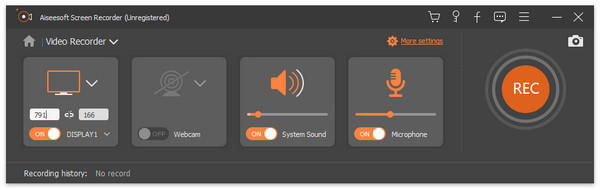
Aiseesoft Screen Recorder — Free Giveaway (Worth $39.00)
Aiseesoft Screen Recorder is a Screen Recorder software that can capture all your operations on the desktop, convert them into a video, allowing you to easil...
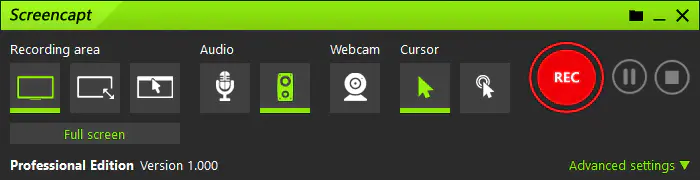
ASCOMP Screencapt Professional — Free Giveaway (Worth $24.90)
With ASCOMP Screencapt, you can record the entire Screen, selected area, or specific window. This flexibility makes Screencapt the perfect Screen recording t...
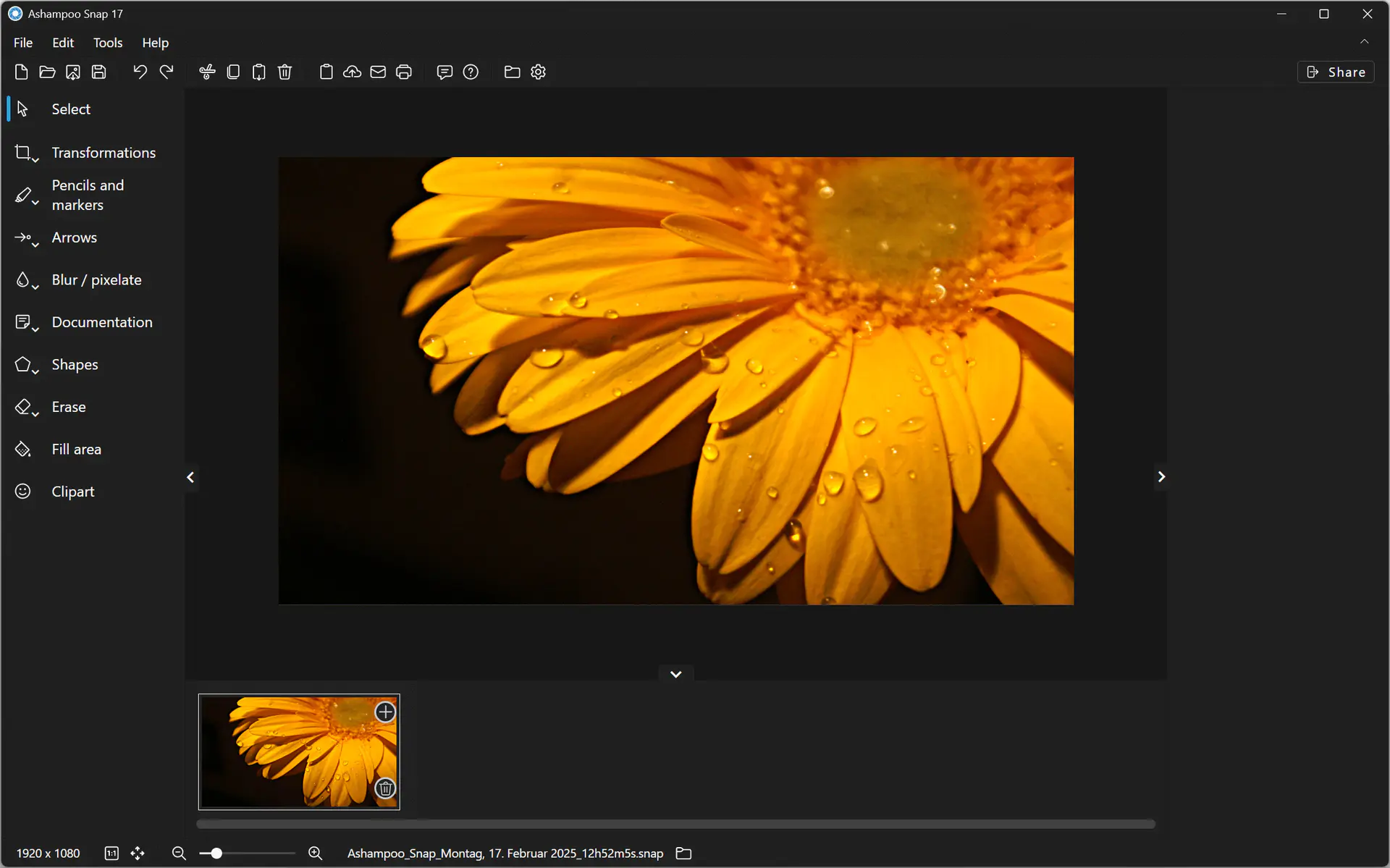
Ashampoo Snap 17 — Free Giveaway (Worth $39.99)
Creating Screen screenshots and videos with Ashampoo Snap 17 is incredibly easy! Instantly capture any content on the Screen. The built-in Edit tool lets you...