Video Watermark Pro — Free Giveaway (Worth $19.00)
Overview
Video Watermark Pro is a powerful yet user-friendly tool designed to help creators protect their video content with customizable watermarks. Whether you’re a YouTuber, filmmaker, or business professional, this software offers a straightforward way to add text, images, or logos to your videos, ensuring your work remains secure and recognizable. Its versatility makes it ideal for a wide range of applications, from personal projects to commercial video production. By allowing users to overlay watermarks with precision, Video Watermark Pro addresses the common need to prevent unauthorized use of video content while maintaining visual quality.
One of the standout aspects of this tool is its broad compatibility. It supports nearly every video format, including popular ones like MP4, AVI, MOV, and MKV, making it a go-to solution for users who work with diverse media files. The ability to add watermarks without compromising video resolution is particularly valuable, as it ensures your content remains professional and polished. For those who frequently share videos online or distribute them across multiple platforms, Video Watermark Pro streamlines the process of branding and protection, saving time and effort. Its intuitive interface ensures even beginners can navigate its features with ease, while advanced options cater to users with specific customization needs.
Key Features
- Multi-Format Support: This tool seamlessly handles a variety of video file types, allowing users to add watermarks to projects without the hassle of format conversion.
- Customizable Watermark Types: Users can choose from text, image, or logo watermarks, adjusting size, position, opacity, and rotation to suit their preferences.
- Batch Processing Capabilities: Save time by applying watermarks to multiple videos at once, rather than editing each file individually.
- Non-Destructive Editing: The software ensures that your original video files remain untouched, preserving their quality while adding watermarks in the background.
- Drag-and-Drop Convenience: With a simple, streamlined workflow, users can quickly import videos and apply watermarks through intuitive drag-and-drop functionality.
Video Watermark Pro is built to meet the needs of both casual users and professionals. Its focus on simplicity and flexibility means you can tailor watermarks to match your brand or personal style while ensuring they are visible enough to deter misuse. Whether you’re adding a subtle logo to your YouTube videos or a bold text watermark to a promotional clip, this software provides the tools to do so efficiently. For anyone looking to enhance their video workflow with reliable protection features, Video Watermark Pro is a valuable addition to their toolkit.
![Video Watermark Pro – video watermark tool [Windows] [$69.95→0]](https://pic.paidgonefree.com/images/a037edc092784f1545b64c5550a8407b4275209782527ce2907fe1f33f43c127.jpg "Video Watermark Pro – video watermark tool [Windows] [$69.95→0]")
Giveaway Link: https://www.bitsdujour.com/software/video-watermark-pro-2/saf=525496
About PaidGoneFree
Discovering the best limited-time free software, apps, games, and fonts every day.
Related Deals
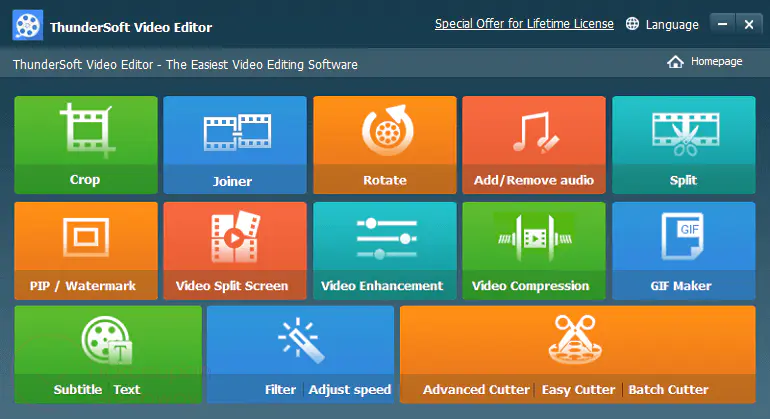
ThunderSoft Video Editor — Free Giveaway (Worth $49.95)
ThunderSoft Video Editor is a simple and easy-to-use video Edit software, which can help you perform split, merge, cut, and other operations. It provides var...
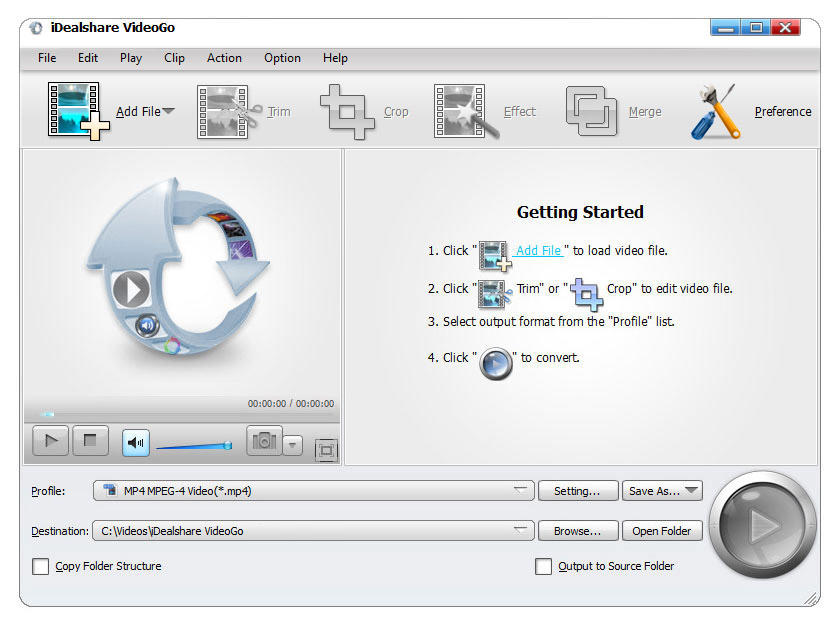
Video Converter Tool iDealshare VideoGo — Free Giveaway (Worth $49.99)
iDealshare VideoGo is a video format Converter tool that can convert 4K, 1080p XAVC, AVCHD, MXF, R3D, ProRes, and other common video File formats to other vi...
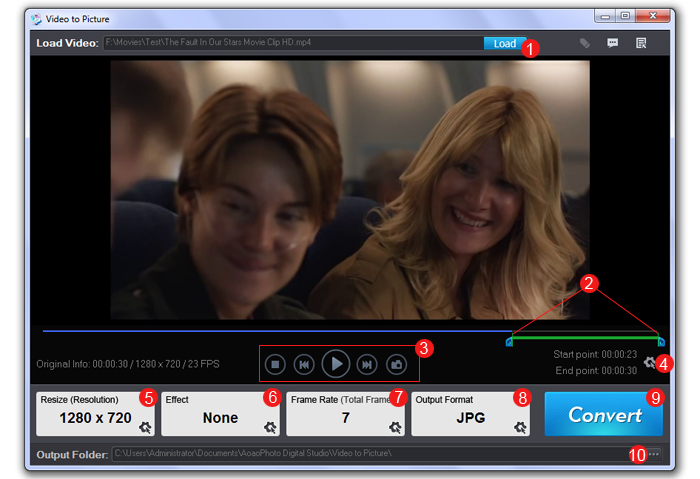
Convert video to Image Video to Picture Converter — Free Giveaway (Worth $29.90)
Overview Video to Picture Converter is a powerful utility designed to help users extract still images or create animated GIFs from video files.