Convert video to Image Video to Picture Converter — Free Giveaway (Worth $29.90)
Overview
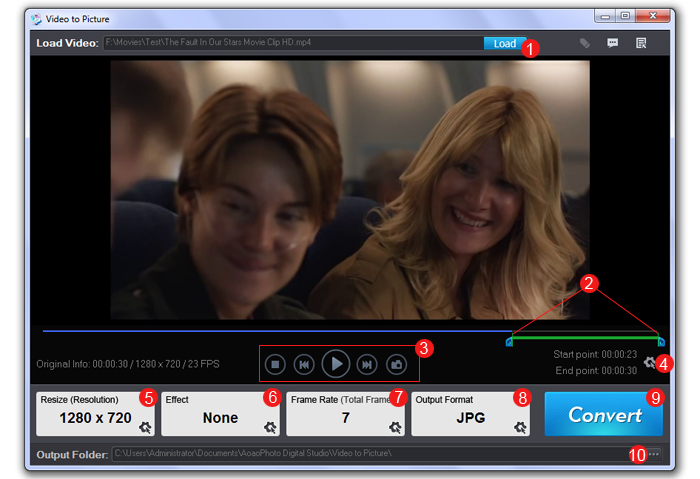
Video to Picture Converter is a powerful utility designed to help users extract still images or create animated GIFs from video files. Whether you’re looking to save key moments from a video, generate thumbnails for presentations, or convert footage into a compact, shareable format, this tool simplifies the process with intuitive controls and robust compatibility. Its ability to handle a wide range of video and image formats makes it a versatile addition to any digital workflow, catering to both casual users and professionals who need to work with multimedia content. By allowing precise adjustments to frame rate, the software ensures that the output meets specific needs, whether you want a few high-quality stills or a smooth, looping animation. This type of software is particularly useful for tasks like editing videos, creating visual assets for websites, or preserving important scenes for later use.
One of the standout aspects of Video to Picture Converter is its focus on efficiency and flexibility. It eliminates the need for complex editing software by offering straightforward conversion options, making it accessible to users with varying levels of technical expertise. The tool’s design prioritizes ease of use, enabling you to quickly navigate through your video and select the frames or animation segments you want to extract. Its support for multiple formats also means you can work with files from different sources without worrying about compatibility issues. Whether you’re preparing content for social media, archiving video material, or enhancing visual projects, this utility streamlines the process and delivers reliable results.
Key Features
- Multi-format Support: The software handles a broad spectrum of video formats, including AVI, MPEG, WMV, and more, while also exporting to popular image types like BMP, GIF, PNG, and TIF. This versatility ensures seamless integration with your existing media library.
- Frame Rate Customization: Users can adjust the frame rate to control how frequently images are extracted from the video, allowing for precise timing and resolution settings tailored to their project needs.
- Batch Processing Capabilities: Efficiently convert multiple videos at once, saving time and effort when working with large collections of footage or repetitive tasks.
- High-Quality Output: Maintains sharp details and color accuracy when converting video frames to images, ensuring the final results are suitable for both personal and professional use.
- User-Friendly Interface: A clean, intuitive design makes it easy to navigate, even for those new to video editing tools. Simple drag-and-drop functionality and clear options for saving files enhance the overall experience.
Giveaway Link: https://www.bitsdujour.com/software/video-to-picture-converter/saf=525496
About PaidGoneFree
Discovering the best limited-time free software, apps, games, and fonts every day.
Related Deals
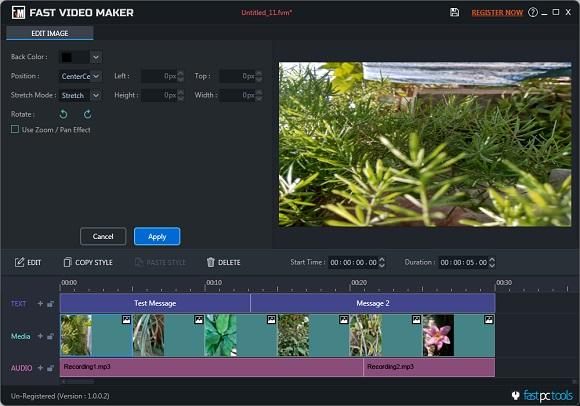
Fast Video Maker — Free Giveaway (Worth $39.90)
Overview Fast Video Maker is a powerful yet user-friendly video editing tool designed to simplify the process of creating high-quality videos for both casual us
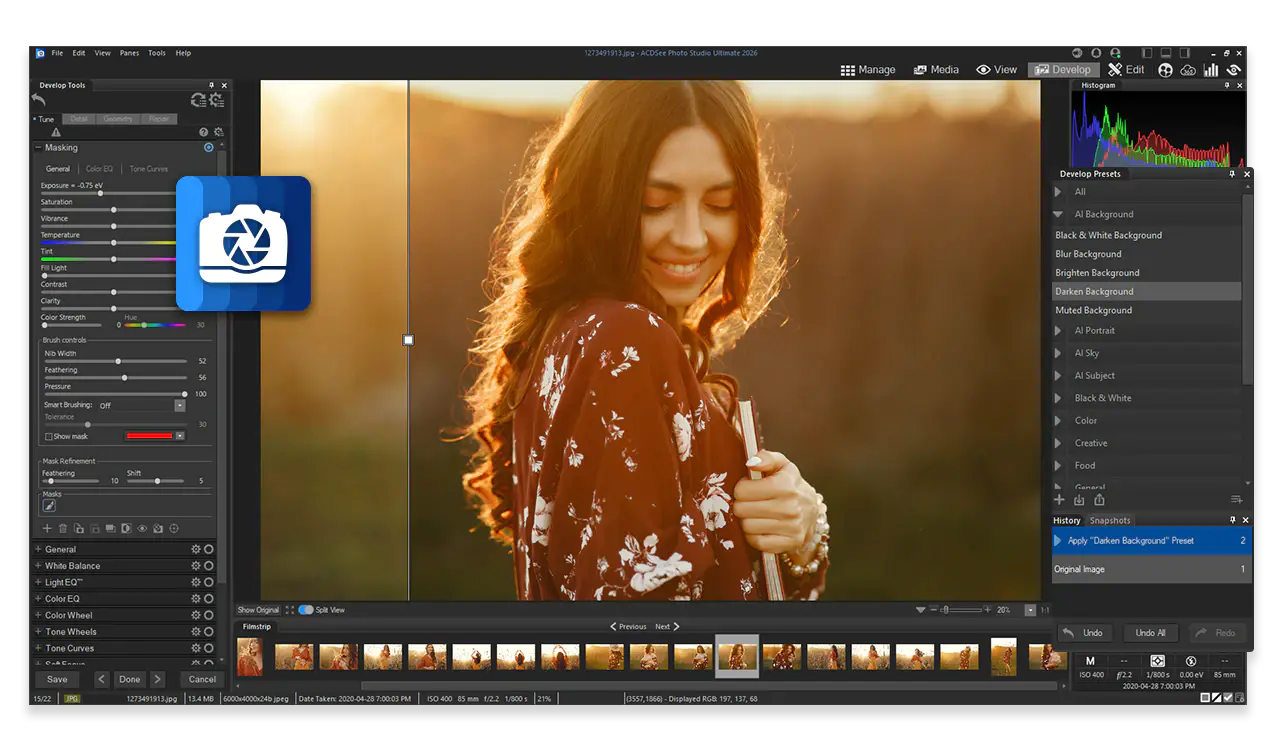
ACDSee Ultimate Pack 2026 — Free Giveaway (Worth $29.99)
The ACDSee Ultimate Pack 2026 includes ACDSee Photo Studio Ultimate 2026, Gemstone Photo Editor 16, LUXEA Pro Video Editor 8, Video Converter Pro 5, and Phot...
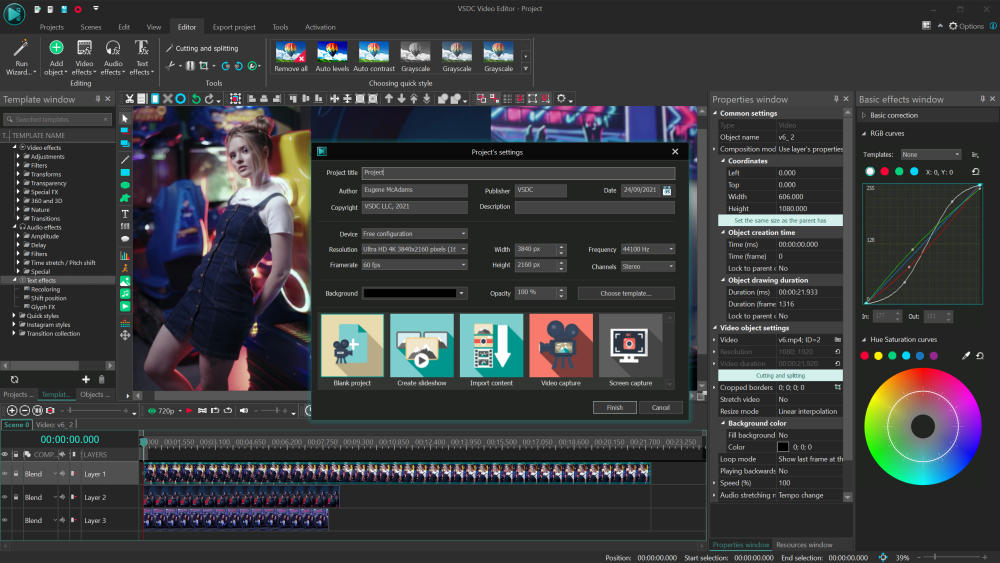
VSDC Video Editor Pro — Free Giveaway (Worth $29.99)
VSDC Video Editor Pro is a video Edit software that can perform Edit, trimming, adding effects, rendering, and other tasks on videos. It includes multiple ef...