Timed Screen Screenshot Tool timeLAPSE — Free Giveaway (Worth $40.00)
Overview
timeLAPSE is a powerful yet intuitive macOS utility designed to simplify the process of capturing and reviewing your screen activity over time. Whether you’re a professional looking to document your workflow, a student tracking progress on a project, or a content creator preparing a demo, this tool offers a seamless way to transform static screenshots into dynamic timelapse videos. By automating the capture of screen images at regular intervals, timeLAPSE eliminates the need for manual snapshots, allowing you to focus on your tasks while it quietly records every detail. The resulting videos provide a clear, chronological overview of your computer’s activity, making it easier to identify patterns, review work, or share insights with others.
One of the standout aspects of timeLAPSE is its ability to condense hours of screen activity into a compact, watchable format. Instead of sifting through hundreds of images, users can watch a smooth, accelerated video that highlights their day’s work in minutes. This functionality is particularly useful for tasks like coding, graphic design, or video editing, where visual progress tracking is essential. The tool also supports flexibility, letting users adjust the recording duration and frequency to suit their specific needs. Whether you want a quick 10-minute recap or a full-day log, timeLAPSE adapts to your workflow, ensuring you never miss a moment.
Key Features
- Automated Screenshot Capture : timeLAPSE takes screenshots at regular intervals—by default, every 10 seconds—without requiring user input. This ensures continuous recording of your screen activity, even when you’re busy or distracted.
- Customizable Recording Settings : While the default interval is 10 seconds, the tool allows users to tweak parameters like the frequency of captures and the total recording time. This makes it adaptable for both short tasks and extended projects.
- Effortless Video Compilation : Once the recording is complete, timeLAPSE automatically generates a timelapse video by stitching together the captured images. Users can adjust the playback speed and resolution to optimize the final output.
- Visual Workflow Analysis : The tool’s primary strength lies in its ability to turn fragmented screenshots into a cohesive visual timeline. This helps users quickly assess their productivity, spot errors, or analyze how they approach complex tasks.
- Seamless macOS Integration : As a native macOS application, timeLAPSE works smoothly with the operating system’s features, ensuring minimal resource usage and a streamlined user experience. It’s also designed to run quietly in the background, avoiding disruptions to your work.
timeLAPSE is more than just a screenshot tool—it’s a productivity aid that bridges the gap between digital activity and visual clarity. Its simplicity and reliability make it an excellent choice for anyone who needs to document their screen work without complicating their routine. Whether you’re preparing a presentation, debugging a process, or simply wanting to reflect on your day, this utility offers a smart solution for turning data into insights.
![timeLAPSE - Timed Screen Screenshot Tool [macOS] [¥40→0]](https://pic.paidgonefree.com/images/3dc9bcee994618b9764faf027205ebcb9da3d35dd8c2bbdad307c89a72f212f1.webp "timeLAPSE - Timed Screen Screenshot Tool [macOS] [¥40→0]")
Giveaway Link: https://apps.apple.com/app/id449502656?mt=8&at=1l3vkVL
Get It Free Now
Click the link below before the giveaway ends!
Related Deals
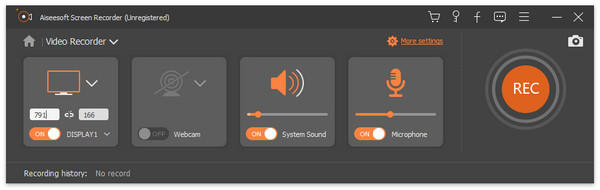
Aiseesoft Screen Recorder — Free Giveaway (Worth $39.00)
Aiseesoft Screen Recorder is a Screen Recorder software that can capture all your operations on the desktop, convert them into a video, allowing you to easil...
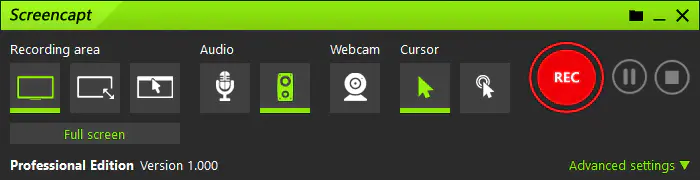
ASCOMP Screencapt Professional — Free Giveaway (Worth $24.90)
With ASCOMP Screencapt, you can record the entire Screen, selected area, or specific window. This flexibility makes Screencapt the perfect Screen recording t...
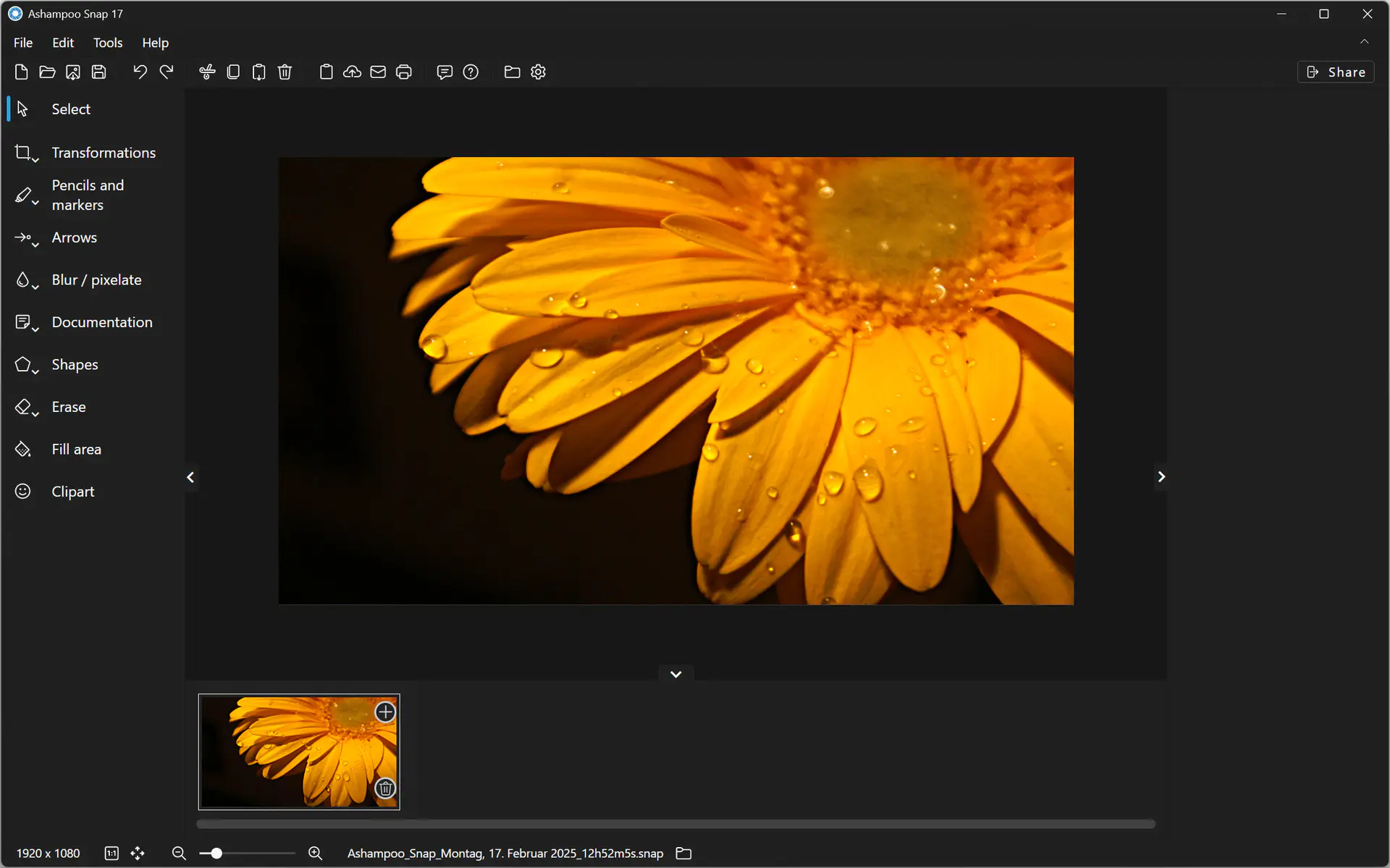
Ashampoo Snap 17 — Free Giveaway (Worth $39.99)
Creating Screen screenshots and videos with Ashampoo Snap 17 is incredibly easy! Instantly capture any content on the Screen. The built-in Edit tool lets you...