Speech to Subtitle Converter — Free Giveaway (Worth $19.00)
Overview
Vovsoft Speech to Subtitle Converter is a versatile utility designed to streamline the process of turning spoken audio into accurate, synchronized subtitles. Whether you’re working on video projects, language learning materials, or accessibility-focused content, this tool eliminates the need for manual transcription by leveraging advanced speech recognition technology. By integrating offline Whisper AI and FFmpeg, it ensures reliable performance without relying on internet connectivity, making it ideal for users who prioritize speed and privacy. The software is particularly valuable for video editors, content creators, and educators who need subtitles in multiple languages but lack the time or resources to transcribe audio manually. Its ability to automate this task not only saves hours of work but also maintains the timing and alignment of subtitles with the original audio, ensuring a polished final product.
One of the standout aspects of this tool is its seamless handling of both audio and video files. It processes speech input with precision, converting it into text that can be easily edited or refined. The multilingual support covers over 100 languages, making it a go-to solution for international projects or personal use across different language barriers. By utilizing the full power of your system’s CPU and GPU, the software delivers efficient processing, even for large files, without compromising on quality. This makes it a reliable companion for anyone looking to enhance their multimedia content with subtitles quickly and effectively.
Key Features
- Advanced Speech Recognition: Built with Whisper AI, the tool provides high-accuracy transcription of spoken words, even in complex audio environments, ensuring clear and reliable text output.**
- Offline Functionality: Unlike many speech-to-text tools that require an internet connection, this software operates entirely offline, making it suitable for use in areas with limited or no connectivity.**
- Multi-Language Support: With compatibility for over 100 languages, it caters to a wide range of users, from language learners to professionals working on global projects.**
- Seamless Video Integration: It automatically synchronizes subtitles with video timelines, allowing users to generate subtitle files that align perfectly with on-screen content.**
- Efficient Resource Utilization: By optimizing CPU and GPU performance, the software handles large files swiftly, reducing processing time without sacrificing quality or accuracy.**
Whether you’re preparing educational videos, creating subtitles for streaming content, or working on accessibility tools, this utility simplifies a time-consuming task into an automated, efficient process. Its combination of powerful AI, robust video handling, and broad language support makes it a valuable asset for anyone dealing with audio and video files in a professional or personal context.
![Speech to Subtitle Converter - Speech to Subtitle File tool[Windows][$19→0]](https://pic.paidgonefree.com/images/f6def157a02ad0f2c7989aa2d20e7291163f049d5c4ba956a368565a8378792a.png "Speech to Subtitle Converter - Speech to Subtitle File tool[Windows][$19→0]")
Giveaway Link: https://vovsoft.com/files/speech-to-subtitle-converter.exe
About PaidGoneFree
Discovering the best limited-time free software, apps, games, and fonts every day.
Related Deals
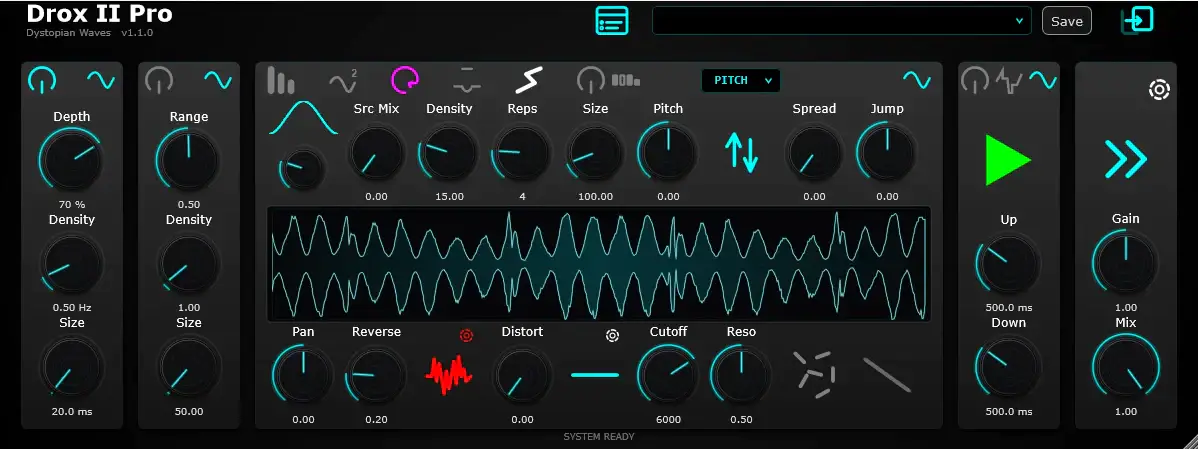
AudioPlugin DroX II Pro — Free Giveaway (Worth $35.00)
DroX II Pro is a comprehensive multi-effects processor designed for real-time creative Audio processing. It combines four powerful engines, which can be used...
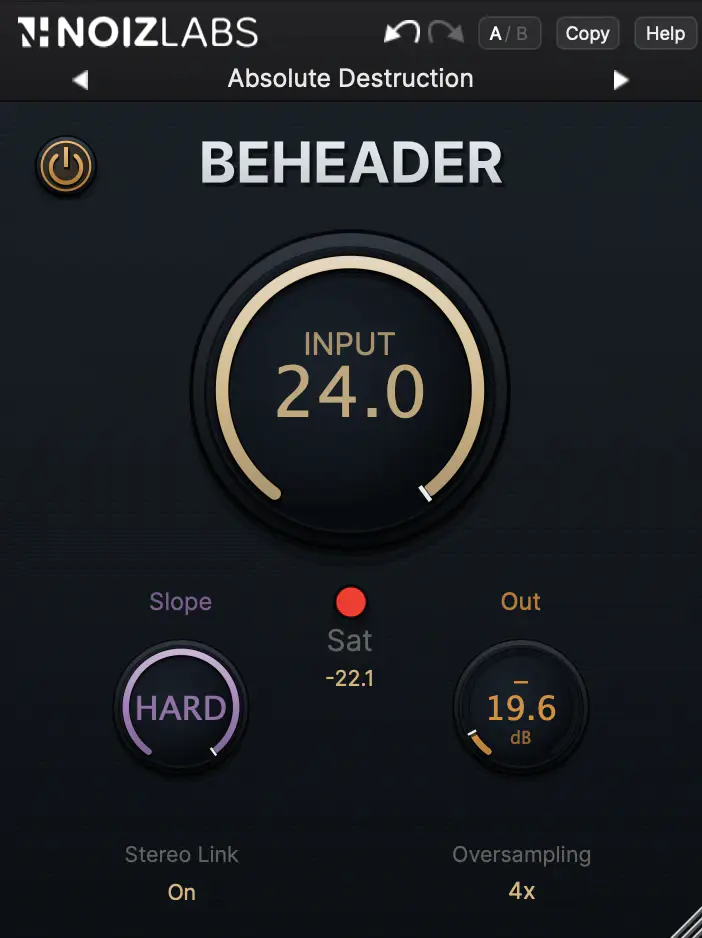
AudioPlugin Beheader — Free Giveaway (Worth $12.99)
Beheader is not a limiter. A limiter restricts the amplitude of the entire signal to avoid reaching the maximum level, while Beheader only cuts off the parts...
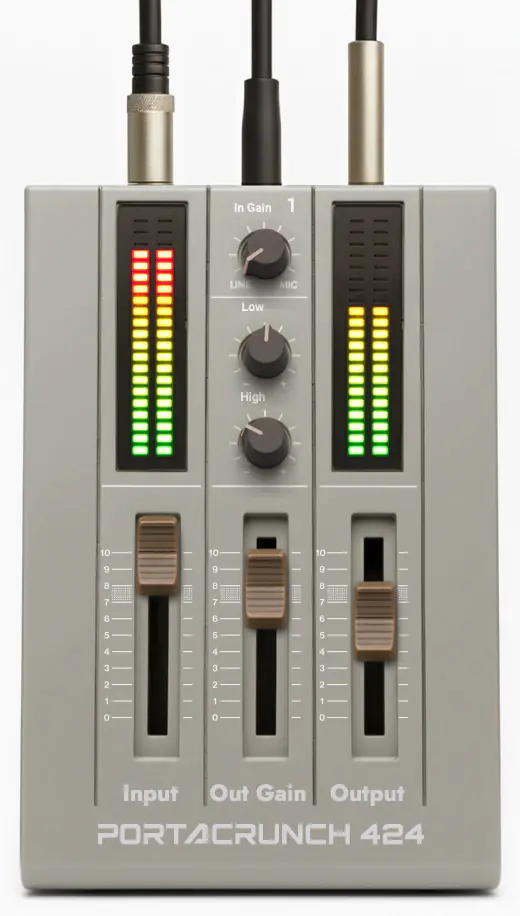
AudioPlugin Portacrunch 424 — Free Giveaway (Worth $9.86)
The four-track tape machine has a unique sound, with the gain stage "breathing" in response to the performance's dynamics, gentle frequency shaping rounds sh...