Convert PDF Document to Image Coolmuster PDF to JPG Converter — Free Giveaway (Worth $15.95)
Overview
Coolmuster PDF to JPG Converter is a versatile utility designed to help users transform PDF documents into editable image formats. Whether you need to extract content for presentations, share files with platforms that don’t support PDFs, or preserve the visual layout of a document for archival purposes, this tool streamlines the process. Its intuitive interface makes it accessible even for those with limited technical expertise, while its robust capabilities ensure high-quality conversions that retain the original formatting. By converting PDFs into images, users can bypass compatibility issues and work with files in a more flexible way, making it an essential addition for anyone dealing with PDFs regularly.
One of the standout aspects of this software is its ability to handle a wide range of image formats, allowing users to choose the best option for their specific needs. Whether you’re preparing materials for a project, creating visual aids for a report, or simply saving a document for personal use, the conversion process is straightforward and efficient. The tool is particularly useful for professionals who need to share documents with clients or colleagues who may not have PDF readers, as well as students who want to extract content from textbooks or research papers. Its reliability and ease of use make it a go-to solution for converting PDFs into images without compromising clarity or detail.
Key Features
- Supports Multiple Image Formats: Convert PDFs to JPG, JPEG, PNG, TIF, GIF, and BMP, giving you flexibility depending on your use case. JPG and JPEG are ideal for sharing lightweight images, while PNG offers transparency support for graphic design tasks. TIF and BMP are great for high-resolution scans or archival purposes.
- Preserves Document Quality: This tool ensures that the converted images retain the sharpness and clarity of the original PDF content, making it perfect for use in professional or academic settings where precision matters.
- Batch Processing Capability: This type of software typically offers the ability to convert multiple PDF files at once, saving time and effort when dealing with large volumes of documents.
- Simple and Intuitive Interface: With a user-friendly design, even beginners can navigate the tool easily. Just select your PDF files, choose the desired image format, and let the software handle the rest.
- Customizable Output Settings: Users can adjust parameters like resolution, color depth, and image size to tailor the converted files to their specific requirements, whether for printing, web use, or mobile compatibility.
By addressing common challenges associated with PDF files, Coolmuster PDF to JPG Converter empowers users to work more efficiently and creatively. Its ability to convert documents into image formats opens up new possibilities for editing, sharing, and integrating content into various projects. Whether you’re a busy professional, a student, or someone looking to simplify document management, this tool provides a reliable and straightforward solution to a frequently encountered problem.
![Coolmuster PDF to JPG Converter - Convert PDF documents to Image [Windows] [$15.95→0]](https://pic.paidgonefree.com/images/907672e7b98ab33906ead9440f55cf336ccd3bb39dcea5dd4a24525dc0c1289d.png "Coolmuster PDF to JPG Converter - Convert PDF documents to Image [Windows] [$15.95→0]")
Get It Free Now
Click the link below before the giveaway ends!
Related Deals
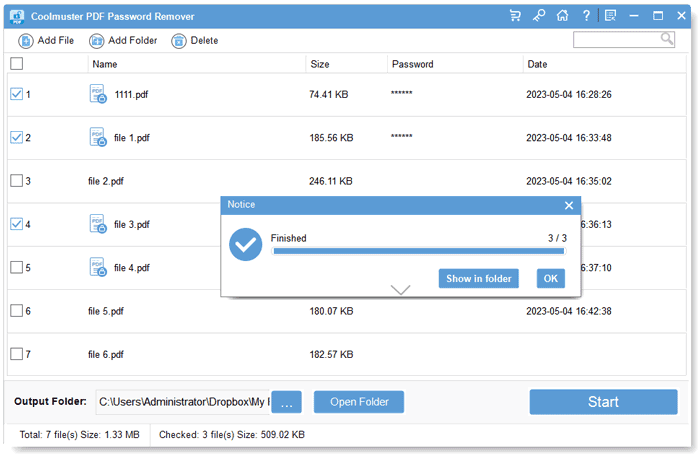
Coolmuster PDF Password Remover — Free Giveaway (Worth $19.95)
Coolmuster PDF Password Remover is a tool that can help you remove passwords from PDF documents. Many PDF documents have encryption features, which may preve...
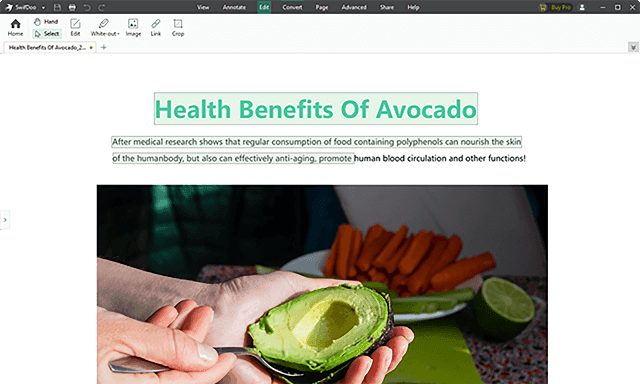
SwifDoo PDF Pro — Free Giveaway (Worth $9.86)
SwifDoo PDF Pro is a one-stop PDF document Edit tool, which can help you quickly create, Converter, merge, Edit, and sign PDF documents. It is also very ligh...
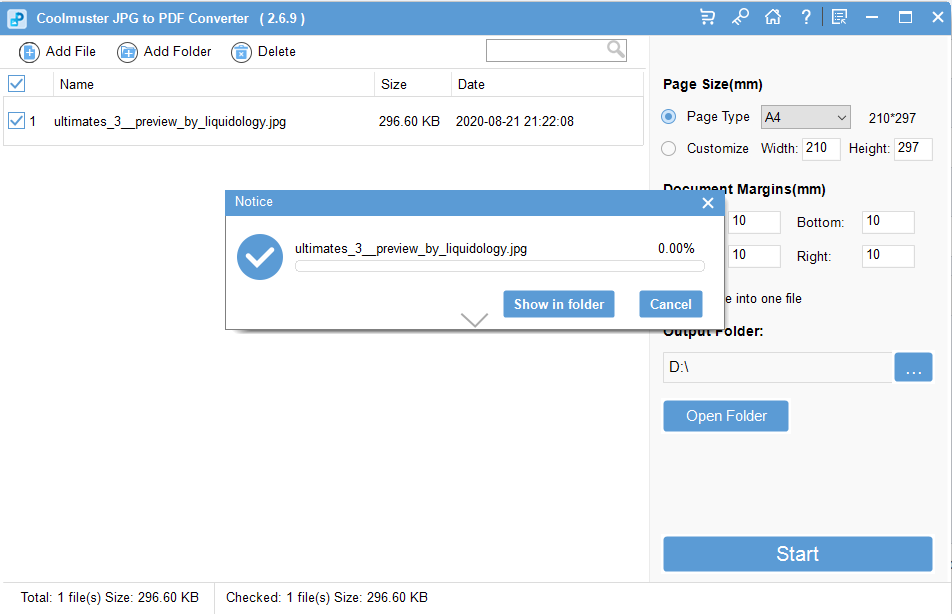
ImageConverter for PDF documents Coolmuster JPG to PDF Converter — Free Giveaway (Worth $15.95)
Coolmuster JPG to PDF Converter is a multifunctional software that supports a wide range of common Image formats.