Kontext — Free Giveaway (Worth $8.00)
Overview
Kontext is a powerful yet intuitive tool designed to simplify the often-overwhelming process of customizing Windows shell settings. For users who frequently tweak their operating system’s behavior—whether it’s adding shortcuts to the right-click menu, adjusting how files are handled, or managing sidebar extensions—Kontext offers a centralized solution. Instead of navigating through dozens of scattered registry locations, this software brings everything into a single, organized interface. It’s perfect for power users who want greater control over their system’s functionality without the hassle of manual configuration.
Windows has always been a flexible platform, but its shell settings are notoriously fragmented. From context menu items to file type associations, these configurations are spread across more than 40 different registry keys, making it difficult to track changes or troubleshoot issues. Kontext eliminates this complexity by providing a unified dashboard where users can view, edit, and manage all these settings with ease. Its streamlined approach ensures that even those unfamiliar with advanced system tweaking can customize their environment efficiently, saving time and reducing the risk of errors during manual edits.
Key Features
- Unified Shell Management : Kontext consolidates all right-click menu, File Explorer, and shell-related settings into one accessible location. This means users no longer have to search through multiple registry paths to adjust their system’s behavior.
- Custom Context Menus : Easily add, remove, or reorder items in the right-click menu for folders, files, and drives. This allows for quick access to frequently used commands or tools, enhancing productivity during file management tasks.
- File Type Handlers : Fine-tune how Windows interacts with different file formats. For example, users can set default programs for opening specific files or adjust how file associations are displayed in the “Open With” dialog.
- Sidebar Extensions : Manage the File Explorer sidebar, which often includes shortcuts to network drives, printers, or other frequently accessed locations. Kontext lets users add, remove, or reorganize these elements with minimal effort.
- Icon Overlays and Visual Customization : Modify icon overlays for file types, such as the “Locked” or “Compressed” indicators, to better suit personal preferences or workflow needs. This feature also supports visual tweaks to improve the overall user experience.
By addressing the disjointed nature of Windows shell configurations, Kontext empowers users to create a more personalized and efficient computing environment. Its focus on simplicity and accessibility makes it an ideal choice for anyone looking to optimize their daily interactions with the operating system without diving into the complexities of the registry. Whether you’re a casual user or a tech enthusiast, Kontext provides the tools to tailor your Windows experience with precision and confidence.
![Kontext - File resource Manager Manager tool [Windows] [$8→0]](https://pic.paidgonefree.com/images/e812e2143eb28aea144edea04de519848a4f2f02c69fe802317efe540fdb0b7d.png "Kontext - File resource Manager Manager tool [Windows] [$8→0]")
Giveaway Link: https://www.giveawayoftheday.com/kontext/
Get It Free Now
Click the link below before the giveaway ends!
Related Deals
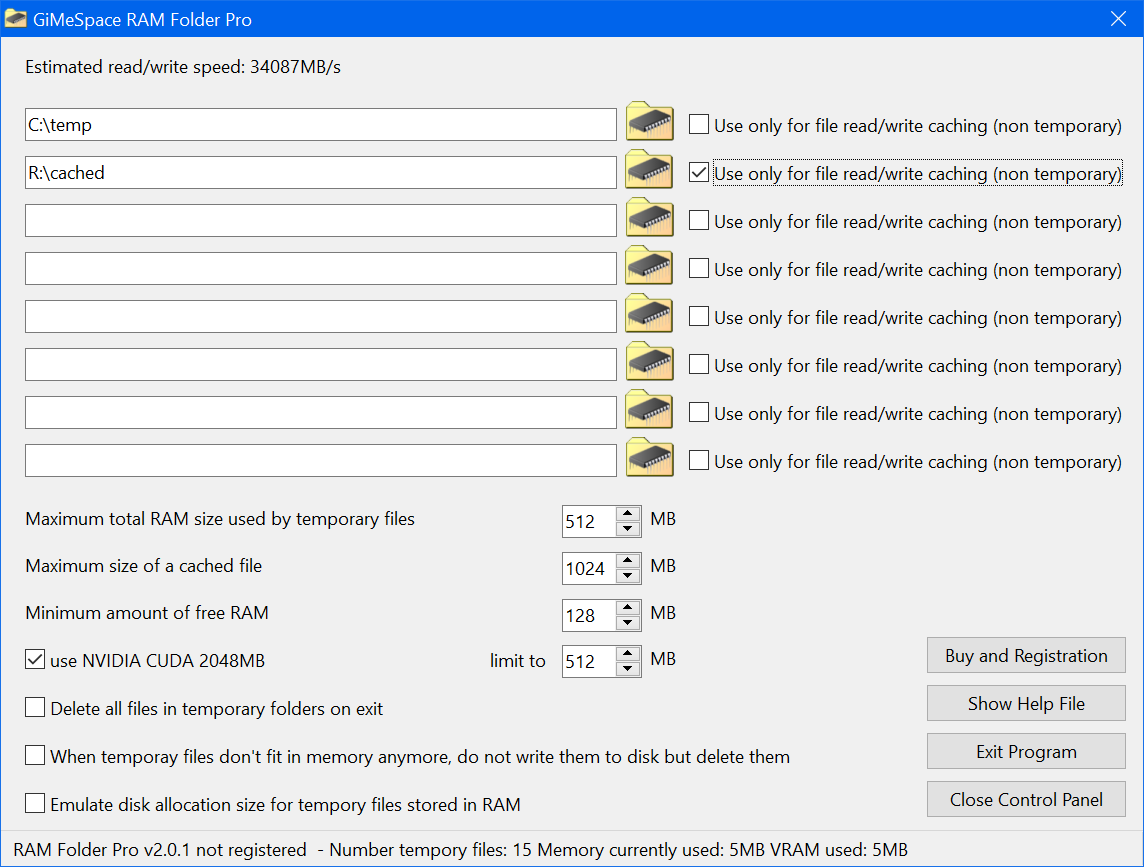
Create Temporary File Folder in memory GiMeSpace RAM Temp Folder — Free Giveaway (Worth $15.00)
GiMeSpace RAM Temp Folder is a tool that converts temporary File folders into RAM File folders, which is akin to installing a local RAM disk in the temporary...
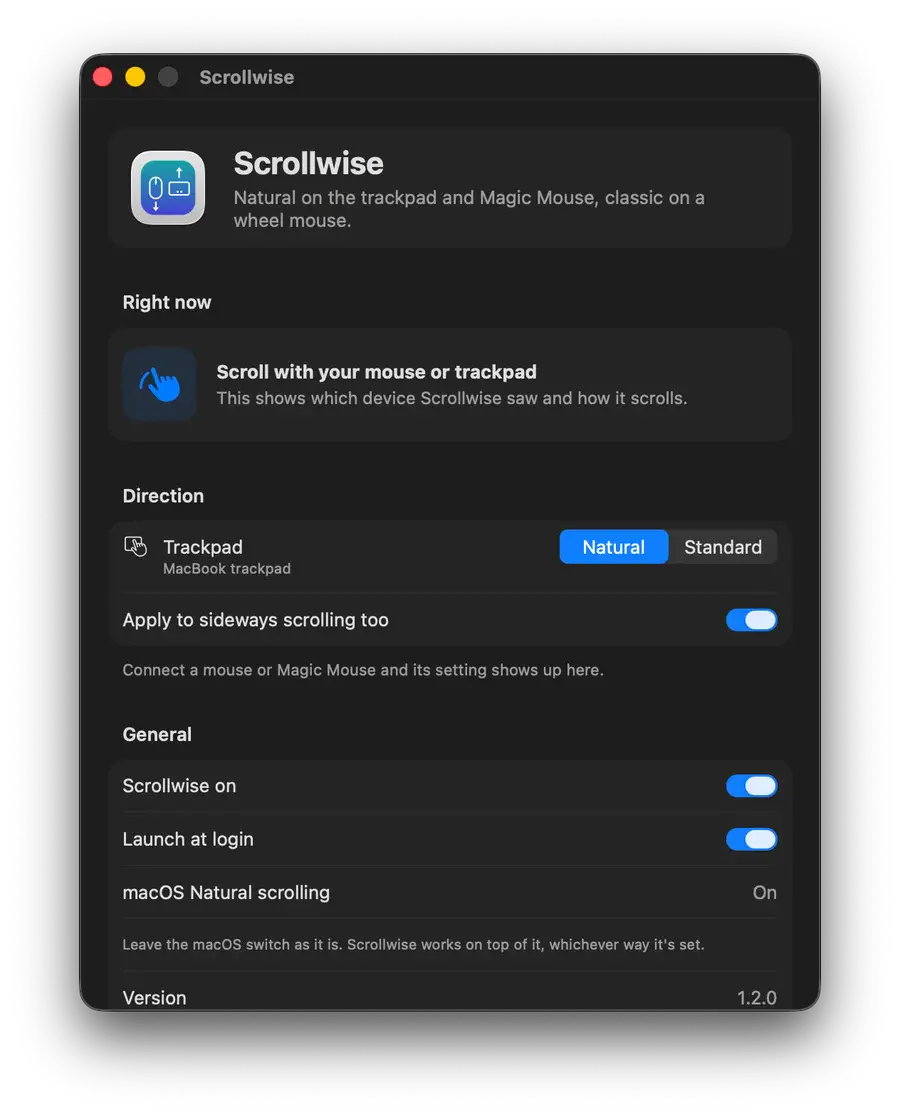
Smart Scroll Scrollwise — Free Giveaway (Worth $29.99)
macOS has a scroll direction switch for each device, so anyone using both a trackpad and a mouse can switch back and forth all day long. Scrollwise will chec...

Spam SMS Automatic Filtering and Blocking Helper Text Miao — Free Giveaway (Worth $29.99)
Short Message Cat uses advanced smart AI algorithms to automatically detect, filter, and block spam messages, enabling one-click smart filtering of spam mess...