Create Temporary File Folder in memory GiMeSpace RAM Temp Folder — Free Giveaway (Worth $15.00)
Overview
GiMeSpace RAM Temp Folder is a specialized utility designed to enhance the performance of temporary file operations on Windows systems. Temporary files are often used during software installations, data processing, and system tasks, but they can slow down your workflow by relying on traditional disk storage. This tool addresses that issue by transforming the standard temporary file folder into a high-speed RAM-based storage solution. By doing so, it leverages the speed of your computer’s memory to streamline file access and reduce the strain on your hard drive or SSD. This is particularly beneficial for users who frequently handle large datasets, run resource-intensive applications, or need faster read/write speeds for short-term tasks.
The core idea behind GiMeSpace RAM Temp Folder is to create a virtual drive that operates entirely within your system’s RAM. This approach eliminates the need for frequent disk I/O operations, which can be a bottleneck for performance. Since RAM has much faster access times than traditional storage, tasks that involve reading from or writing to temporary files—such as compiling code, rendering graphics, or running virtual machines—can execute more efficiently. Additionally, by keeping temporary files in memory, the software minimizes the risk of data fragmentation and wear on physical storage devices, which can degrade performance over time. Whether you’re a power user or someone who wants to optimize their system’s efficiency, this tool offers a simple yet effective way to manage temporary files with greater speed and reliability.
Key Features
- RAM-Based Temporary Storage: Converts the default temporary file folder into a virtual RAM disk, allowing for lightning-fast access to files without relying on physical storage.
- Performance Optimization: Reduces latency in file operations by utilizing the high-speed memory of your computer, making it ideal for tasks that require rapid data processing.
- Reduced Disk Wear: Minimizes unnecessary read/write activity on your hard drive or SSD, helping to prolong the lifespan of your storage hardware.
- Seamless Integration: Works directly with Windows’ existing temporary file management system, requiring no complex setup or configuration.
- Efficient Resource Management: Automatically handles file cleanup after tasks are completed, ensuring your system remains clutter-free and optimized for speed.
This type of software typically offers a straightforward solution for users looking to streamline their workflow and improve system responsiveness. By prioritizing speed and efficiency, GiMeSpace RAM Temp Folder is a valuable addition for anyone who relies on temporary files for daily computing tasks. Its ability to simplify file operations while protecting your storage hardware makes it a practical choice for both casual and advanced users alike.
![GiMeSpace RAM Temp Folder - Memory temporary File folder [Windows] [$15→0]](https://pic.paidgonefree.com/images/2e1909ca55e9741904d0c2e8917776c624f89d0de2daa50fa304967a62c2605a.png "GiMeSpace RAM Temp Folder - Memory temporary File folder [Windows] [$15→0]")
Giveaway Link: https://sharewareonsale.com/s/free-gimespace-ram-temp-folder-100-discount
Get It Free Now
Click the link below before the giveaway ends!
Related Deals
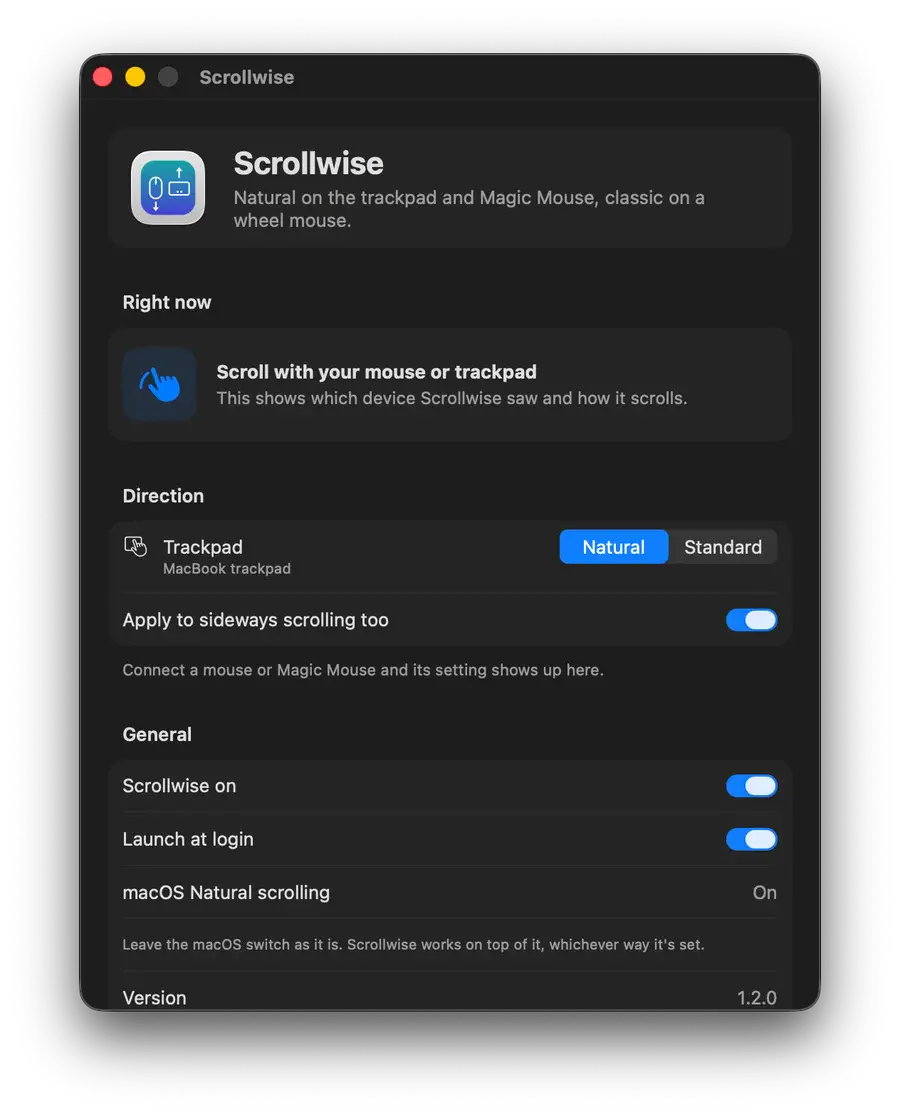
Smart Scroll Scrollwise — Free Giveaway (Worth $29.99)
macOS has a scroll direction switch for each device, so anyone using both a trackpad and a mouse can switch back and forth all day long. Scrollwise will chec...
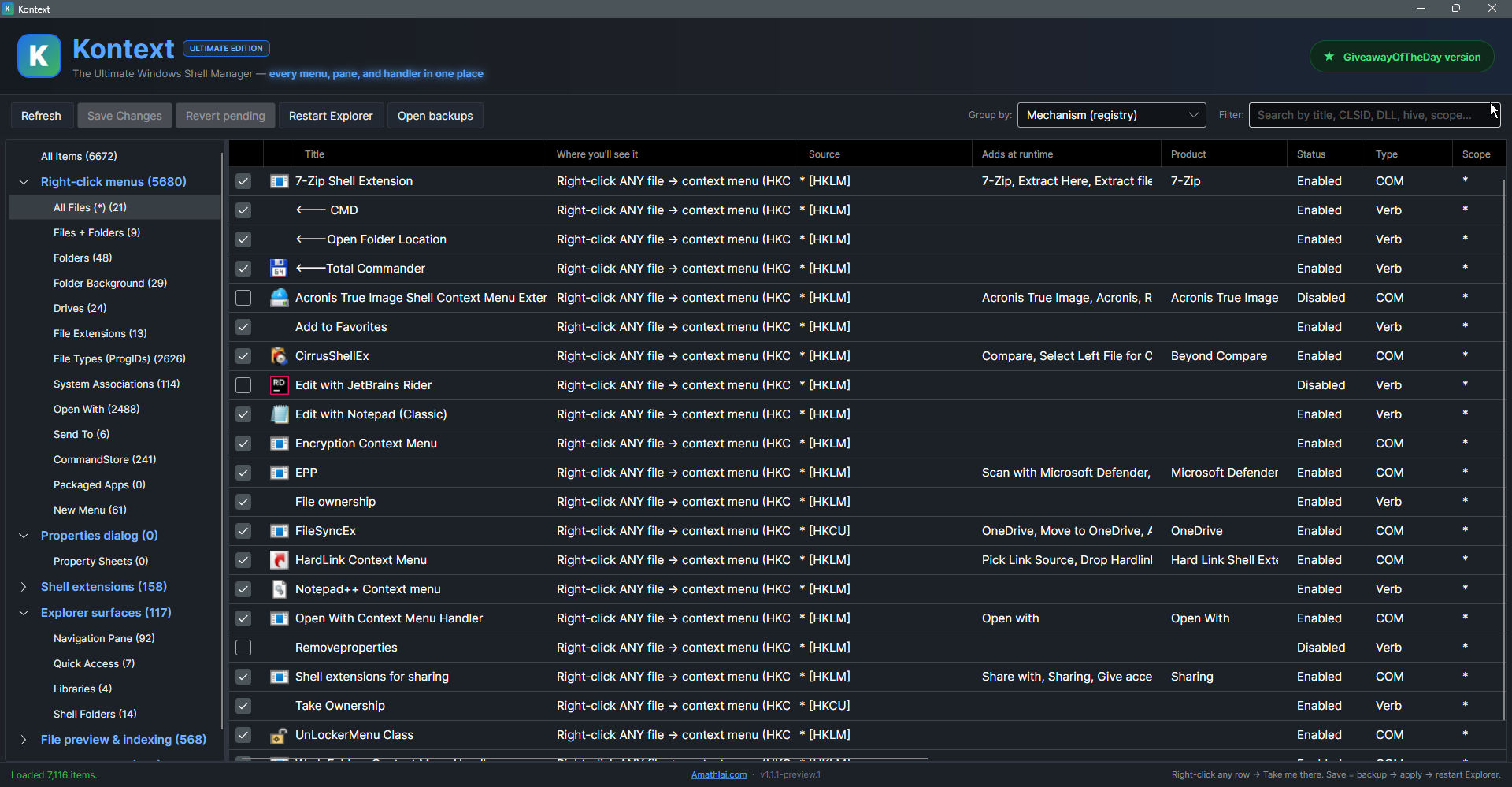
Kontext — Free Giveaway (Worth $8.00)
Kontext is a Windows shell Manager that consolidates all right-click menus and File Resource Manager custom settings in one place. Windows spreads these sett...

Spam SMS Automatic Filtering and Blocking Helper Text Miao — Free Giveaway (Worth $29.99)
Short Message Cat uses advanced smart AI algorithms to automatically detect, filter, and block spam messages, enabling one-click smart filtering of spam mess...