Convert Audio, video to document TranscribeIt — Free Giveaway (Worth $14.99)
Overview
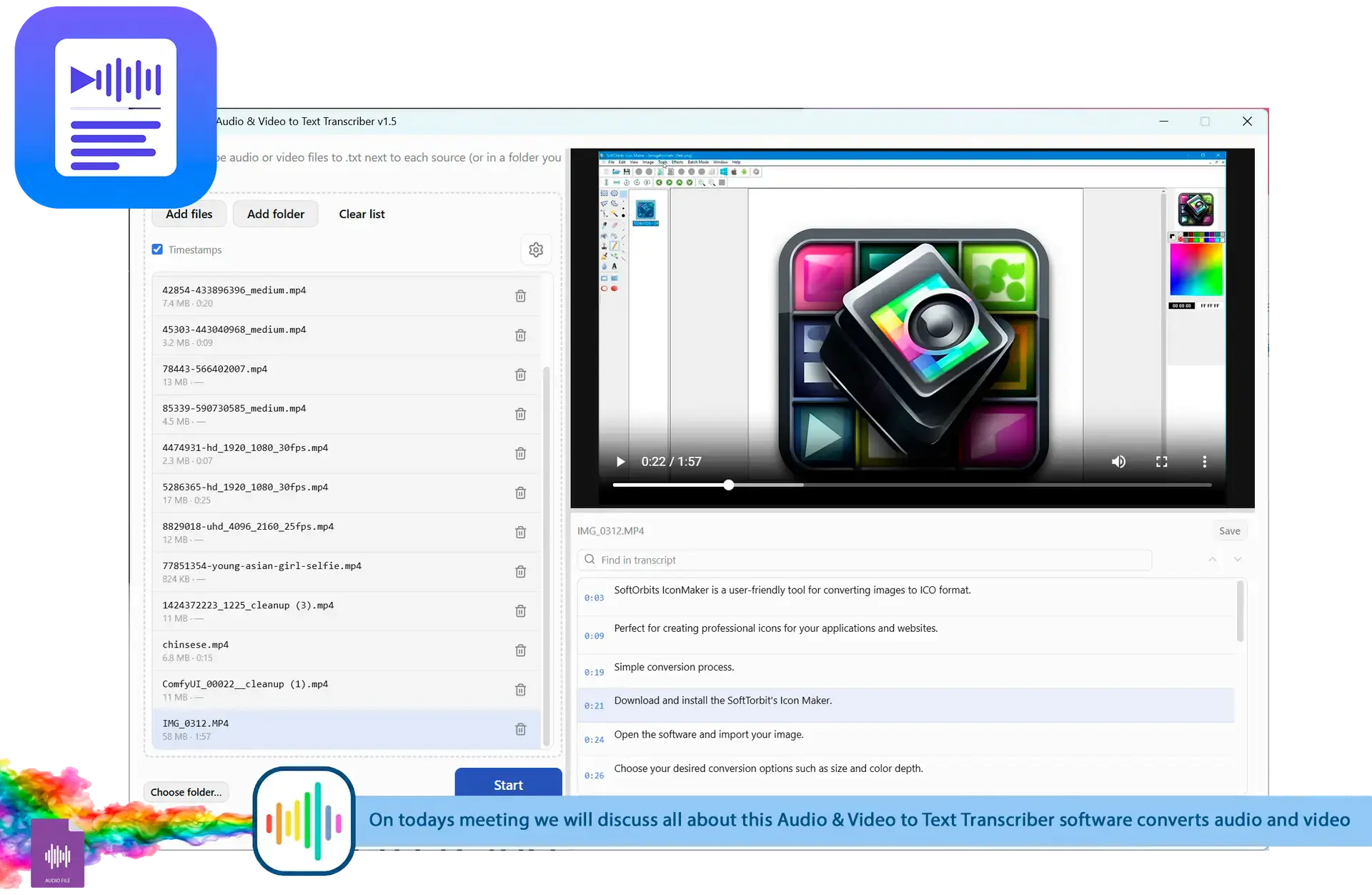
TranscribeIt is a powerful utility designed to simplify the process of converting audio and video recordings into editable text documents. Whether you’re working with meeting notes, interview clips, lecture recordings, or personal voice notes, this tool offers a straightforward solution for transforming unstructured media files into organized, searchable transcripts. Its ability to handle a wide range of formats—such as MP3, WAV, MP4, MKV, and MOV—makes it a versatile choice for users who deal with diverse types of audio and video content. By eliminating the need for cloud-based services or server uploads, TranscribeIt prioritizes privacy and convenience, allowing you to process files directly on your device without compromising sensitive information.
One of the standout aspects of TranscribeIt is its focus on usability. The software streamlines workflows by automating the transcription process, saving time and effort compared to manual typing. It also includes features that enhance the readability and organization of the final output, such as speaker tags and time markers. These elements help users quickly identify who is speaking and where specific parts of the conversation occur, making it easier to navigate and edit transcripts later. For students, researchers, or professionals who frequently work with recorded content, TranscribeIt serves as an essential tool for managing and retrieving information efficiently.
Key Features
- Local Conversion with Privacy : Unlike online transcription services, TranscribeIt processes files entirely on your computer. This ensures that your data remains secure and private, as there’s no need to upload recordings to external servers. It’s ideal for handling confidential or sensitive content without the risk of exposure.
- Support for Multiple Formats : The software is compatible with a broad array of audio and video file types, including MP3, WAV, MP4, MKV, and MOV. This flexibility means you can work with files from various sources—such as smartphones, camcorders, or professional recording equipment—without needing to convert them to a different format first.
- Speaker Tags and Time Markers : TranscribeIt allows users to add speaker tags to differentiate between participants in a conversation or interview. It also includes time markers to note when specific parts of the audio or video occur, enabling precise editing and referencing later.
- Editable and Clean Transcripts : The resulting transcripts are not only accurate but also easy to edit. Users can refine the text, adjust formatting, or make annotations directly within the software, ensuring the final document meets their specific needs.
- Streamlined Workflow for Content Creation : Whether you’re preparing notes for a project, analyzing recorded discussions, or organizing lecture materials, TranscribeIt helps you extract valuable information quickly. Its intuitive interface and automation capabilities make it a go-to tool for anyone looking to convert media into actionable text.
Giveaway Link: https://www.giveawayoftheday.com/transcribeit-audio-video-to-text-transcriber/
Get It Free Now
Click the link below before the giveaway ends!
Related Deals
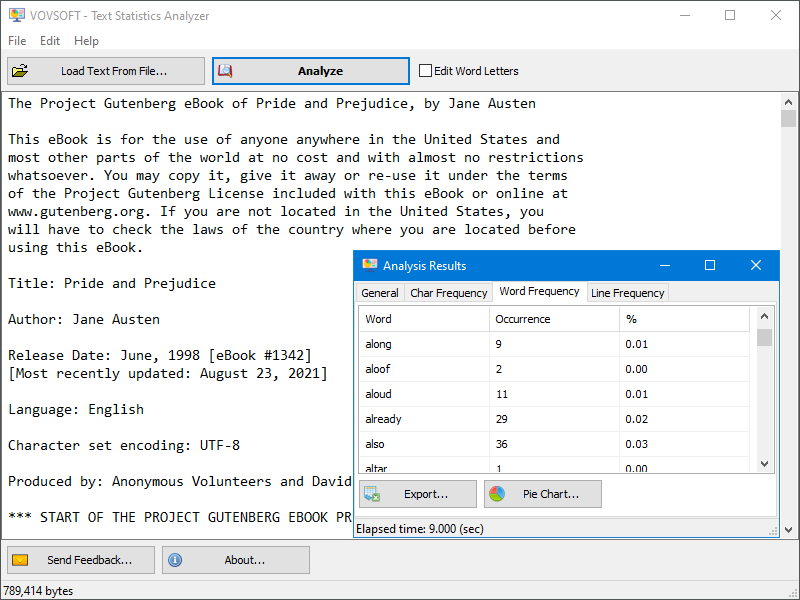
Text Statistics Analyzer — Free Giveaway (Worth $19.00)
Text Statistics Analyzer is a text statistics analyzer that can accurately analyze the characteristics of written language and provide users with text statis...
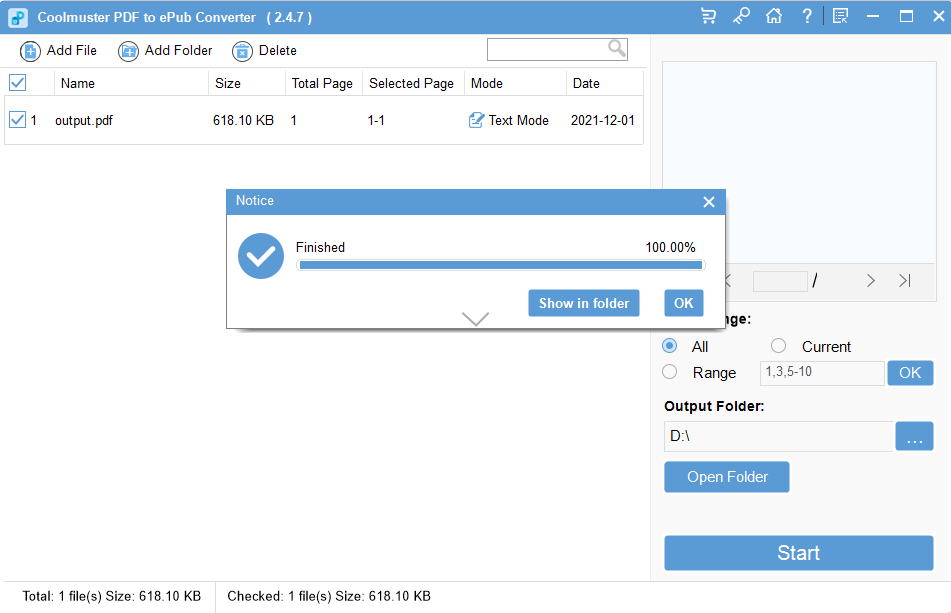
Convert PDF document to ePub document Coolmuster PDF to ePub Converter — Free Giveaway (Worth $15.95)
Coolmuster PDF to ePub Converter is a software that can convert PDF documents to ePub format, it can batch or convert PDF documents to ePub format, save time...
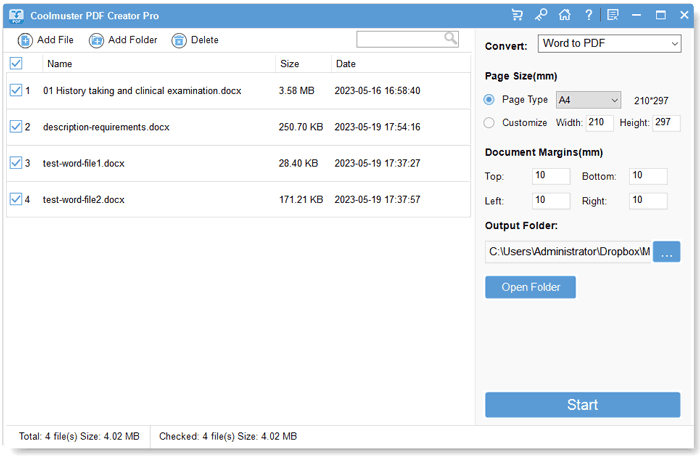
Coolmuster PDF Creator Pro — Free Giveaway (Worth $39.95)
Coolmuster PDF Creator Pro is more of a document Converter tool than a PDF document creation tool, supporting the conversion of text documents, Word document...