Blur Multiple Images — Free Giveaway (Worth $19.00)
Overview
Blur Multiple Images is a specialized image editing tool designed to simplify the process of blurring multiple files at once. Whether you’re working on personal projects, professional design tasks, or need to anonymize photos for privacy, this utility streamlines repetitive blurring workflows. Its intuitive interface ensures that even users with minimal technical expertise can quickly adapt to its functionality. The software eliminates the need for manual adjustments on each image, making it a valuable asset for anyone handling large volumes of visual content.
One of the standout aspects of this tool is its focus on efficiency. Instead of opening each image individually in a photo editor, users can select multiple files and apply blur settings with a single click. This approach not only saves time but also reduces the risk of errors during repetitive tasks. The software is particularly useful for photographers, graphic designers, and anyone who needs to prepare images for presentations, websites, or social media while maintaining a clean and organized workflow. By automating the blurring process, it empowers users to focus on creativity rather than tedious adjustments.
Key Features
- Batch Processing:** This tool allows users to process multiple images simultaneously, making it ideal for handling large collections without the need for repetitive manual work.
- Customizable Blur Settings:** Adjust the intensity and radius of the blur effect to suit specific needs, ensuring precise control over the final output.
- Non-Destructive Editing:** Retain the original image files while creating blurred versions, so no data is lost during the process.
- Simple Drag-and-Drop Interface:** Easily import images by dragging them into the application window, bypassing complex file selection menus.
- Fast and Lightweight Performance:** Optimized for quick processing times, even with high-resolution images, without requiring excessive system resources.
By combining these features, Blur Multiple Images offers a streamlined solution for users looking to enhance their image editing efficiency. Its straightforward design and powerful batch capabilities make it a practical choice for both casual users and professionals seeking to automate routine tasks. Whether you’re preparing images for a project or protecting sensitive content, this tool provides a reliable and user-friendly way to achieve professional-grade results with minimal effort.
![Blur Multiple Images - Multi-Image Blurring Tool[Windows][$19→0]](https://pic.paidgonefree.com/images/77739d5d6e1a9960e82ce8f4abb21cf0bdcbb0f18a5e71a3bc3eb3e9b4028e99.png "Blur Multiple Images - Multi-Image Blurring Tool[Windows][$19→0]")
Giveaway Link: https://vovsoft.com/files/blur-multiple-images.exe
Related Deals
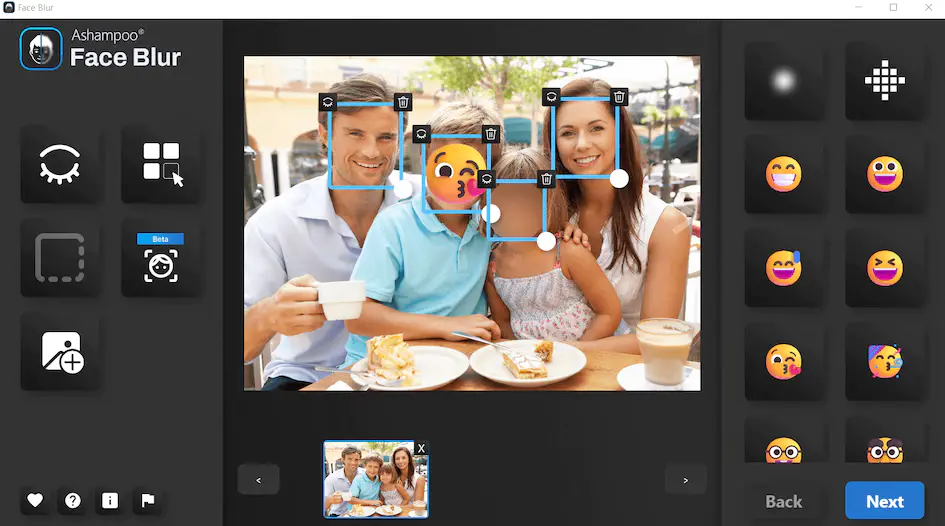
Photo Face Automatic Recognition Blur Ashampoo Face Blur — Free Giveaway (Worth $22.00)
Ashampoo Face Blur is a photo face auto-identification masking tool, it is easy to use, you just need to click once to choose between blurring effects, class...
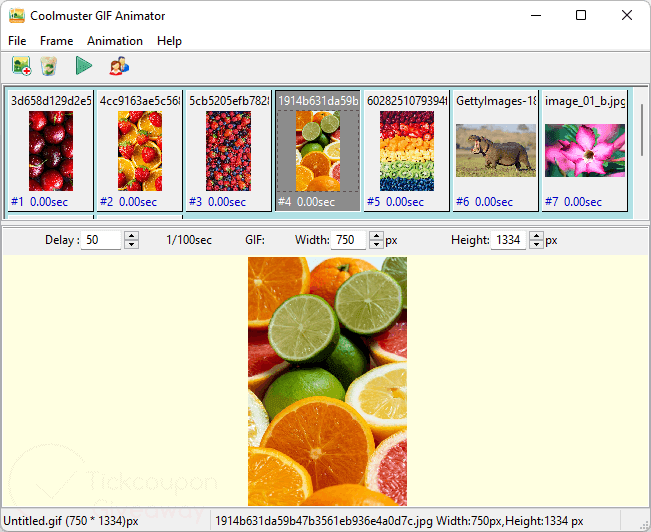
Coolmuster GIF Animator — Free Giveaway (Worth $39.95)
Coolmuster GIF Animator is a GIF Animation Image creation tool, allowing you to quickly create multiple Images into GIF Animation Images, supporting JPG, JPE...
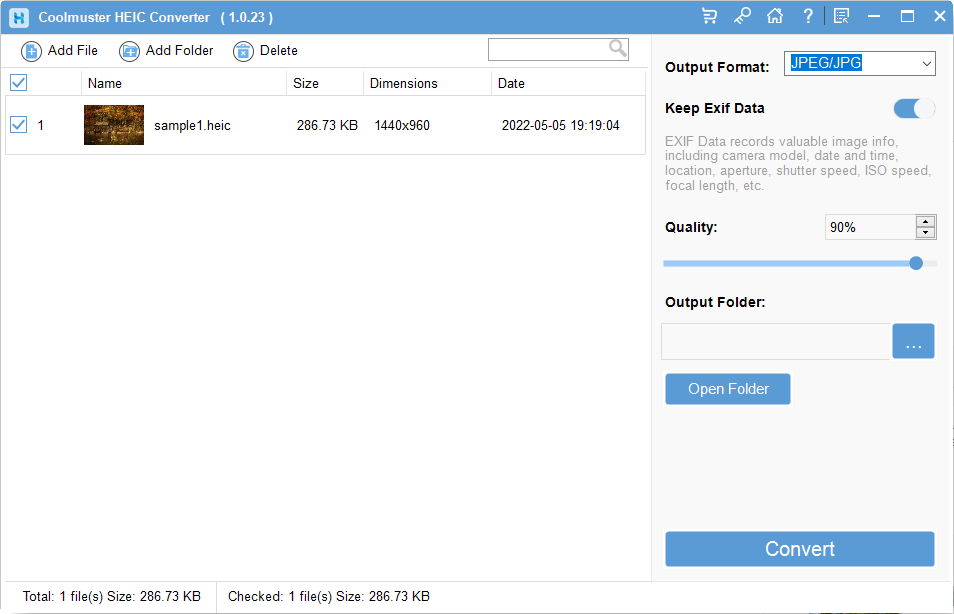
Coolmuster HEIC Converter — Free Giveaway (Worth $19.95)
Overview Coolmuster HEIC Converter is a powerful tool designed to address the growing need for compatibility with HEIC image files.