Batch modify Image size Vovsoft Batch Image Resizer — Free Giveaway (Worth $19.00)
Overview
Vovsoft Batch Image Resizer is a powerful yet user-friendly tool designed to simplify the process of resizing multiple images at once. Whether you’re a graphic designer, photographer, or casual user, this software can save you significant time and effort by eliminating the need to manually adjust each image. Instead of opening every photo or graphic in an image editor, you can process dozens or even hundreds of files with just a few clicks. The application is particularly useful for tasks like preparing images for websites, social media, print projects, or organizing personal photo collections. Its straightforward interface ensures that even those with minimal technical expertise can navigate its features easily, making it a versatile solution for both beginners and professionals.
One of the standout aspects of this tool is its ability to handle a wide range of image formats, including JPEG, PNG, BMP, GIF, and more. This versatility means you can work with images from different sources without needing to convert them first. The software also prioritizes efficiency, allowing users to batch process files directly from their folders or external drives. By automating repetitive resizing tasks, it reduces the risk of human error and streamlines workflows, especially for users who frequently deal with large volumes of images. Whether you’re adjusting dimensions for a specific purpose or optimizing file sizes for faster loading times, Vovsoft Batch Image Resizer offers a reliable way to manage your image library with minimal hassle.
Key Features
- Batch Processing Capabilities : Resize multiple images simultaneously, reducing the time required for repetitive tasks. This is ideal for users who need to standardize image sizes for portfolios, websites, or print materials.
- Customizable Resizing Options : Adjust width, height, and resolution to fit your specific needs. You can set exact pixel dimensions or scale images proportionally to maintain their original aspect ratio.
- Format Compatibility : Supports common image formats such as JPEG, PNG, BMP, GIF, and others, ensuring seamless integration with your existing files without the need for conversion.
- Preservation of Image Quality : This type of software typically offers settings to balance quality and file size, allowing you to retain clarity while optimizing images for different uses.
- Intuitive Interface : Designed with simplicity in mind, the tool provides an easy-to-navigate layout that makes selecting files, applying resizing settings, and exporting results straightforward for all skill levels.
By combining these features, Vovsoft Batch Image Resizer becomes an essential tool for anyone looking to manage image files more effectively. Its focus on automation and flexibility ensures that users can adapt it to their unique needs, whether they’re working on personal projects or professional tasks. The ability to handle multiple formats and maintain image quality further enhances its value, making it a go-to solution for streamlining image editing workflows on Windows systems.
![Vovsoft Batch Image Resizer - Batch modify Image size [Windows][$15→0]](https://pic.paidgonefree.com/images/a5f54c7c8170ce5b6fdb28b40f1a5c30a37bfff090c5111a49ec9db11375c03a.png "Vovsoft Batch Image Resizer - Batch modify Image size [Windows][$15→0]")
Giveaway Link: https://vovsoft.com/giveaway/free-batch-image-resizer-2026/
Get It Free Now
Click the link below before the giveaway ends!
Related Deals
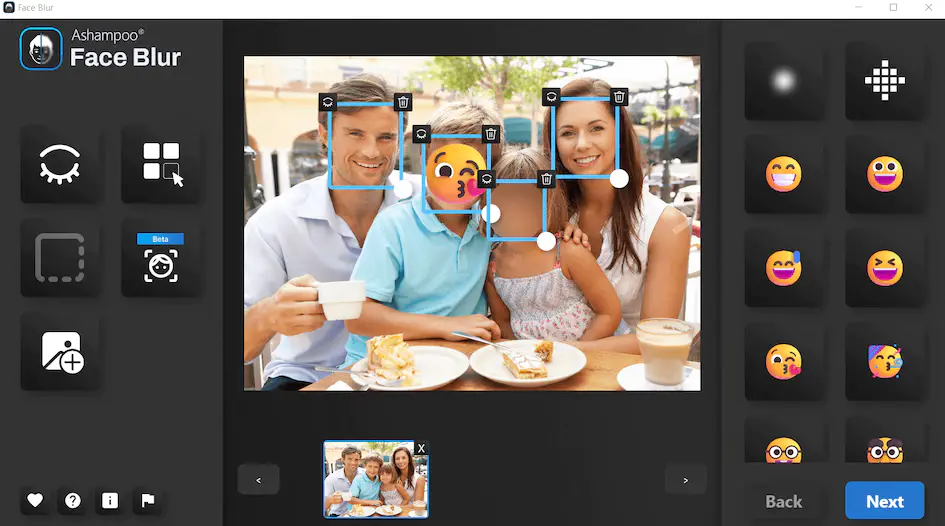
Photo Face Automatic Recognition Blur Ashampoo Face Blur — Free Giveaway (Worth $22.00)
Ashampoo Face Blur is a photo face auto-identification masking tool, it is easy to use, you just need to click once to choose between blurring effects, class...
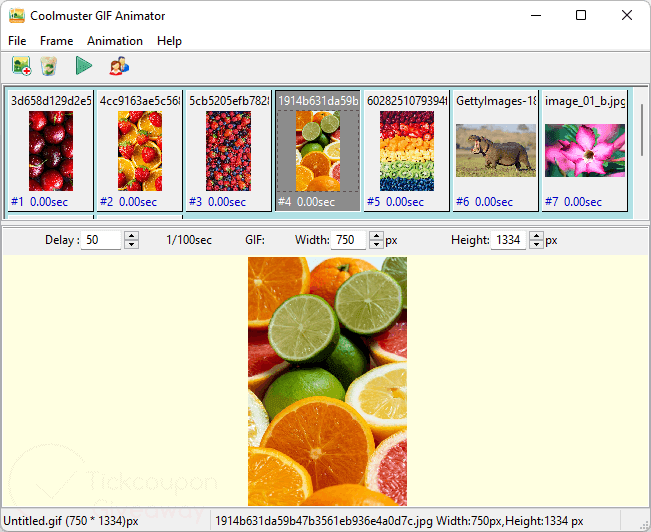
Coolmuster GIF Animator — Free Giveaway (Worth $39.95)
Coolmuster GIF Animator is a GIF Animation Image creation tool, allowing you to quickly create multiple Images into GIF Animation Images, supporting JPG, JPE...
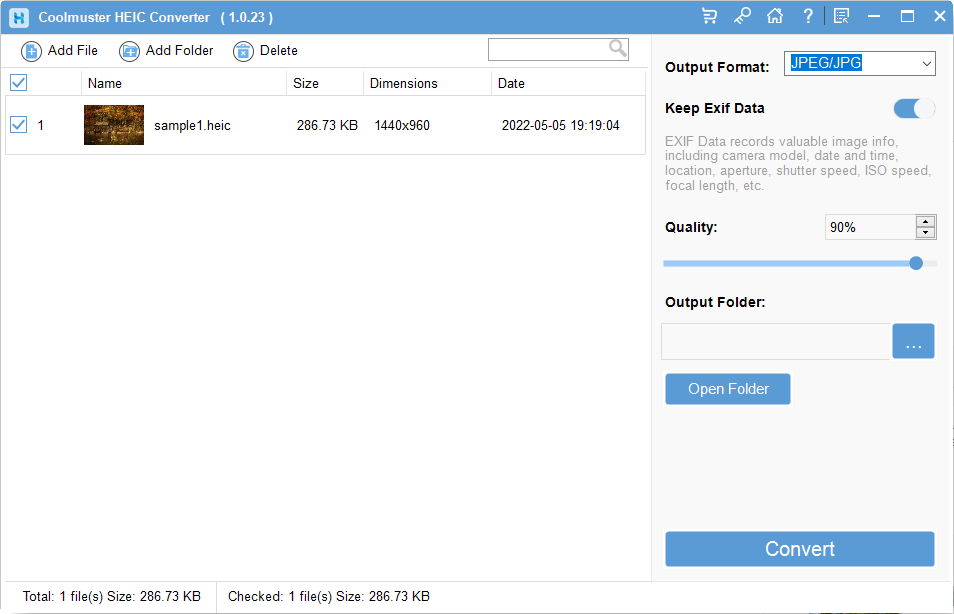
Coolmuster HEIC Converter — Free Giveaway (Worth $19.95)
Overview Coolmuster HEIC Converter is a powerful tool designed to address the growing need for compatibility with HEIC image files.