ASCOMP Screencapt Professional — Free Giveaway (Worth $24.90)
Overview
ASCOMP Screencapt Professional is a powerful screen recording tool designed to simplify the process of capturing and sharing visual content on Windows. Whether you’re creating tutorials, demonstrating software features, or recording gameplay, this utility offers a versatile solution for users who need to document their screen activity with precision. Its intuitive interface ensures that even those new to screen recording can quickly get up to speed, while advanced features cater to more experienced creators. The ability to record the entire screen, a specific window, or a custom-selected area makes it adaptable to a wide range of tasks, from quick notes to detailed instructional videos. By integrating audio recording capabilities, Screencapt Professional allows users to add voiceovers, system sounds, or background music, enhancing the clarity and engagement of their recordings. This combination of flexibility and functionality positions it as a valuable asset for educators, content creators, and professionals alike.
One of the standout aspects of Screencapt Professional is its focus on user-friendly design without compromising on performance. It eliminates the need for complicated setups by providing straightforward controls that let you start, stop, and manage recordings with ease. The software also supports real-time annotations, enabling users to highlight important details, add text, or draw directly on the screen during capture. This makes it ideal for creating step-by-step guides or emphasizing key points in presentations. For those who rely on visual communication, Screencapt Professional bridges the gap between raw screen activity and polished, professional-grade content. Its reliability and ease of use ensure that users can focus on their message rather than the technicalities of the recording process.
Key Features
- Customizable Recording Zones: Capture the entire screen, a specific window, or a manually selected area with precision, ensuring you only record what’s necessary for your project.
- Integrated Audio Support: Seamlessly record system sounds, microphone input, or both, allowing you to create recordings that are as informative as they are engaging.
- Real-Time Annotation Tools: Add text, arrows, highlights, and other visual markers directly to your screen recordings, making it easier to convey instructions or emphasize details.
- High-Quality Output: This type of software typically offers options to adjust resolution, frame rate, and file format, ensuring your recordings meet the standards required for your intended use.
- Effortless Editing and Sharing: With built-in tools for trimming, pausing, and organizing recordings, Screencapt Professional streamlines the workflow for creating and distributing content efficiently.
![ASCOMP Screencapt Professional - ScreenRecorder tool [Windows]](https://pic.paidgonefree.com/images/06fec61603e05f8187ce8c65ccdcbbc7b150eac54d0a92eb9a9d2378d4570d48.webp "ASCOMP Screencapt Professional - ScreenRecorder tool [Windows]")
Giveaway Link: https://sharewareonsale.com/s/free-screencapt-professional-100-discount
Get It Free Now
Click the link below before the giveaway ends!
Related Deals
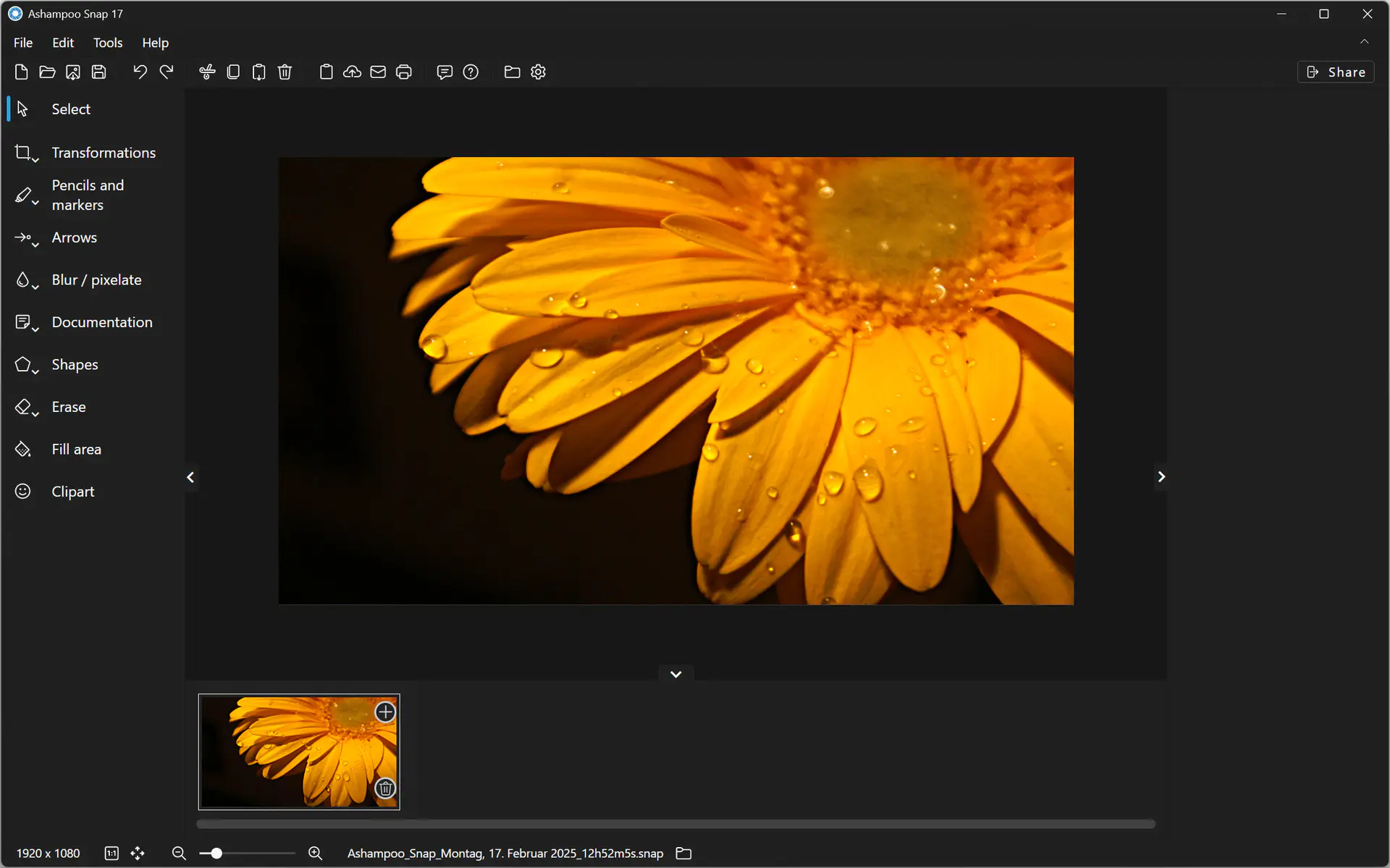
Ashampoo Snap 17 — Free Giveaway (Worth $39.99)
Creating Screen screenshots and videos with Ashampoo Snap 17 is incredibly easy! Instantly capture any content on the Screen. The built-in Edit tool lets you...
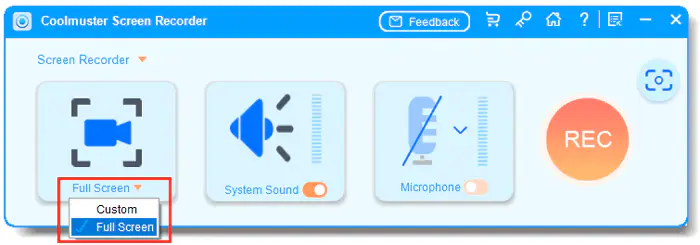
Coolmuster Screen Recorder — Free Giveaway (Worth $19.00)
Coolmuster Screen Recorder is a powerful and easy-to-use ScreenRecorder software, which can be used to capture Screen activities, record Audio, and take Scre...
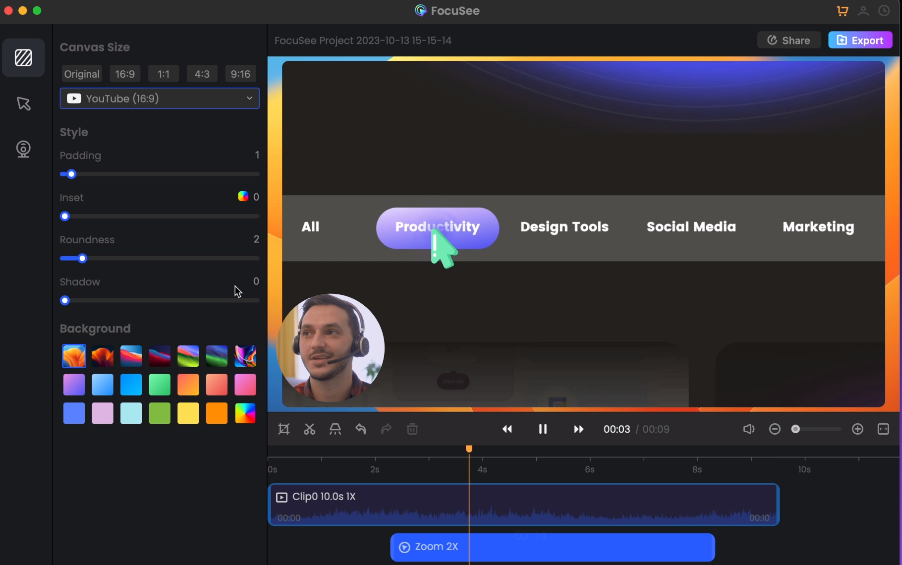
ScreenRecorder software FocuSee — Free Giveaway (Worth $9.86)
FocuSee is a Screen Recorder software, with a very user-friendly interface that can help you quickly perform screen recording, and also has powerful Recorder...