ASCOMP Screencapt Professional — Free Giveaway (Worth $24.90)
Overview
ASCOMP Screencapt Professional is a powerful screen recording tool designed to help users capture and share visual content with ease. Whether you’re creating tutorials, demonstrations, or instructional videos, this software offers the flexibility to record your entire screen, a specific window, or a custom-selected area. Its intuitive interface and robust features make it an ideal choice for both casual users and professionals who need to document digital activities efficiently. By allowing seamless integration of audio, annotations, and system sounds, Screencapt Professional ensures that your recordings are not only clear but also engaging, making it a versatile solution for a wide range of tasks. Whether you’re teaching others how to use an application, showcasing a project, or simply saving a moment of digital interest, Screencapt Professional empowers you to create high-quality content without the hassle of complicated setup or limited functionality.
One of the standout aspects of Screencapt Professional is its ability to adapt to different workflows. For example, if you’re working on a complex software application, you can focus on recording only the relevant window instead of the entire screen, reducing file size and keeping your audience’s attention on the task at hand. The software also supports real-time audio capture, which is perfect for adding voiceovers or explaining steps in a tutorial. This combination of precise screen capture and multimedia integration makes it a valuable asset for anyone looking to streamline their content creation process. With its emphasis on simplicity and effectiveness, Screencapt Professional bridges the gap between basic screen recording tools and advanced software, offering a balanced experience for users of all skill levels.
Key Features
- Flexible Recording Options: Capture your entire screen, a specific window, or a custom region with ease. This adaptability ensures you can focus on exactly what you need, whether it’s a full application demo or a single task on your desktop.
- Integrated Audio Recording: Seamlessly record system sounds, microphone input, or both to enhance your videos with voiceovers, background music, or important audio cues.
- Annotation Tools: Add text, arrows, highlights, or other visual markers directly to your recordings to emphasize key points or guide viewers through complex processes.
- High-Quality Output: This type of software typically offers options to save recordings in popular formats like AVI, MP4, or WMV, ensuring compatibility with most playback devices and editing software.
- Customizable Settings: Adjust resolution, frame rate, and recording duration to balance quality with file size, making it suitable for both quick notes and detailed presentations.
By combining precise screen capture with multimedia capabilities, ASCOMP Screencapt Professional simplifies the process of creating instructional or explanatory content. Its straightforward design and feature-rich toolkit make it a reliable choice for users who want to document their work, share knowledge, or produce engaging videos without unnecessary complexity. Whether you’re a student, educator, or content creator, this software provides the tools needed to turn your ideas into clear, professional recordings with minimal effort. 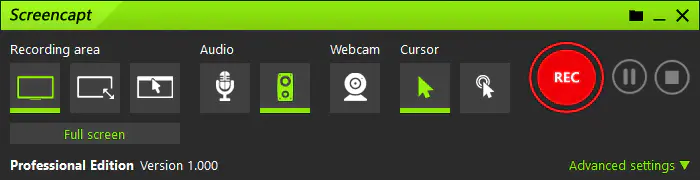
Giveaway Link: https://www.ascompsoftware.com/fullversion/?l=4V5VJ-K69SG-GH32V-APC
Get It Free Now
Click the link below before the giveaway ends!
Related Deals
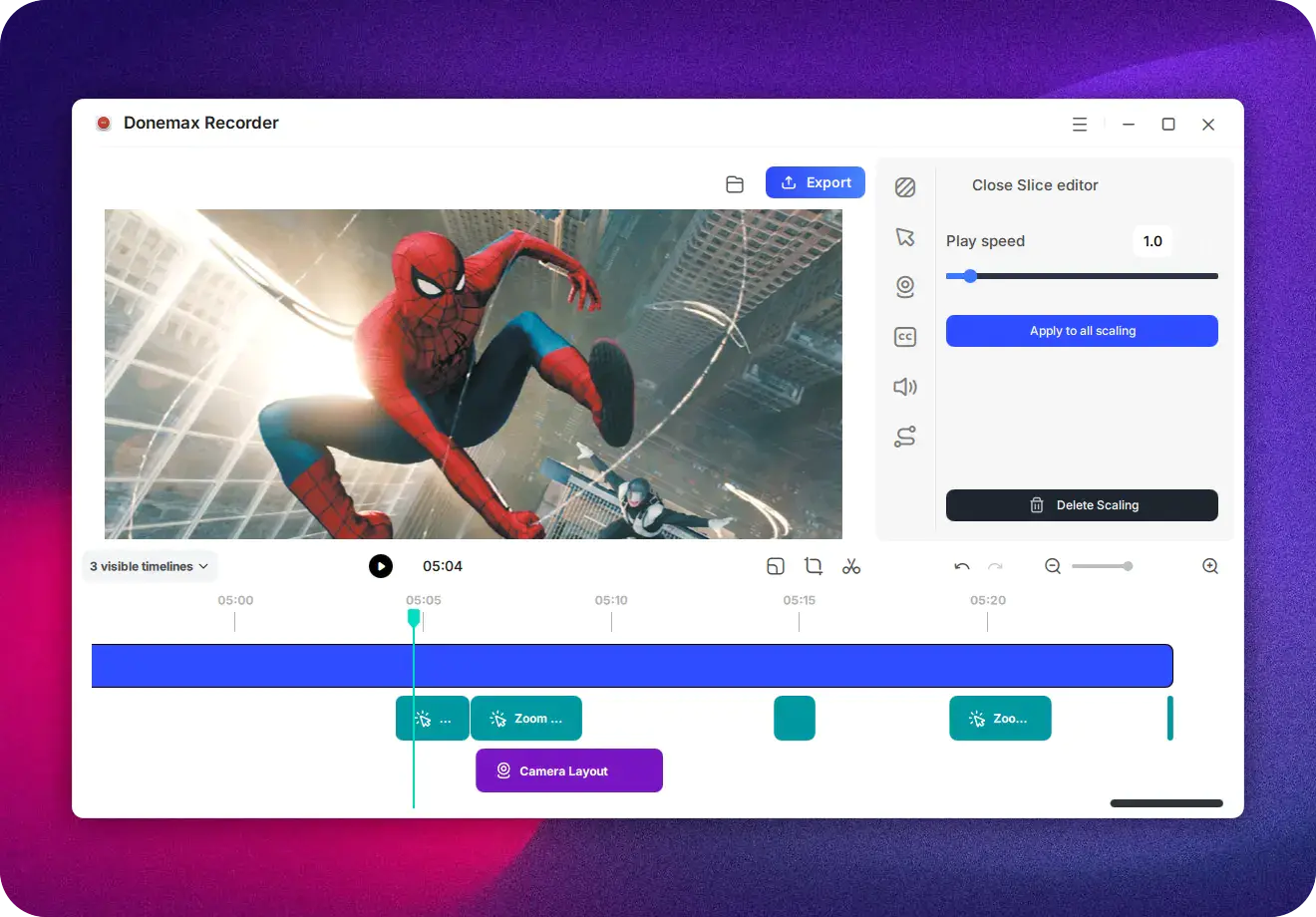
Donemax Recorder — Free Giveaway (Worth $29.99)
Donemax Recorder is a ScreenRecorder tool, its AI can recognize every click and key press operation, and automatically highlight key segments, so that when you
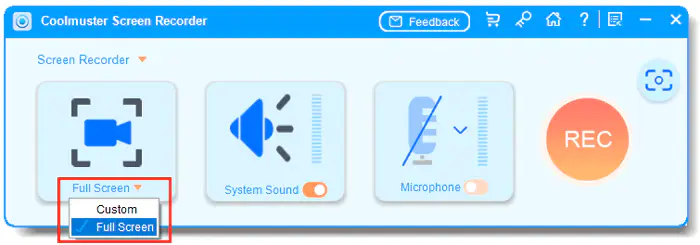
Coolmuster Screen Recorder — Free Giveaway (Worth $19.00)
Coolmuster Screen Recorder is a powerful and easy-to-use ScreenRecorder software, which can be used to capture Screen activities, record Audio, and take Scre...
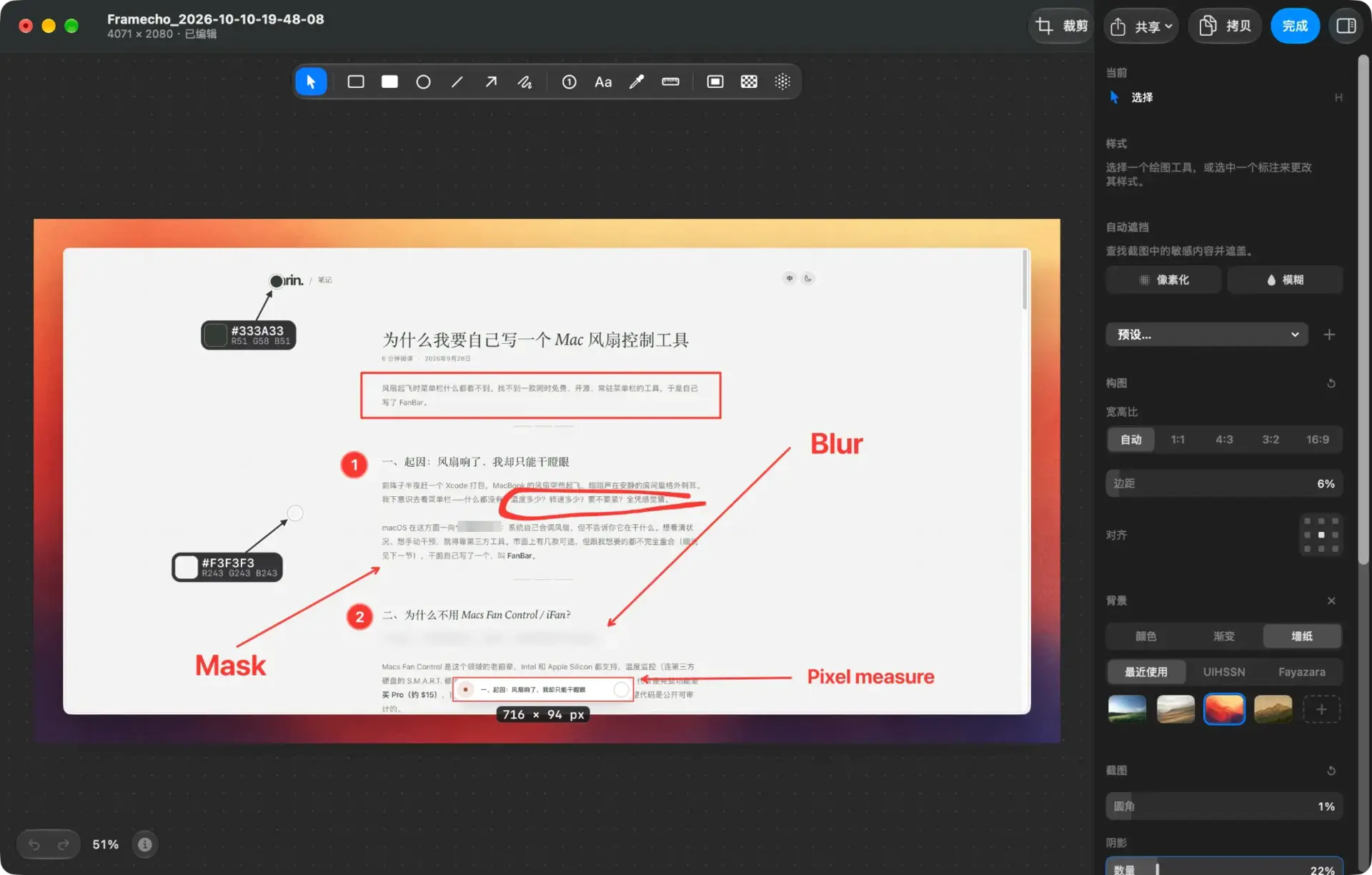
screenshot, screen recording and Edit tool Framecho — Free Giveaway (Worth $29.99)
Framecho is a native macOS screenshot, screen recording, and Edit tool. Annotations, beautification, editing, and adding subtitles are all done locally, the...