Keystroke Visualizer Vovsoft Keystroke Visualizer Free Giveaway (Worth $19.00) — Free Giveaway (Worth $19.00)
Overview
Vovsoft Keystroke Visualizer is a lightweight utility designed to enhance the clarity and effectiveness of presentations or software demonstrations. Whether you’re showcasing a new application, guiding users through a tutorial, or delivering a live demo, this tool ensures that every keystroke made by the presenter is visible to the audience in real time. Its intuitive interface and minimalistic design make it an ideal companion for anyone who needs to communicate their actions on screen without disrupting the flow of their work. By providing a clear visual representation of input, it bridges the gap between verbal instructions and on-screen actions, making complex processes easier to follow. The software operates discreetly in the background, displaying only the necessary information, so it doesn’t interfere with the user’s workflow or the presentation itself.
One of the standout aspects of Keystroke Visualizer is its ability to adapt to different scenarios. It’s particularly useful for educators, software developers, and technical trainers who rely on visual cues to explain their steps. The tool’s simplicity ensures that even those with limited technical expertise can use it effectively. Its small footprint and quick setup make it a versatile addition to any digital toolkit, offering a seamless way to highlight input during live sessions or pre-recorded content. By focusing on the essentials, this utility streamlines the process of creating engaging, informative demos while maintaining a clean and unobtrusive presence on the screen.
Key Features
- Real-Time Keystroke Display: The software captures and shows every keystroke instantly, ensuring the audience can follow along with the presenter’s actions without missing a step.
- Customizable OSD Positioning: Users can adjust the location of the on-screen display (OSD) to appear in the lower right corner or any other spot they prefer, allowing for flexibility based on screen layout and content.
- Content Transparency: It reveals the exact text entered or commands pressed, making it easier to demonstrate specific features or workflows to an audience.
- Minimalist Design: The interface is simple and uncluttered, ensuring that the OSD remains a helpful aid rather than a distraction during presentations or tutorials.
- Compatibility Across Applications: It works seamlessly with any software or program, making it a universal solution for showing keystrokes in diverse environments.
By addressing the need for clear, visual feedback during demonstrations, Keystroke Visualizer simplifies the process of conveying instructions or showcasing software functionality. Its focus on usability and adaptability ensures that it meets the demands of both casual users and professionals alike, offering a reliable way to enhance communication through on-screen input tracking.
![Vovsoft Keystroke Visualizer - Keystroke Indicator [Windows] [$19→0]](https://pic.paidgonefree.com/images/3bf178799592b562db7b256a07790c3db36c60d7089093f39058cae00581a99f.jpg "Vovsoft Keystroke Visualizer - Keystroke Indicator [Windows] [$19→0]")
Giveaway Link: https://vovsoft.com/files/keystroke-visualizer.exe
About PaidGoneFree
Discovering the best limited-time free software, apps, games, and fonts every day.
Related Deals
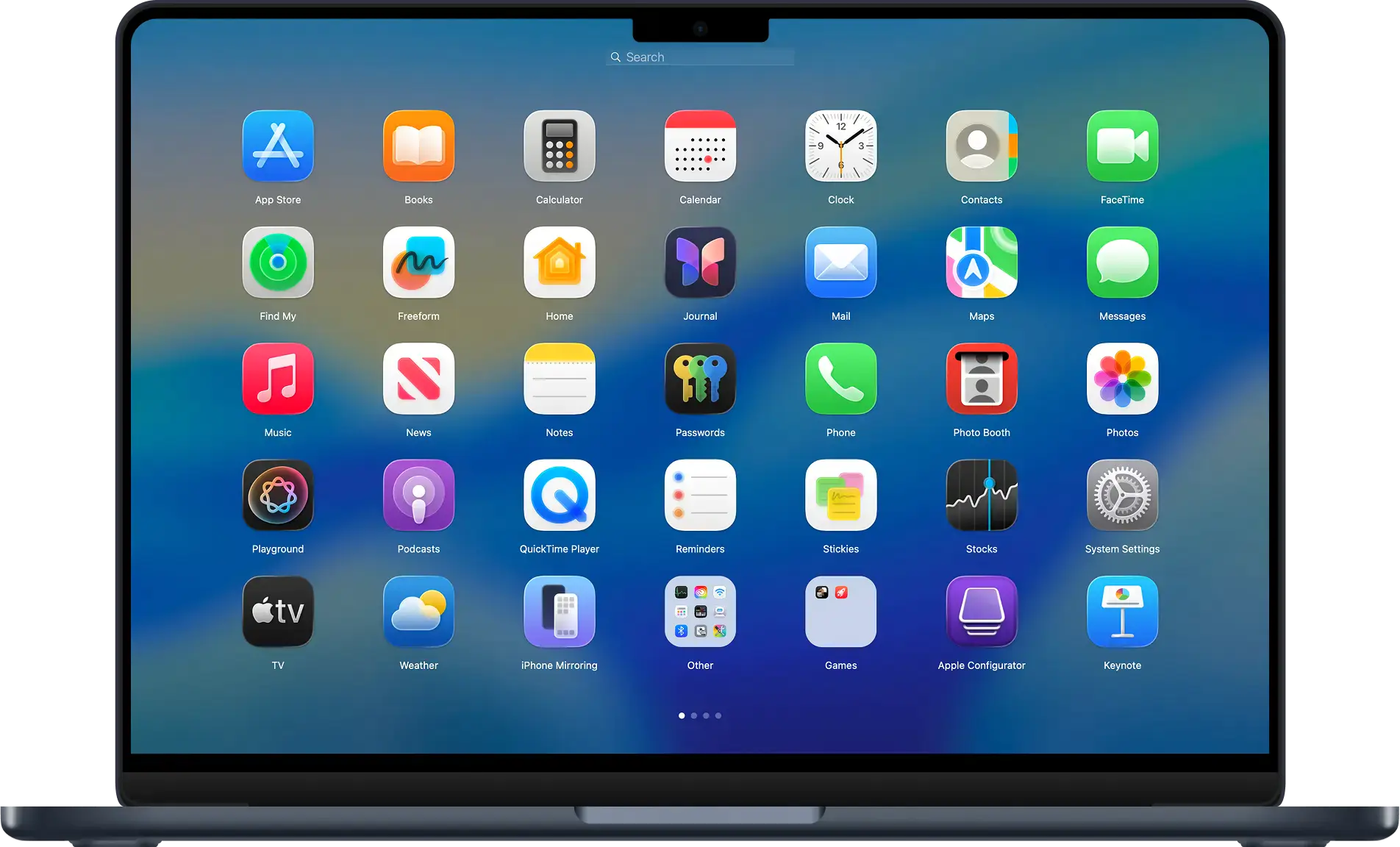
Launchpad Tool BuhoLaunchpad — Free Giveaway (Worth $19.99)
BuhoLaunchpad lets you regain the classic, intuitive App launch method on Mac. Browse all apps through a clean, intuitive grid interface, search anytime to i...
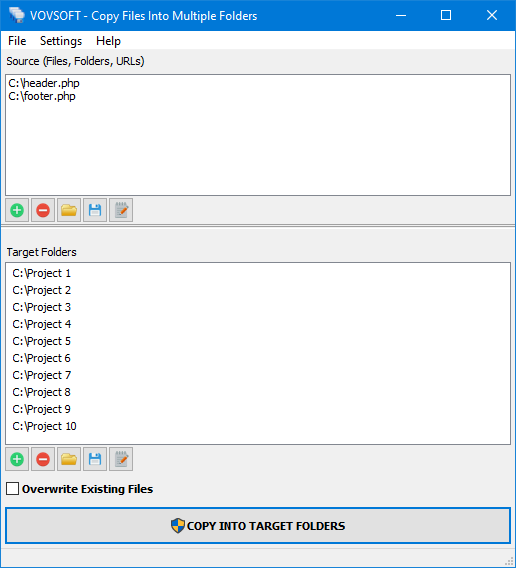
Copy File into multiple File folders Copy Files Into Multiple Folders Free Giveaway (Worth $19.00) — Free Giveaway (Worth $19.00)
Copy Files Into Multiple Folders is a tool that can help you copy one or multiple File into multiple File folders. If you often need to copy a bunch of File,...
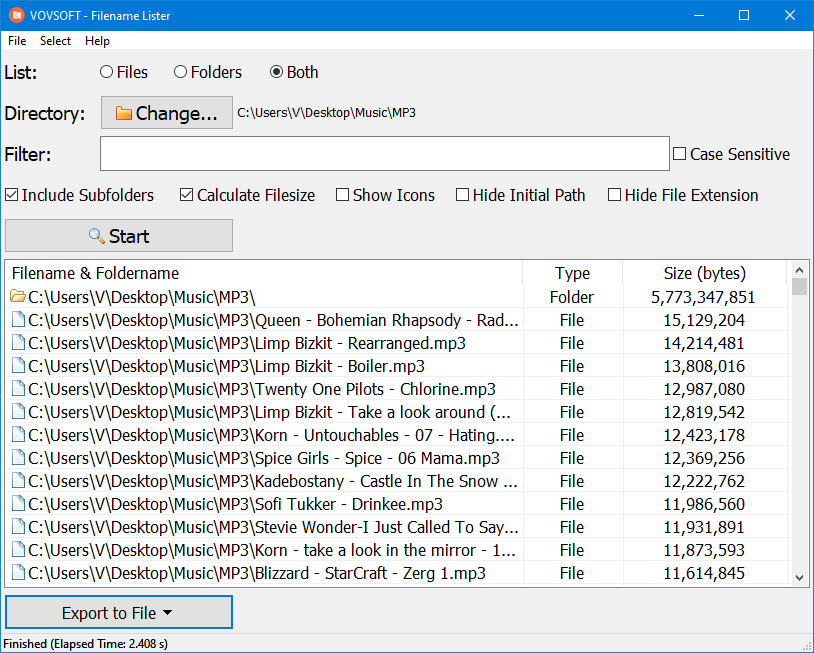
File list export software Filename Lister — Free Giveaway (Worth $19.00)
Filename Lister is a powerful File list tool, it allows users to select specific directories, then lists all the File, File folders, etc., inside, and can di...