Turbo PC Optimizer — Free Giveaway (Worth $29.99)
Overview
Turbo PC Optimizer is a powerful yet user-friendly tool designed to breathe new life into sluggish Windows PCs. In today’s fast-paced digital world, even the most capable computers can slow down over time due to accumulated clutter, inefficient processes, and unnecessary background activity. This software addresses those issues by offering a comprehensive suite of optimizations that target common performance bottlenecks. Whether you’re dealing with a computer that takes forever to boot, struggles with multitasking, or feels generally unresponsive, Turbo PC Optimizer aims to streamline your system’s operations and restore its speed without requiring technical expertise.
At its core, Turbo PC Optimizer works by analyzing your system’s performance and identifying areas where improvements can be made. It focuses on managing startup programs, optimizing disk usage, and fine-tuning memory allocation to ensure your PC runs smoother and more efficiently. The software’s intuitive interface makes it accessible to both casual users and those with more advanced needs, allowing them to customize settings or rely on automated features. One of its standout aspects is the emphasis on safety—every change made through the tool is reversible, so you can experiment with optimizations without risking system instability. This approach ensures users feel confident in tweaking their PC’s performance, knowing they can always revert to the original state if needed.
Key Features
- Startup Item Management: Turbo PC Optimizer helps eliminate unnecessary programs that launch automatically when your PC starts. By disabling these, it reduces boot time and frees up system resources for tasks that matter most.
- Disk Optimization: The software includes tools to clean up disk space, remove temporary files, and improve storage efficiency. This can significantly enhance file access speeds and overall system responsiveness.
- Memory Efficiency Enhancements: It analyzes how your PC uses RAM and optimizes memory allocation to prevent slowdowns caused by excessive background processes or browser tabs.
- One-Click Turbo Mode: For users who want instant results, the Turbo mode provides a quick way to apply all recommended optimizations with a single click, making it ideal for tackling performance issues on the fly.
- Safe and Reversible Adjustments: Every tweak or modification made by the software is designed to be non-invasive. Users can undo changes easily, ensuring their system remains stable even after aggressive performance tuning.
This type of software typically offers a balance between automation and customization, allowing users to either let the tool handle everything or take control of specific settings. Its focus on simplicity and safety makes it a valuable asset for anyone looking to maintain a smooth, efficient computing experience. Whether you’re a student, professional, or casual user, Turbo PC Optimizer can help ensure your PC stays snappy and reliable, even as time and usage take their toll.
![Turbo PC Optimizer - System Optimization Tool [Windows]](https://pic.paidgonefree.com/images/555b7fc506ed5b5096b11e95fe5036a1636c7729688e25c7e88639e87c43a279.webp "Turbo PC Optimizer - System Optimization Tool [Windows]")
Giveaway Link: https://www.softorbits.net/actions/getfreekey.html?pid=62&a_aid=70
About PaidGoneFree
Discovering the best limited-time free software, apps, games, and fonts every day.
Related Deals
Half a year IObit Advanced SystemCare Pro 19 — Free Giveaway (Worth $19.99)
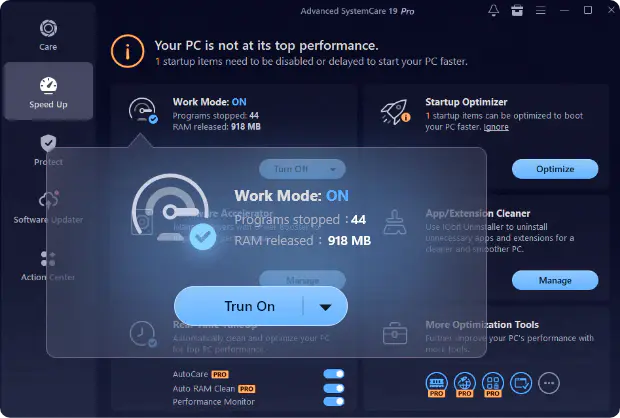
Advanced SystemCare Pro 19 是 iObit 公司推出的一款系统优化软件,能一键优化系统,清理垃圾文件,令你的旧电脑运行效率会高一点。除此以外,软件还有浏览器保护功能,多种不同的系统小工具,本质上跟国内的**卫士也没什么大的区别。本次是半年期的激活码。 限免获取地址: https://cdn.i
iTunes Cleaner Leawo Tunes Cleaner — Free Giveaway (Worth $39.99)
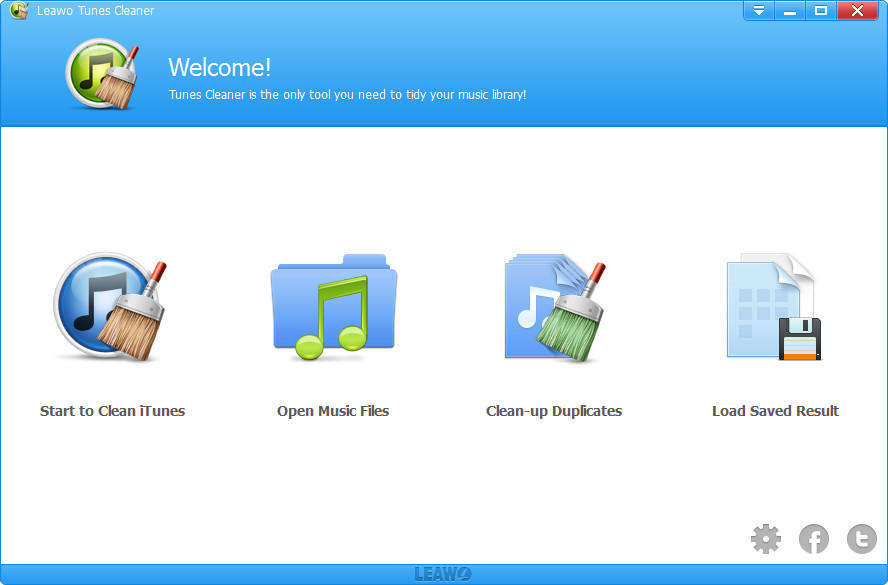
Leawo Tunes Cleaner is a software for cleaning iTunes-related data, which can help you clean up the music library in iTunes, delete duplicate songs, Edit son...
BootRacer Premium — Free Giveaway (Worth $39.95)
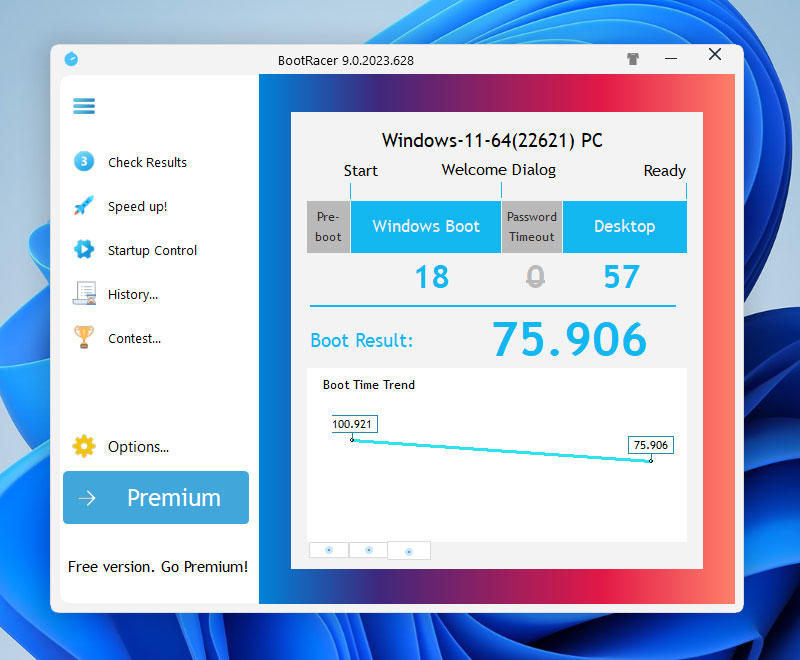
BootRacer Premium is a tool that allows you to control the system's startup programs. Having too many software installations in the system consumes more star...