Tipard Screen Capture — Free Giveaway (Worth $20.00)
Overview
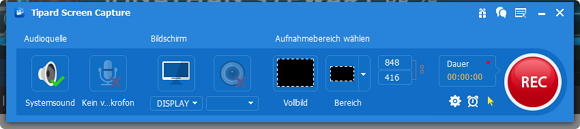
Tipard Screen Capture is a versatile screen recording tool designed to help users capture and save visual content directly from their computer displays. Whether you’re creating tutorials, documenting software processes, or recording gameplay, this utility simplifies the task of converting on-screen activity into video files. Its intuitive interface and robust features make it an ideal choice for both casual users and professionals looking to streamline their workflow. By allowing you to record operations across the entire screen or specific regions, Tipard Screen Capture ensures you can focus on exactly what you need without unnecessary distractions. The ability to include external audio—such as system sounds or microphone input—adds another layer of functionality, making it perfect for creating engaging videos that combine visual and auditory elements. Whether you’re preparing instructional content, testing applications, or sharing ideas with others, this tool empowers you to create high-quality recordings with ease.
Screen capture tools like Tipard Screen Capture are essential for anyone who needs to preserve digital content for later use. They eliminate the hassle of manually documenting steps or processes, saving time and effort while ensuring clarity. This software is particularly valuable for educators, content creators, and gamers, as it enables them to share detailed walkthroughs, demonstrations, or creative projects with precision. Its flexibility in recording modes and audio support means you can adapt it to a wide range of scenarios, from capturing a single application window to recording a full-screen presentation. With a focus on simplicity and effectiveness, Tipard Screen Capture is built to meet the needs of users who prioritize efficiency without compromising on quality.
Key Features
- Flexible Recording Modes: This tool allows you to record either the entire screen or specific regions, giving you control over what content is captured. Whether you need to focus on a single application or document a broader workspace, the options ensure you can tailor your recordings to fit your requirements.
- External Audio Support: In addition to capturing screen activity, Tipard Screen Capture enables you to record system sounds, microphone input, or both. This feature is ideal for creating videos that include voiceovers, background music, or real-time audio feedback.
- High-Quality Output: Designed for clarity and precision, the software produces sharp, smooth video recordings that maintain excellent visual fidelity. This makes it suitable for use in professional settings or for personal projects where quality matters.
- Easy-to-Use Interface: With a straightforward layout, Tipard Screen Capture minimizes the learning curve, allowing users to start recording quickly. The tool’s design emphasizes simplicity without sacrificing customization options.
- Efficient Performance: As a utility tool, it is optimized to run smoothly on Windows systems, ensuring minimal impact on your computer’s resources while delivering reliable results. This efficiency is crucial for prolonged recording sessions or when working with high-resolution content.
Giveaway Link: https://www.tipard.com/special/gotd/screen-capture/
About PaidGoneFree
Discovering the best limited-time free software, apps, games, and fonts every day.
Related Deals
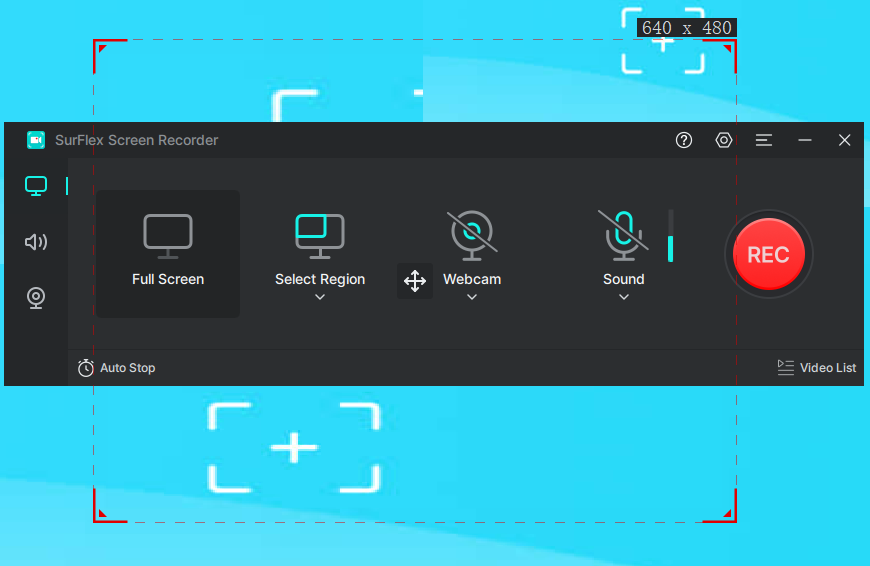
SurFlex Screen Recorder — Free Giveaway (Worth $12.97)
SurFlex Screen Recorder is an advanced software designed to meet various recording needs, suitable for multiple purposes, including professional tasks, educa...
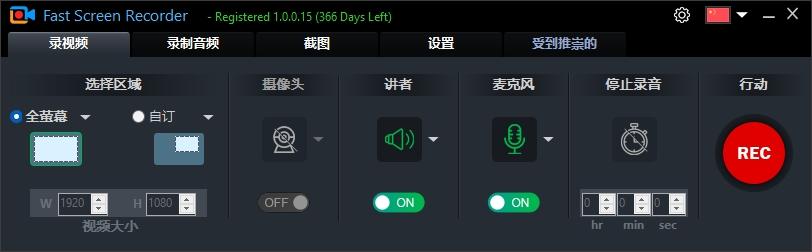
Fast Screen Recorder — Free Giveaway (Worth $19.90)
Fast Screen Recorder is a screen recording software, you can record content from the camera, or record operations on the computer desktop, and also record mi...
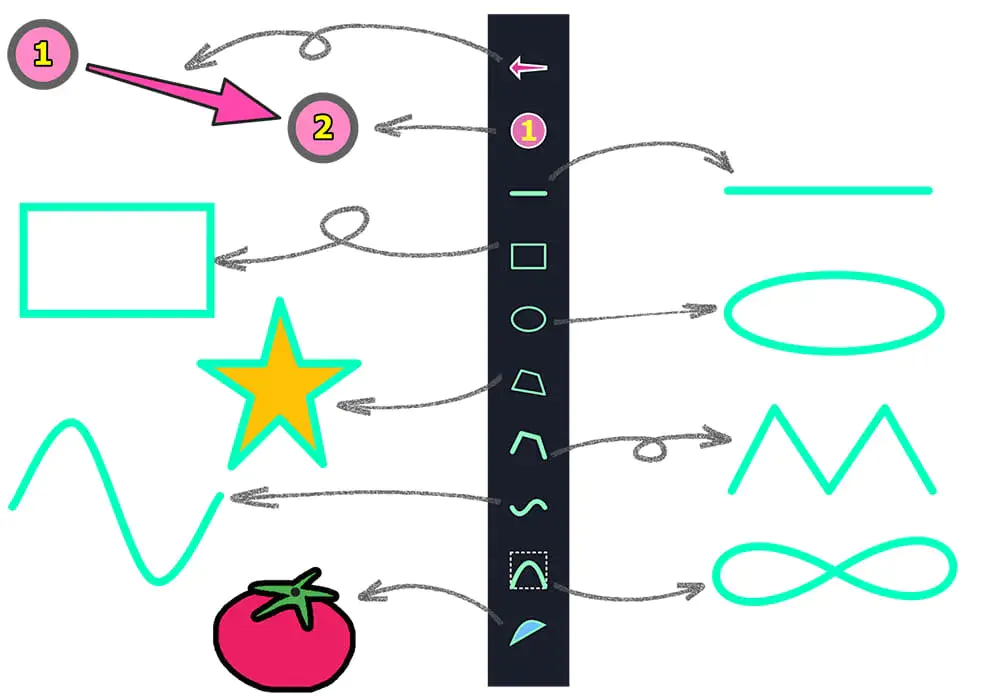
ZD Screen Marker Pro — Free Giveaway (Worth $39.00)
ZD Screen Marker is a fully-featured screen annotation and recording tool designed specifically for teaching, demonstrations, tutorials, reviews, and live pr...