Tipard DVD Creator — Free Giveaway (Worth $35.00)
Overview
Tipard DVD Creator is a powerful yet user-friendly tool designed to simplify the process of converting digital video files into physical DVD discs. Whether you’re preparing a home movie, a project presentation, or a collection of personal videos, this software streamlines the workflow by allowing you to create ISO image files and burn them directly to DVD media. Its intuitive interface makes it accessible even for those with limited technical experience, while its advanced features cater to users who want to add a personal touch to their DVDs. One of the standout aspects of Tipard DVD Creator is its ability to let you design a custom DVD main menu. This means you can transform a basic disc into a polished, professional-looking media experience by incorporating images, background music, and even navigation options. The result is a versatile solution for anyone looking to preserve and share their video content in a format that’s both durable and widely compatible.
For creators and casual users alike, the software serves as a bridge between digital files and physical media. It eliminates the need for complex manual processes by handling the conversion, formatting, and burning steps in a straightforward manner. The flexibility to combine various media elements—such as video clips, images, and audio tracks—makes it ideal for crafting personalized DVDs for events, gifts, or archival purposes. Whether you’re preparing a family vacation video or a portfolio for a client, Tipard DVD Creator empowers you to take control of the final output and ensure it meets your specific needs. Its focus on simplicity and customization ensures that users can create high-quality DVDs without compromising on functionality or design.
Key Features
- ISO Image Creation and DVD Burning : Convert video files into ISO images, which can be burned to DVD discs with ease. This feature ensures compatibility with standard DVD players and allows for precise control over the final disc layout.
- Custom DVD Main Menu : Design a personalized main menu with your own images, background music, and navigation options. This lets you create a professional appearance for your DVD content, making it more engaging for viewers.
- Media Element Integration : Seamlessly combine video clips, images, and audio tracks to build a cohesive DVD project. This flexibility is perfect for adding logos, credits, or other visual/audio elements to enhance the viewing experience.
- Batch Processing Support : This type of software typically offers the ability to process multiple files at once, saving time and effort when creating DVDs for large collections or event footage.
- Compatibility with Various Formats : Handle a wide range of video formats, ensuring that your content can be converted and burned without the need for additional tools or format adjustments.
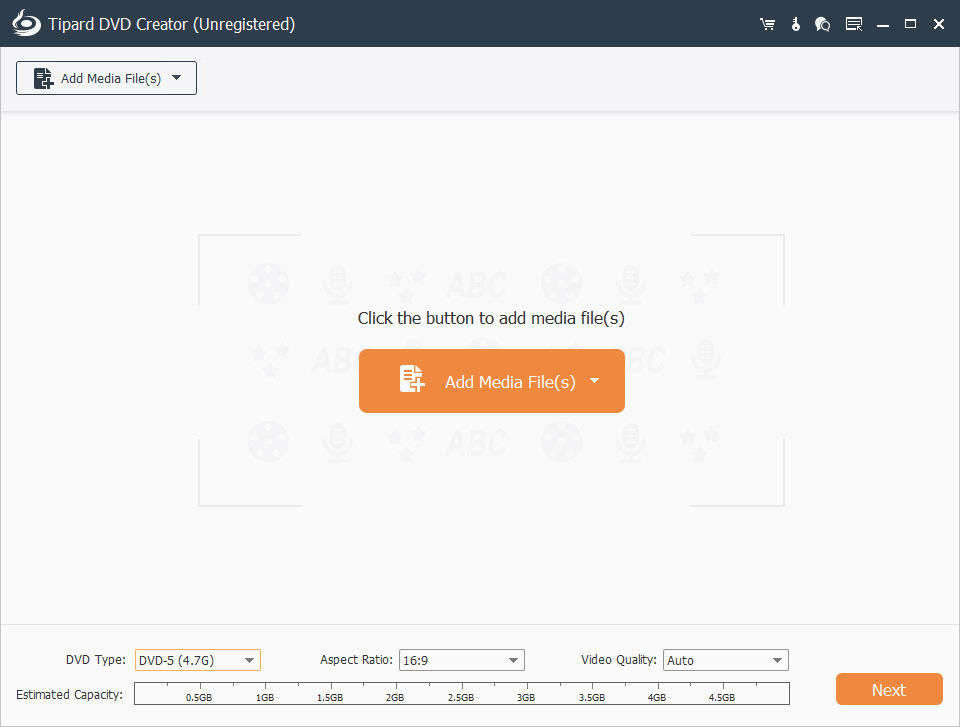
Giveaway Link: https://www.giveawayoftheday.com/tipard-dvd-creator-5-3-32/
Get It Free Now
Click the link below before the giveaway ends!
Related Deals
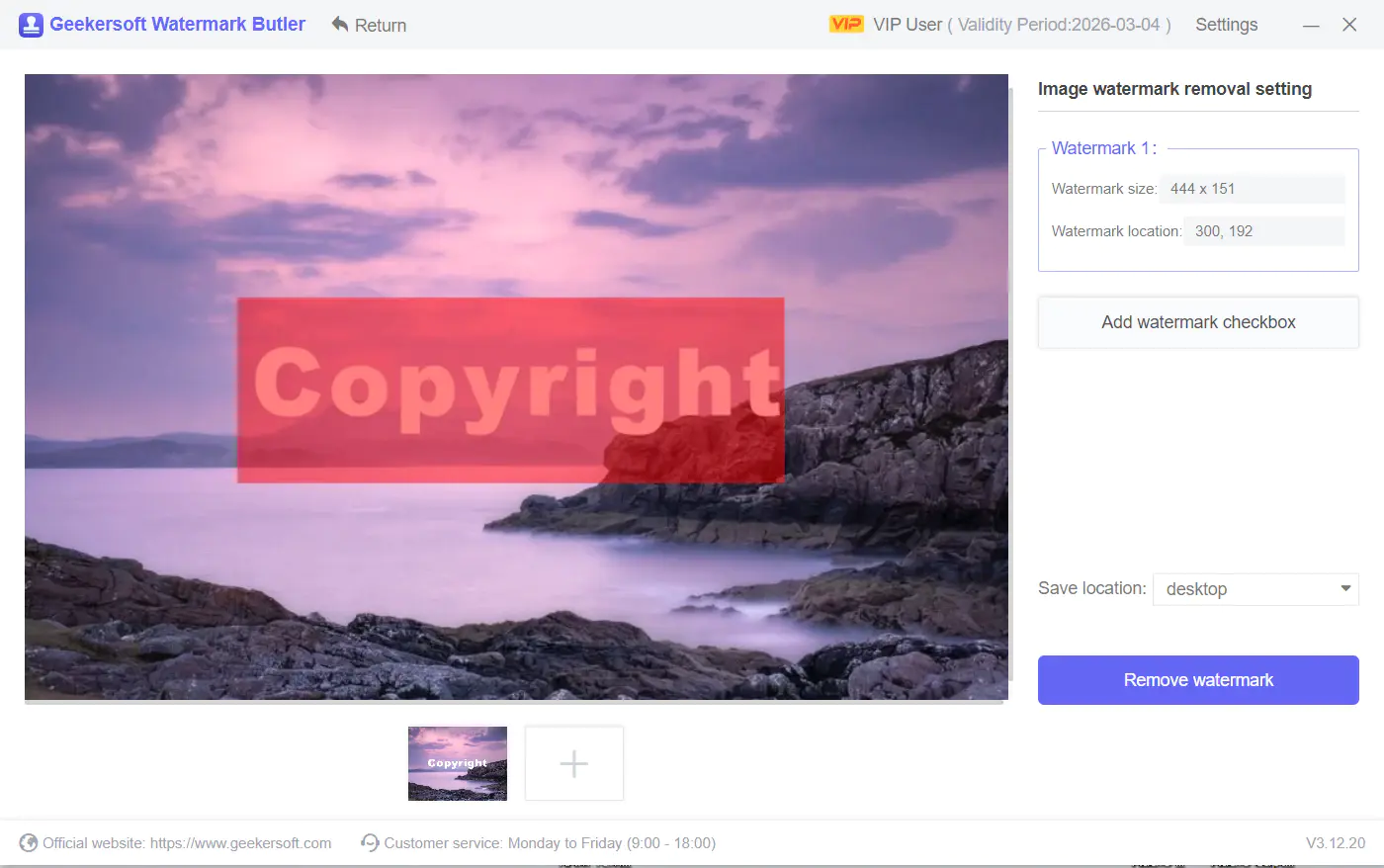
Image Video Watermark Remover Geekersoft Watermark Remover — Free Giveaway (Worth $19.99)
Geekersoft Watermark Remover is a powerful watermark removal software that can easily remove watermarks from Image or video. It supports batch processing, al...
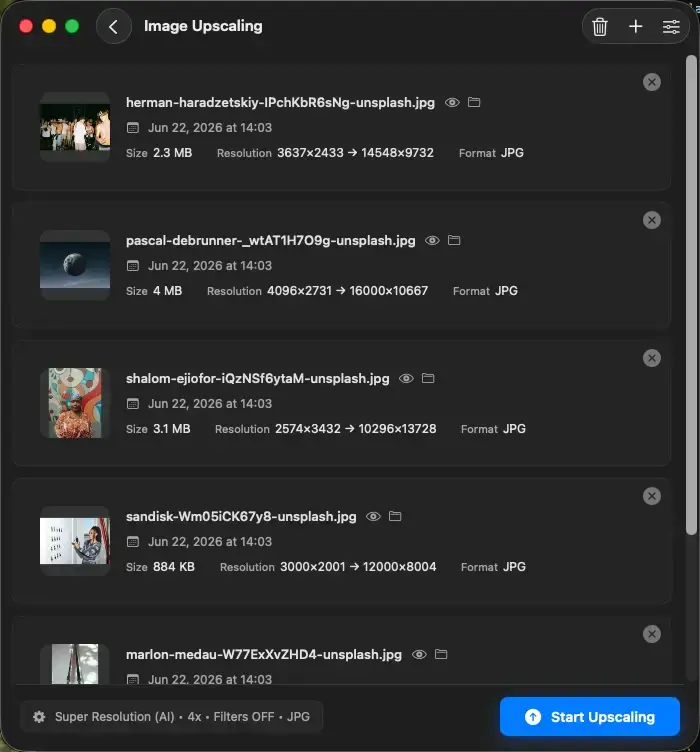
Upscal — Free Giveaway (Worth $39.00)
Upscal can perform super-resolution processing directly on your device, allowing you to upscale and improve media File without uploading it to a cloud server...
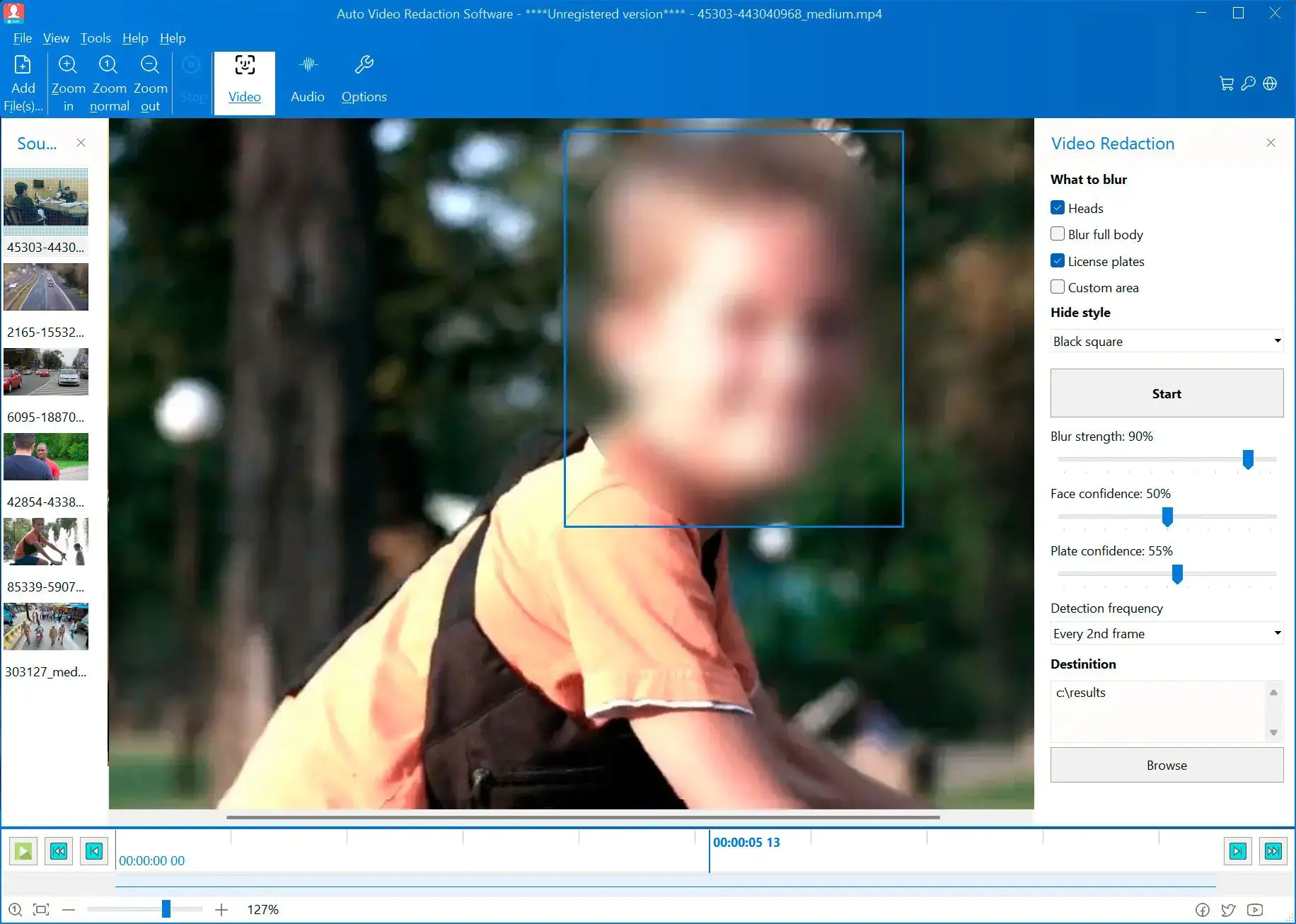
Auto Video Redaction Software — Free Giveaway (Worth $49.99)
Auto Video Redaction Software can automatically blur all faces in vehicle-mounted cameras, surveillance cameras, dashcams, and interview Recorder without fra...