Quick Launcher PinchKey — Free Giveaway (Worth $29.99)
Overview
PinchKey is a powerful productivity tool designed to streamline the way macOS users launch applications and manage their workspace. In today’s fast-paced digital environment, efficiency is key, and PinchKey addresses this by allowing users to assign custom shortcut keys to their most frequently used apps. This eliminates the need for repetitive clicks or searches in the Dock, saving time and keeping workflow uninterrupted. Whether you’re a creative professional, a student, or a power user, PinchKey offers a simple yet effective solution to enhance your daily computing experience.
At its core, PinchKey acts as a personalized launcher, giving you control over how you access your tools. By mapping apps to familiar keys, you can open programs with a single keystroke, making multitasking smoother and more intuitive. The software also includes an “Active Apps” feature that lets you view your current workspace with a quick hotkey, providing a clear overview of open applications without switching away from your work. For users who need even more advanced functionality, PinchKey Pro expands on these basics with additional tools tailored for those who juggle multiple windows and tasks simultaneously.
Key Features
- Custom Shortcut Mapping : Assign your most-used apps to specific keyboard shortcuts, allowing instant access with minimal effort. This feature is ideal for users who want to personalize their workflow and reduce the time spent navigating menus or the Dock.
- Active Apps Dashboard : Quickly preview and switch between open applications using a dedicated hotkey. This provides a centralized view of your workspace, helping you stay organized and focused during complex tasks.
- Window Switching Integration : The Pro version includes a window switcher that lets you navigate between open windows of the same application. This is particularly useful for users who work with multiple documents or tabs in a single app.
- Real-Time Window Previews : With real-time previews, you can see thumbnails of open windows without leaving your current task. This feature ensures you can select the exact window you need without disrupting your concentration.
- Seamless Multitasking Support : By combining shortcut keys, window management, and previews, PinchKey helps users maintain a clutter-free desktop while handling multiple applications efficiently. It’s especially beneficial for those who rely on rapid task-switching in their work routines.
![PinchKey - Quick Launcher [macOS] [In-App Purchase Giveaway]](https://pic.paidgonefree.com/images/b09250b5e9128c8f264ba65d00fa6e7eb5eaac5d86dc1a7ac70ff7a7394776e3.webp "PinchKey - Quick Launcher [macOS] [In-App Purchase Giveaway]")
Giveaway Link: https://apps.apple.com/app/id6795795127?mt=8&at=1l3vkVL
Get It Free Now
Click the link below before the giveaway ends!
Related Deals

Pomodoro Focus Timer GrowFocus — Free Giveaway (Worth $29.99)
GrowFocus is an advanced cognitive training application, which can transform attention training into a beautiful 3D garden. Each completed focus session will...
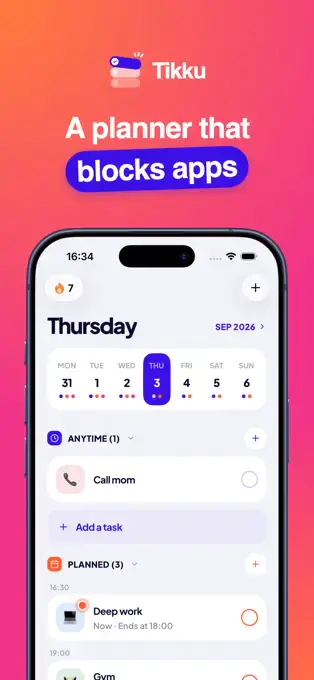
Tikku — Free Giveaway (Worth $29.99)
Tikku can help you plan your day, when a task starts, applications that take up your time will automatically lock. After the task ends, they will reopen. Tik...
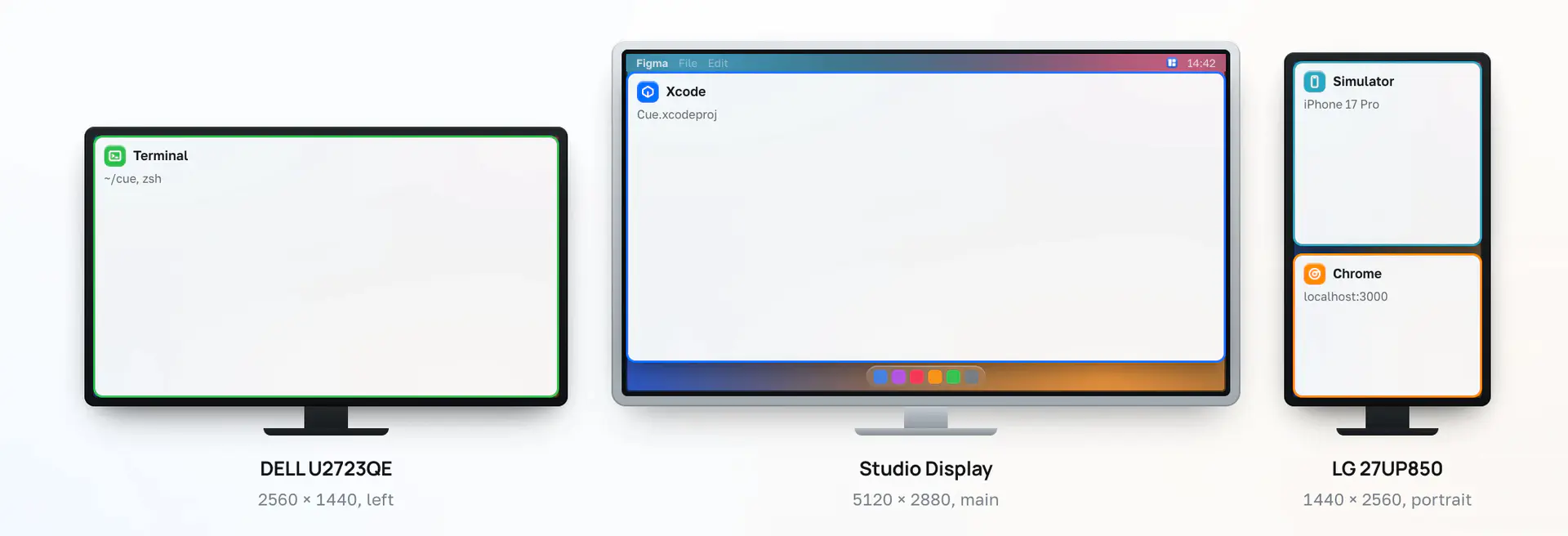
Desktop program window quickly reposition Cue — Free Giveaway (Worth $8.00)
Cue will save the position of each window on your multiple displays as a scene, then with just one shortcut key, everything will instantly return to its place: