Professional photo filter software COLOR projects 7 — Free Giveaway (Worth $9.86)
Overview
COLOR projects 7 is a powerful tool designed to elevate your photo editing experience by offering advanced color manipulation capabilities. Whether you’re a photography enthusiast or a professional looking to refine your workflow, this software provides a seamless way to enhance, adjust, and stylize images with precision. Its intuitive interface and robust feature set make it accessible to users of all skill levels while delivering the depth needed for high-quality results. From subtle color corrections to dramatic artistic effects, COLOR projects 7 empowers you to transform ordinary photos into visually striking masterpieces. The software is particularly favored by those who want to experiment with creative color grading or achieve consistent tones across multiple images. With its focus on color processing, it’s an essential addition for anyone aiming to take their photo editing beyond basic adjustments.
What sets COLOR projects 7 apart is its ability to cater to a wide range of photographic needs. Whether you’re working on landscape shots, portrait photography, or artistic compositions, the software offers tailored tools to bring out the best in your visuals. Its comprehensive library of filters allows you to explore different moods and styles, from warm, cinematic tones to cool, minimalist aesthetics. The flexibility to customize these filters further ensures that you can adapt them to your unique vision. Whether you’re preparing images for social media, print, or professional portfolios, COLOR projects 7 provides the tools to make your photos stand out with professional-grade color accuracy and creativity.
Key Features
- Extensive Filter Library : With over 80 pre-designed filters, the software covers a broad spectrum of styles, including landscape, portrait, art, and more. These filters are crafted to address specific color challenges and creative goals, making it easy to apply the right effect to any image.
- Non-Destructive Editing : COLOR projects 7 allows you to make adjustments without altering the original image data. This means you can experiment freely with color settings while preserving the integrity of your source files for future edits.
- Real-Time Preview : The software offers instant feedback as you apply filters and tweak settings, enabling you to fine-tune your edits efficiently. This feature saves time and ensures you achieve the desired outcome before finalizing your work.
- Customizable Presets : While the built-in filters are impressive, the ability to create and save custom presets gives you full control over your workflow. You can store favorite color adjustments for quick access, streamlining repetitive tasks.
- Batch Processing Capabilities : For users needing to edit multiple images at once, the batch processing feature is a game-changer. It allows you to apply the same filter or set of adjustments to an entire folder of photos with just a few clicks, boosting productivity.
By combining ease of use with professional-grade functionality, COLOR projects 7 is a versatile solution for anyone looking to master color editing. Its focus on precision, creativity, and efficiency makes it a valuable asset for photographers, designers, and content creators alike. Whether you’re aiming to enhance the vibrancy of a landscape or add a cinematic touch to portraits, this software provides the tools to achieve exceptional results without the need for complex workflows or expensive alternatives.

Get It Free Now
Click the link below before the giveaway ends!
Related Deals
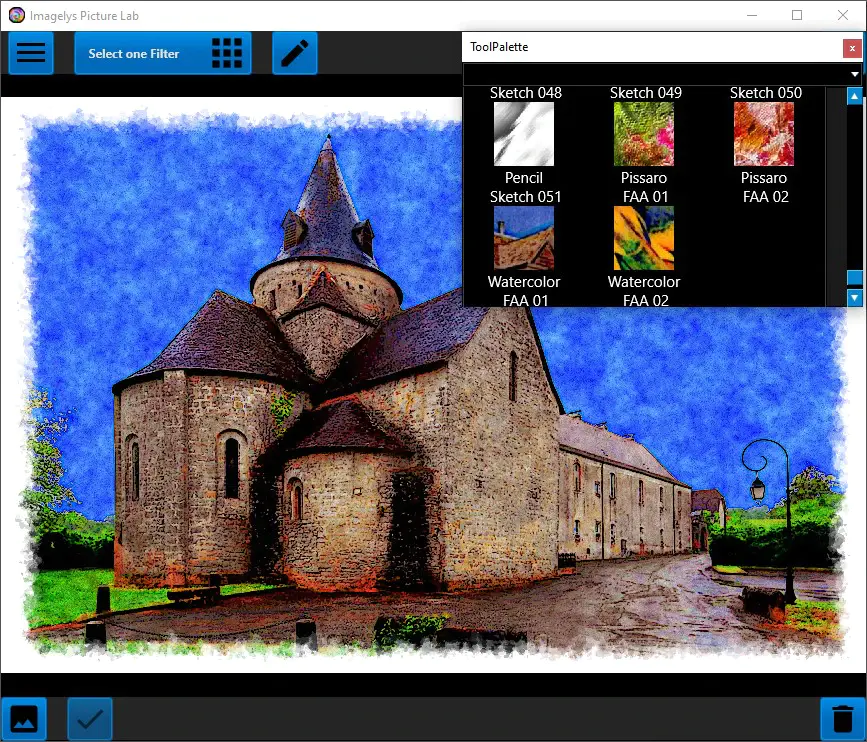
Imagelys Image Effect Filter Imagelys Picture Lab — Free Giveaway (Worth $9.00)
Imagelys Picture Lab's artistic effects and textures allow you to quickly and easily enhance the beauty and emotional impact of photos. These controls are me...
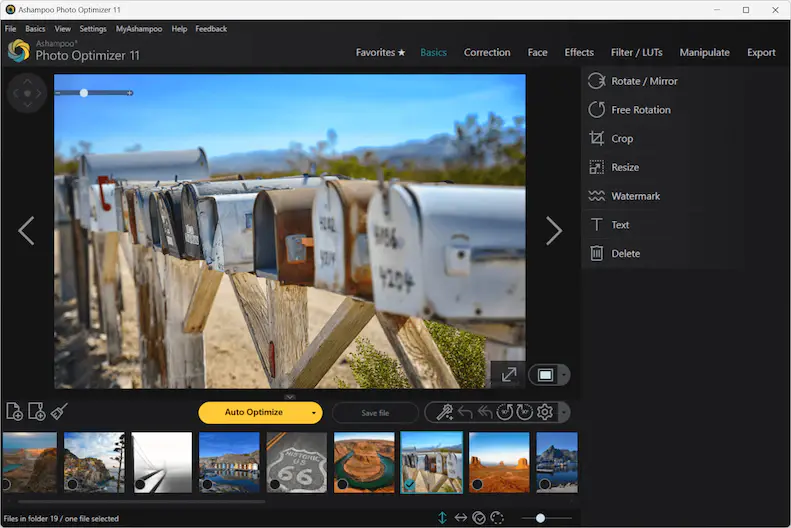
Ashampoo Photo Optimizer 11 — Free Giveaway (Worth $39.99)
Ashampoo Photo Optimizer 11 makes your photos shine like never before! 15 new LUTs can be applied with just one click, instantly revitalizing your photos. To...
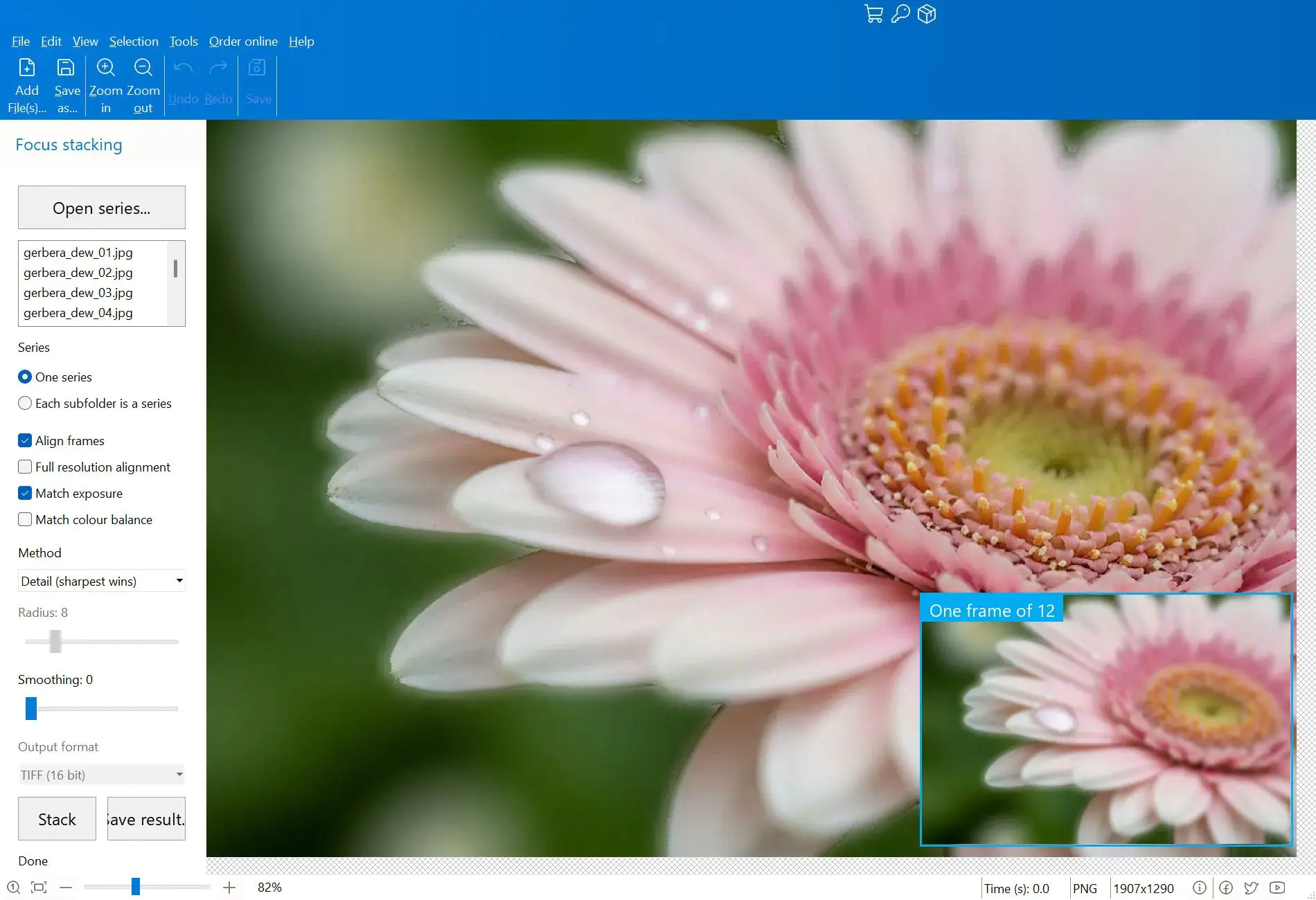
Combine multiple images into a single clear image Focus Stacker Pro — Free Giveaway (Worth $15.00)
Focus Stacker Pro 能够将在不同焦点距离下拍摄的一系列照片合并为一张清晰无比的图像。它可以加载 JPEG、PNG、TIFF 或 Camera RAW 格式的帧文件,每张照片中最清晰的像素会被自动合并为单一的 16 位 TIFF 格式输出文件。 限免获取地址: https://sharewareonsal