Photo Retoucher SoftOrbits Photo Retoucher — Free Giveaway (Worth $49.99)
Overview
SoftOrbits Photo Retoucher is a powerful image editing tool designed to help users enhance their photos with precision and ease. Whether you’re a casual photographer or a professional, this software offers a range of features to refine your images and bring out their best qualities. Its intuitive interface makes it accessible to beginners, while its advanced capabilities cater to those with more technical needs. From removing distracting elements to restoring faded memories, Photo Retoucher streamlines the process of image beautification, allowing you to focus on creativity rather than technical hurdles. The tool is particularly useful for tasks like cleaning up portraits, fixing imperfections, or reviving old photographs that have been damaged by time or poor storage conditions.
One of the standout aspects of Photo Retoucher is its ability to tackle common photo editing challenges efficiently. For instance, if you’ve taken a picture of a scenic landscape but noticed a person or object in the background that detracts from the overall composition, the software can help eliminate those elements seamlessly. Similarly, it’s ideal for refining portraits by smoothing skin tones, reducing blemishes, and adjusting lighting to create a more flattering appearance. Its restoration tools are especially valuable for preserving historical or family photos, as they can correct distortions, enhance colors, and remove scratches or dust. By combining simplicity with robust functionality, Photo Retoucher empowers users to achieve professional-grade results without requiring extensive training or expensive equipment.
Key Features
- Object Removal Tool : This feature allows users to erase unwanted elements from photos, such as people, debris, or distractions, by intelligently blending the surrounding areas to maintain a natural look.
- Portrait Retouching : Specifically tailored for enhancing faces, the software provides tools to smooth skin, adjust contours, and correct lighting, making portraits look polished and professional.
- Skin Enhancement : With advanced algorithms, Photo Retoucher can subtly refine skin texture, reduce redness or blemishes, and even improve overall complexion without creating an artificial or overly edited appearance.
- Photo Restoration : It specializes in repairing old or damaged images, offering options to fix color imbalances, remove scratches, and correct geometric distortions, helping to preserve cherished memories.
- Non-Destructive Editing : This type of software typically offers a non-destructive workflow, enabling users to make adjustments without permanently altering the original image data. This ensures flexibility and the ability to revisit edits later without losing quality.
Photo Retoucher is a versatile solution for anyone looking to improve their digital photos. Its combination of smart tools and user-friendly design makes it an excellent choice for both everyday use and more specialized projects. Whether you’re preparing images for social media, editing photos for a portfolio, or restoring vintage snapshots, this software provides the necessary tools to elevate your work. Its ability to handle a wide range of editing tasks means you can achieve high-quality results quickly, saving time and effort in the process.

Get It Free Now
Click the link below before the giveaway ends!
Related Deals
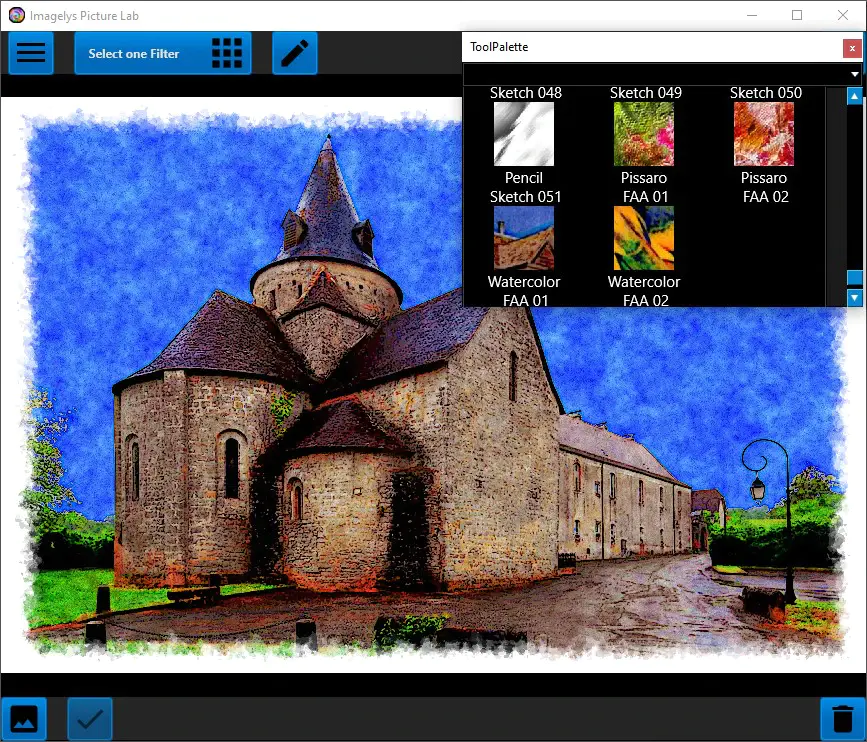
Imagelys Image Effect Filter Imagelys Picture Lab — Free Giveaway (Worth $9.00)
Imagelys Picture Lab's artistic effects and textures allow you to quickly and easily enhance the beauty and emotional impact of photos. These controls are me...
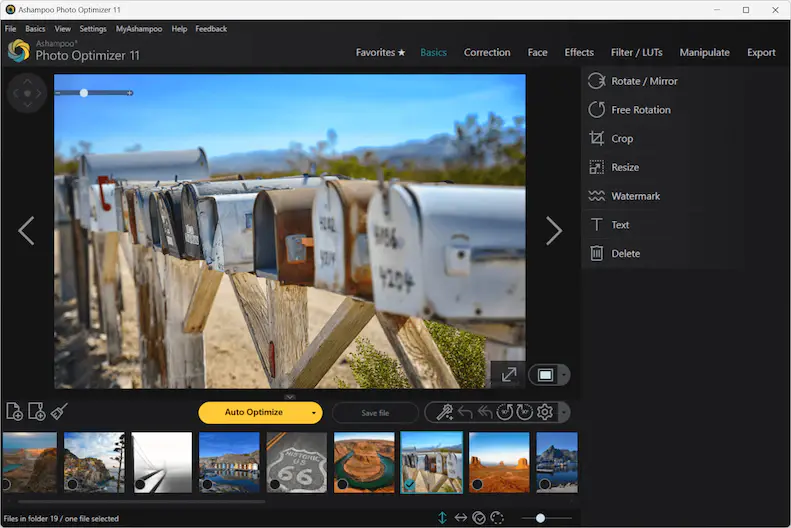
Ashampoo Photo Optimizer 11 — Free Giveaway (Worth $39.99)
Ashampoo Photo Optimizer 11 makes your photos shine like never before! 15 new LUTs can be applied with just one click, instantly revitalizing your photos. To...
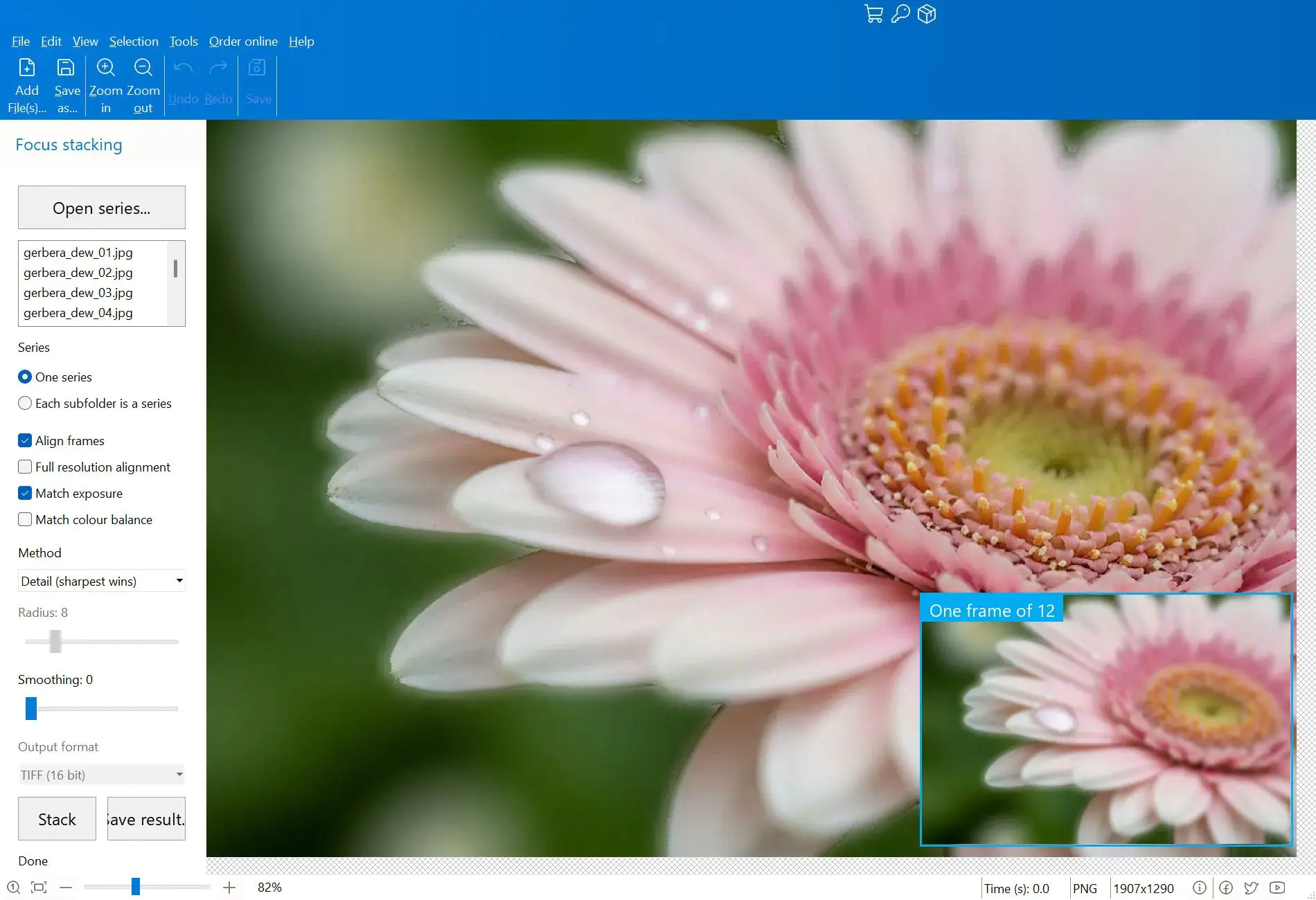
Combine multiple images into a single clear image Focus Stacker Pro — Free Giveaway (Worth $15.00)
Focus Stacker Pro 能够将在不同焦点距离下拍摄的一系列照片合并为一张清晰无比的图像。它可以加载 JPEG、PNG、TIFF 或 Camera RAW 格式的帧文件,每张照片中最清晰的像素会被自动合并为单一的 16 位 TIFF 格式输出文件。 限免获取地址: https://sharewareonsal