O&O Defrag 30 Pro — Free Giveaway (Worth $29.95)
Overview
O&O Defrag Pro is a powerful disk defragmentation tool designed to optimize the performance of Windows systems by reorganizing fragmented files on storage drives. As computers process and store data, files can become scattered across the hard drive, leading to slower access times and reduced efficiency. This software addresses that issue by consolidating file fragments, ensuring that data is stored in contiguous blocks. The result is faster file retrieval, smoother system operation, and extended hardware lifespan. Whether you’re a casual user or a power PC enthusiast, O&O Defrag Pro offers a reliable solution to keep your system running at peak performance without requiring technical expertise.
Unlike basic defragmentation tools included with Windows, O&O Defrag Pro provides advanced customization options to suit different user needs. Its intuitive interface allows you to fine-tune settings, prioritize specific drives or files, and even schedule defragmentation tasks to run automatically. By streamlining the process of organizing data, the software helps users maintain a clutter-free system while minimizing manual intervention. This makes it an ideal choice for anyone looking to enhance their computer’s speed and reliability over time.
Key Features
- Customizable Defragmentation Strategies: The software enables users to select from multiple defragmentation methods, tailoring the process to the specific fragmentation status of files. This flexibility ensures optimal results for different types of data and storage conditions.
- Background Processing: O&O Defrag Pro can perform defragmentation tasks in the background, allowing users to continue working without interruptions. This feature is particularly useful for maintaining system performance while handling daily tasks.
- Startup Optimization: Users can configure the software to run defragmentation automatically during system startup, ensuring their drives are always in top condition without needing to initiate the process manually.
- File Exclusion Capabilities: The tool allows you to exclude specific files or folders from defragmentation, which is handy for large, frequently accessed files or system-critical components that shouldn’t be moved.
- Comprehensive Analysis Tools: This type of software typically offers detailed reports on fragmentation levels, helping users understand their system’s health and make informed decisions about when and how to defragment.
O&O Defrag Pro is built with user experience in mind, combining robust functionality with a straightforward design. Its ability to adapt to varying storage needs makes it a versatile addition to any Windows user’s toolkit. Whether you’re dealing with a sluggish system or simply want to proactively maintain your hardware, this utility delivers measurable improvements in performance and efficiency.
![O&O Defrag 30 Pro – Disk Defragmentation Software [Windows] [$29.95→0]](https://pic.paidgonefree.com/images/884f4642350b9a26ea9331b78ef51195993ff1a2f02a86e15e5df223d7c778e1.png "O&O Defrag 30 Pro – Disk Defragmentation Software [Windows] [$29.95→0]")
Giveaway Link: https://www.oo-software.com/de/special/drw301
Get It Free Now
Click the link below before the giveaway ends!
Related Deals
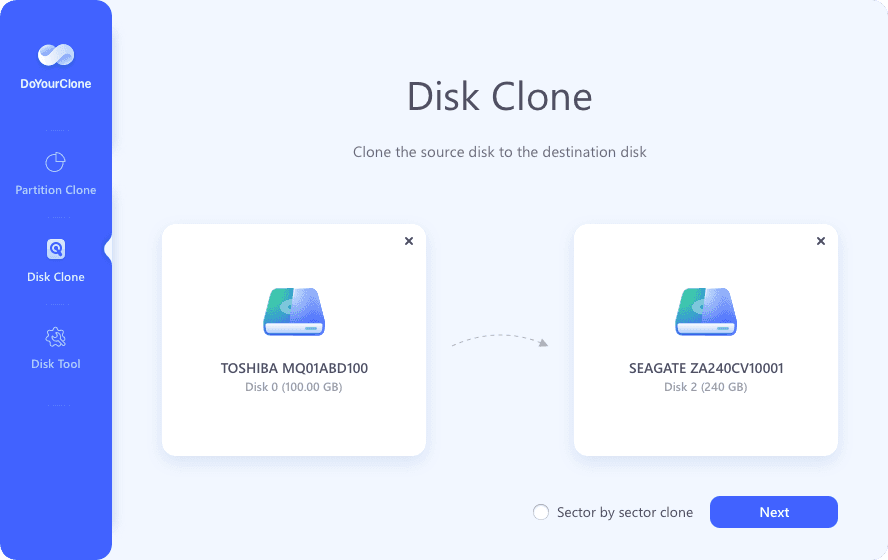
DoYourClone — Free Giveaway (Worth $8.43)
DoYourClone is a disk cloning tool, which can help you quickly and easily clone disks, whether it's disk-to-disk cloning or creating a mirror image File, you...
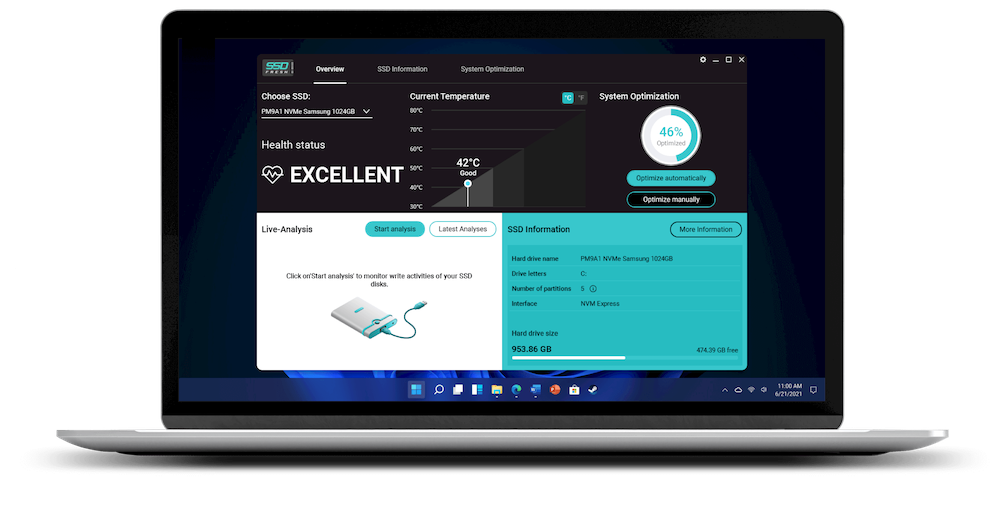
SSD Fresh Plus 2026 — Free Giveaway (Worth $29.99)
SSD Fresh is a solid-state drive optimization software that can help you make SSDs run better in the Windows system, optimally allocate usage, and thereby in...
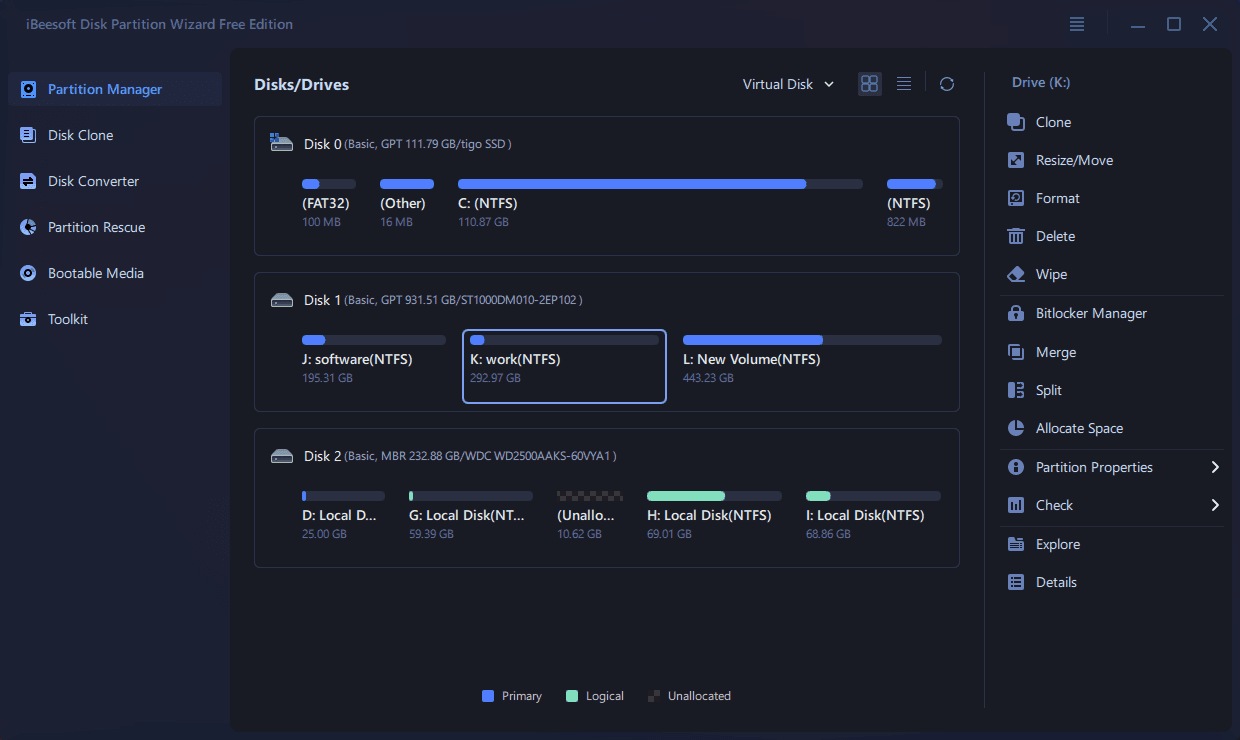
Disk PartitionManager Tool iBeesoft Disk Partition Wizard — Free Giveaway (Worth $39.95)
iBeesoft Disk Partition Wizard is a comprehensive disk Manager tool, designed to help users Manager disk, operating system, and File system. With it, you can...