Local Image Toolbox OtterPix — Free Giveaway (Worth $29.99)
Overview
OtterPix is a powerful image editing tool tailored for macOS users, offering a comprehensive suite of features to manage and enhance digital photos and graphics directly on your Mac. Unlike many online-based solutions, OtterPix prioritizes privacy and convenience by handling all operations locally. This means your files never leave your device, eliminating concerns about data sharing or tracking. Whether you’re a casual user looking to tweak photos for social media or a professional photographer needing to prepare images for print or web, OtterPix provides a streamlined, all-in-one approach to image manipulation. Its intuitive design ensures that even those new to advanced editing can quickly adapt, while its robust capabilities cater to more experienced users. The software’s offline functionality makes it ideal for environments where internet access is limited or restricted, ensuring you can work seamlessly anytime, anywhere.
What sets OtterPix apart is its focus on efficiency and versatility. It combines essential tools with more specialized functions, such as AI-driven upscaling and face repair, to address both everyday and complex editing needs. The absence of cloud integration also makes it a reliable choice for handling sensitive or large volumes of media. By consolidating features like batch renaming, format conversion, and watermarking into a single application, OtterPix simplifies workflows that would otherwise require multiple programs. This makes it a valuable asset for anyone who wants to maintain control over their digital assets while achieving professional-grade results without the hassle of external dependencies.
Key Features
- Local Processing for Privacy and Speed : All editing tasks, from compression to AI upscaling, are executed directly on your Mac. This ensures faster performance and complete data security, as your files remain on your device at all times.
- Built-In Compression and Format Conversion : Easily reduce file sizes for easier sharing or optimize images for web use by converting them between popular formats like JPEG, PNG, and HEIC. This helps balance quality and storage efficiency without compromising resolution.
- Batch Renaming and Organization : Save time by renaming multiple files at once, using customizable patterns or metadata. This is especially useful for sorting photos from events, projects, or camera rolls.
- Watermark Addition and Customization : Protect your work with watermarks that can be tailored to your preferences. This feature is perfect for creators who need to safeguard their content before sharing or publishing.
- EXIF Metadata Management : Edit or view detailed metadata associated with your images, such as camera settings, location, and timestamps. This is invaluable for photographers and archivists who need precise control over image data.
- AI-Powered Image Enhancement : Leverage intelligent algorithms to upscale low-resolution images, remove unwanted elements, or repair imperfections in faces and objects. These tools deliver impressive results with minimal manual effort.
- Advanced Cropping and Erasing Tools : Fine-tune your visuals with precision using customizable crop ratios and smart erasing functions that seamlessly blend out blemishes or distractions.
OtterPix is designed to meet the needs of users who value simplicity, security, and performance in their image editing workflows. Its ability to handle both basic and advanced tasks locally makes it a standout choice for Mac users seeking a reliable, privacy-focused alternative to traditional editing software.
![OtterPix - Local Image Toolbox[macOS][In-App Purchase Giveaway]](https://pic.paidgonefree.com/images/885d21f47d65879bf68ac9b61d3a5c6e9003bde522c177e82fe02c259e13d6ac.webp "OtterPix - Local Image Toolbox[macOS][In-App Purchase Giveaway]")
Giveaway Link: https://apps.apple.com/app/id6772468615?mt=8&at=1l3vkVL
About PaidGoneFree
Discovering the best limited-time free software, apps, games, and fonts every day.
Related Deals
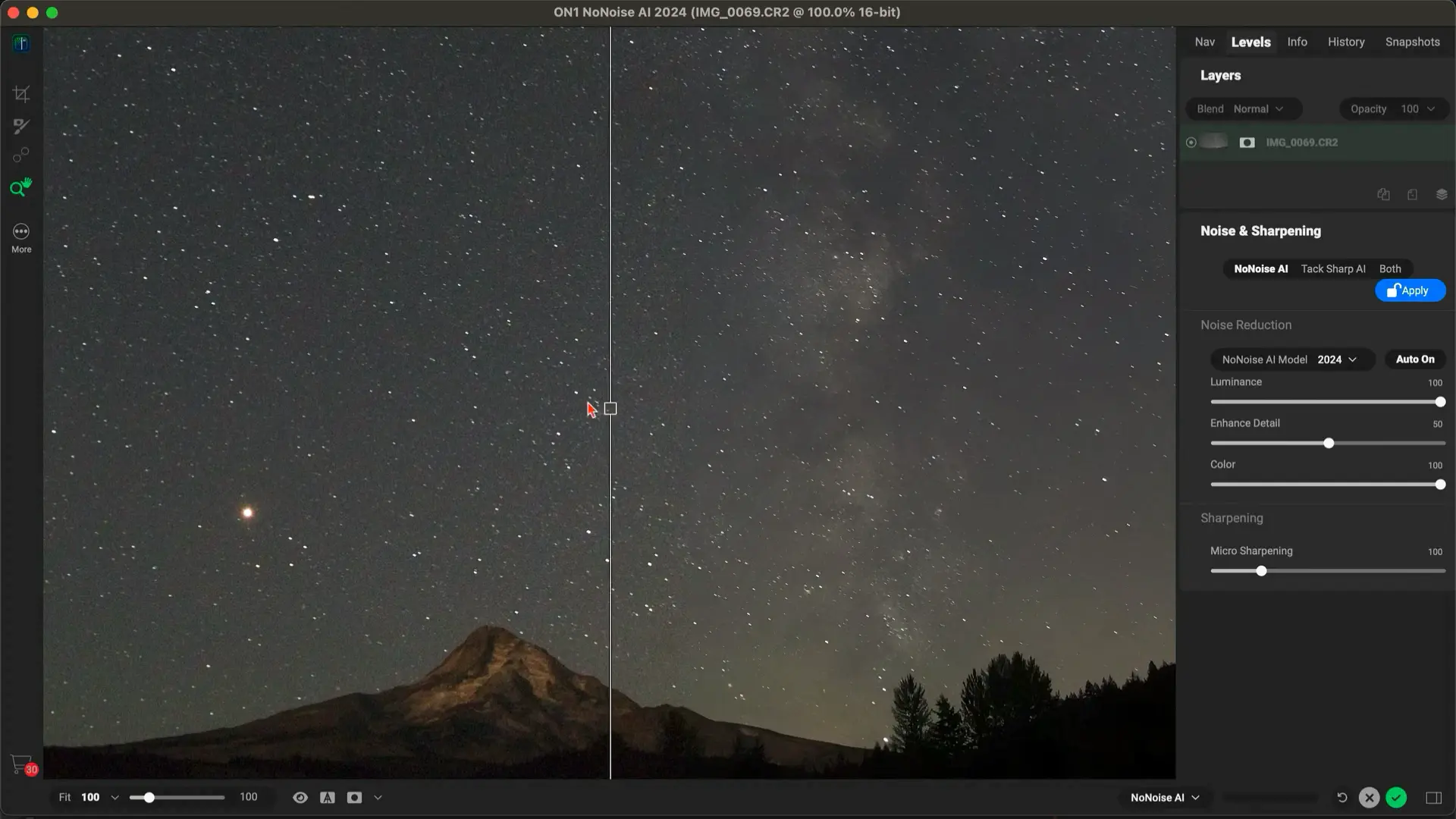
ON1 NoNoise AI Free Giveaway (Worth $29.99) — Free Giveaway (Worth $29.99)
ON1 NoNoise AI is an AI-powered image noise reduction software that helps you quickly remove noise while preserving the clearest details in your photos. It c...

Retro Film Camera App Luxroom — Free Giveaway (Worth $29.99)
Luxroom brings the magic of retro film cameras to your phone. Whether you're a nostalgic film enthusiast or a creative photographer, this app can turn your o...
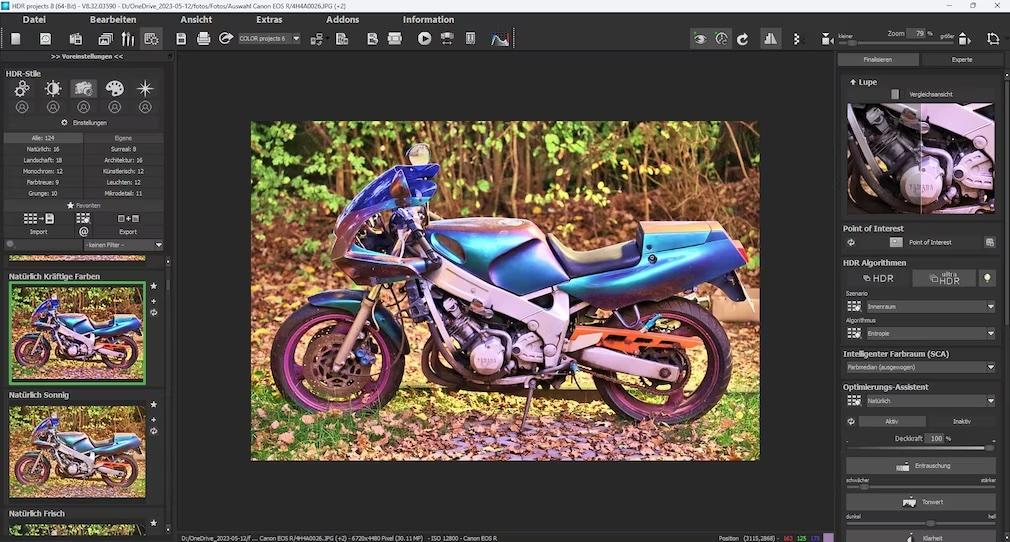
Image Effects Plugin Franzis HDR Projects 8 — Free Giveaway (Worth $9.86)
Overview Franzis HDR Projects 8 is a versatile image post-editing tool designed to elevate the visual quality of your photos through advanced filtering and crea