Leawo DVD Copy — Free Giveaway (Worth $29.95)
Overview
Leawo DVD Copy is a powerful yet user-friendly tool designed to help users transfer data from DVD discs to their computers. Whether you’re archiving old media, backing up important files, or preparing content for digital use, this software simplifies the process of duplicating entire DVD discs. It ensures that all data, including video, audio, and file structures, is accurately copied without compromising quality or functionality. For those who rely on physical media for storage or distribution, Leawo DVD Copy offers a reliable solution to preserve content and make it accessible in digital formats. Its intuitive interface and efficient performance make it an ideal choice for both casual users and professionals looking to streamline their data management tasks.
With the increasing shift toward digital storage, tools like Leawo DVD Copy play a crucial role in bridging the gap between physical and virtual data handling. The software is particularly useful for users who need to create exact replicas of DVDs for backup purposes, share content with others, or convert physical media into a more convenient format. By eliminating the need for manual file-by-file transfers, it saves time and reduces the risk of errors. Additionally, it supports a wide range of DVD types, ensuring compatibility with most discs you might encounter. This makes it a versatile addition to any user’s toolkit, especially for those who frequently work with optical media.
Key Features
-
Comprehensive Data Copying : The software is engineered to replicate all content on a DVD, including hidden files, folders, and system data, ensuring an exact duplicate of the original disc.
-
Multi-Format Compatibility : It supports various DVD formats such as DVD-R, DVD+R, DVD-RW, and DVD+RW, allowing users to copy discs regardless of their type or structure.
-
Efficient and Reliable Performance : With optimized algorithms, Leawo DVD Copy minimizes the risk of data corruption during transfers, delivering consistent results even with large or complex discs.
-
Intuitive Interface : The straightforward design enables users to navigate the software easily, making the copying process accessible to those with little technical expertise.
-
Customizable Output Options : Users can choose to copy the entire disc or select specific files and folders, offering flexibility for different use cases and storage needs.
This type of software typically offers advanced settings for fine-tuning the copying process, such as adjusting buffer sizes or selecting output directories. It also often includes features like error detection and correction to ensure the integrity of copied data. For users who frequently deal with DVD media, Leawo DVD Copy provides a streamlined way to manage and preserve their content, reducing reliance on physical discs while maintaining accessibility and security. Its ability to handle both data and multimedia files makes it a valuable tool for anyone looking to digitize their DVD collection or safeguard important information. 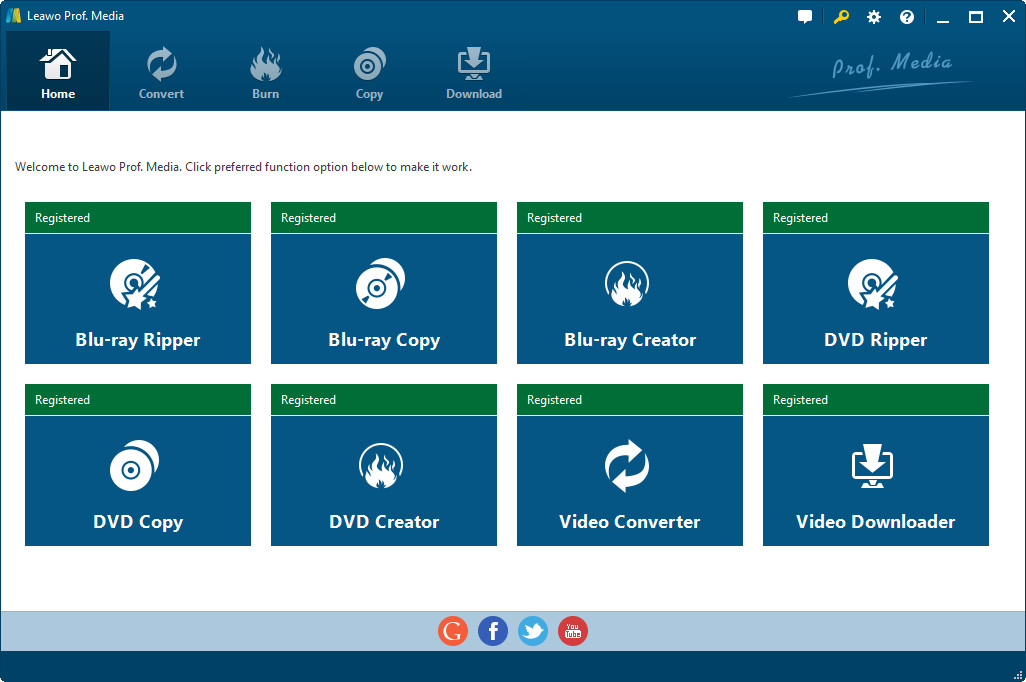
Giveaway Link: https://www.leawo.org/promotion/giveaway/
Get It Free Now
Click the link below before the giveaway ends!
Related Deals
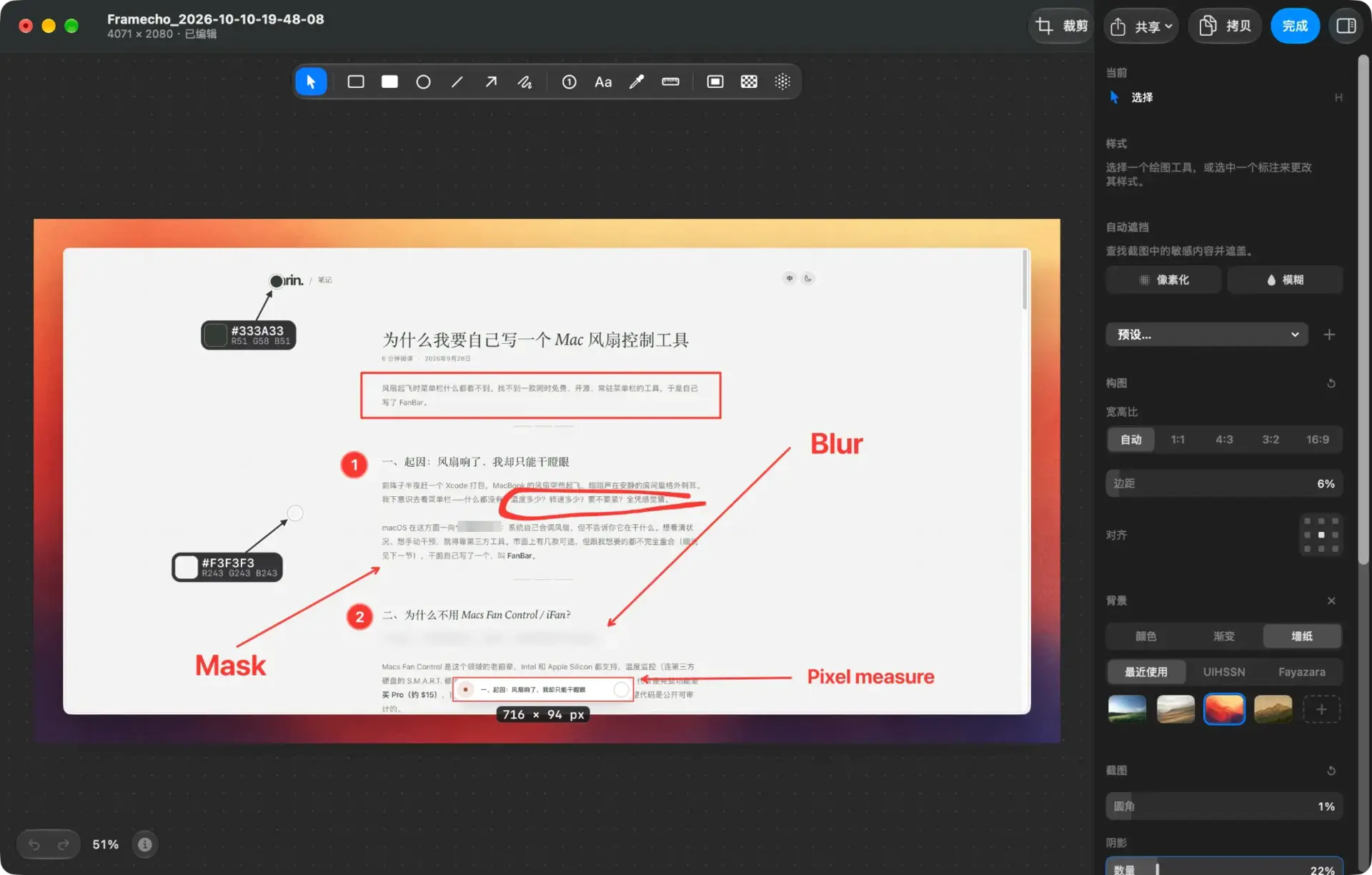
screenshot, screen recording and Edit tool Framecho — Free Giveaway (Worth $29.99)
Framecho is a native macOS screenshot, screen recording, and Edit tool. Annotations, beautification, editing, and adding subtitles are all done locally, the...
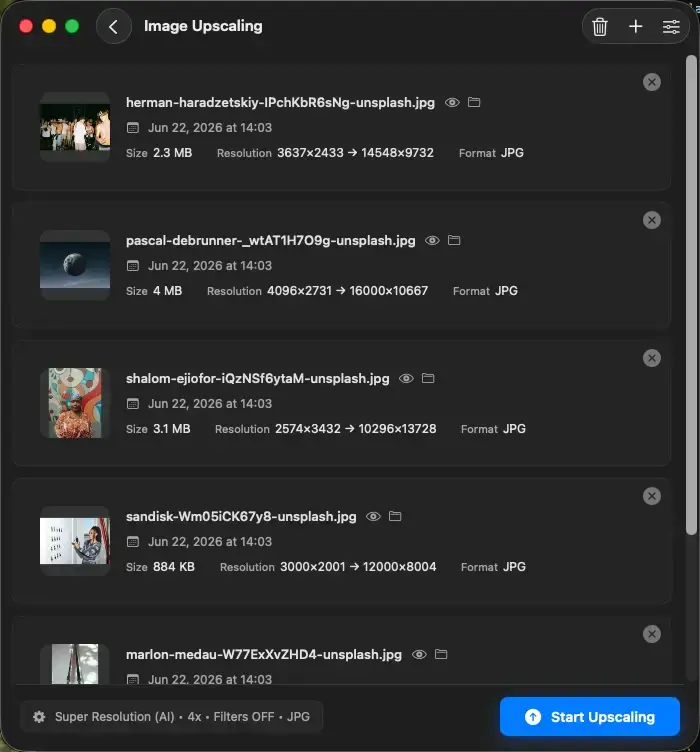
Upscal — Free Giveaway (Worth $39.00)
Upscal can perform super-resolution processing directly on your device, allowing you to enlarge and improve media files without uploading them to a cloud ser...
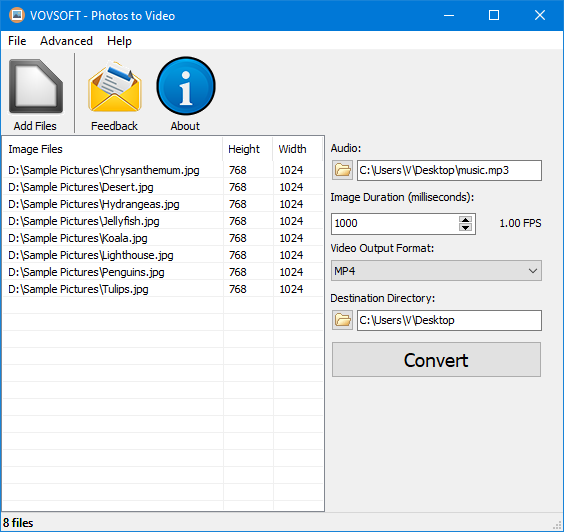
Convert ImageConverter to video Photos to Video — Free Giveaway (Worth $19.00)
Photos to Video is a tool that can help you quickly Converter Image into video, supports multiple Image formats, can also be made into a music album, allows...