HEIC Format Converter tool Coolmuster HEIC Converter — Free Giveaway (Worth $19.95)
Overview
Coolmuster HEIC Converter is a specialized tool designed to address the growing need for compatibility with HEIC image files. HEIC, or High-Efficiency Image Format, is a modern, compressed format that offers superior quality and smaller file sizes compared to traditional JPEGs. However, its adoption is primarily limited to Apple devices, leaving users of other operating systems struggling to view or work with these files. This software bridges that gap by enabling seamless conversion of HEIC images into widely supported formats, ensuring accessibility across all platforms. Whether you’re transferring photos between devices, sharing them online, or editing them with non-Apple software, Coolmuster HEIC Converter simplifies the process and eliminates the frustration of format incompatibility.
For users who frequently deal with HEIC files—such as photographers, designers, or anyone using Apple devices to capture and store images—the ability to convert these files to standard formats like JPEG or PNG is invaluable. The tool’s intuitive interface makes it easy to navigate, even for those with limited technical expertise. Its batch conversion feature allows you to process multiple files at once, saving time and effort. By streamlining the conversion workflow, Coolmuster HEIC Converter empowers users to maintain their preferred workflow without compromising on file quality or usability.
Key Features
- Universal Compatibility: Converts HEIC images to common formats such as JPEG, PNG, and BMP, ensuring they can be viewed and edited on any device or software that doesn’t natively support HEIC.
- Built-in Batch Processing: Handles multiple files simultaneously, making it ideal for users with large photo libraries or those needing to convert numerous images quickly.
- Preserves Image Quality: Maintains high-resolution details during conversion, so your photos retain their clarity and color accuracy without loss.
- User-Friendly Interface: Offers a straightforward, easy-to-use design that allows even beginners to convert files with minimal effort.
- Efficient File Management: Enables quick selection and organization of files, with options to customize output settings for specific needs.
This type of utility is particularly useful for individuals who need to share HEIC files with colleagues, friends, or family using non-Apple devices. It also benefits professionals who work with cross-platform tools or require consistent file formats for archival, printing, or web use. By transforming HEIC files into universally accepted formats, the software ensures that your visual content remains accessible and usable in any context. Whether you’re dealing with personal photos or professional media, Coolmuster HEIC Converter provides a reliable solution to a common problem, making it a valuable addition to your digital toolkit.
![Coolmuster HEIC Converter - HEIC format Converter tool [Windows] [$19.95→0]](https://pic.paidgonefree.com/images/e852f46f239de45f205f4c94b2e716832666e64cb12acdbf6d6b2693d4d9daf9.png "Coolmuster HEIC Converter - HEIC format Converter tool [Windows] [$19.95→0]")
Giveaway Link: https://www.coolmuster.com/giveaway/heic-converter.html
About PaidGoneFree
Discovering the best limited-time free software, apps, games, and fonts every day.
Related Deals
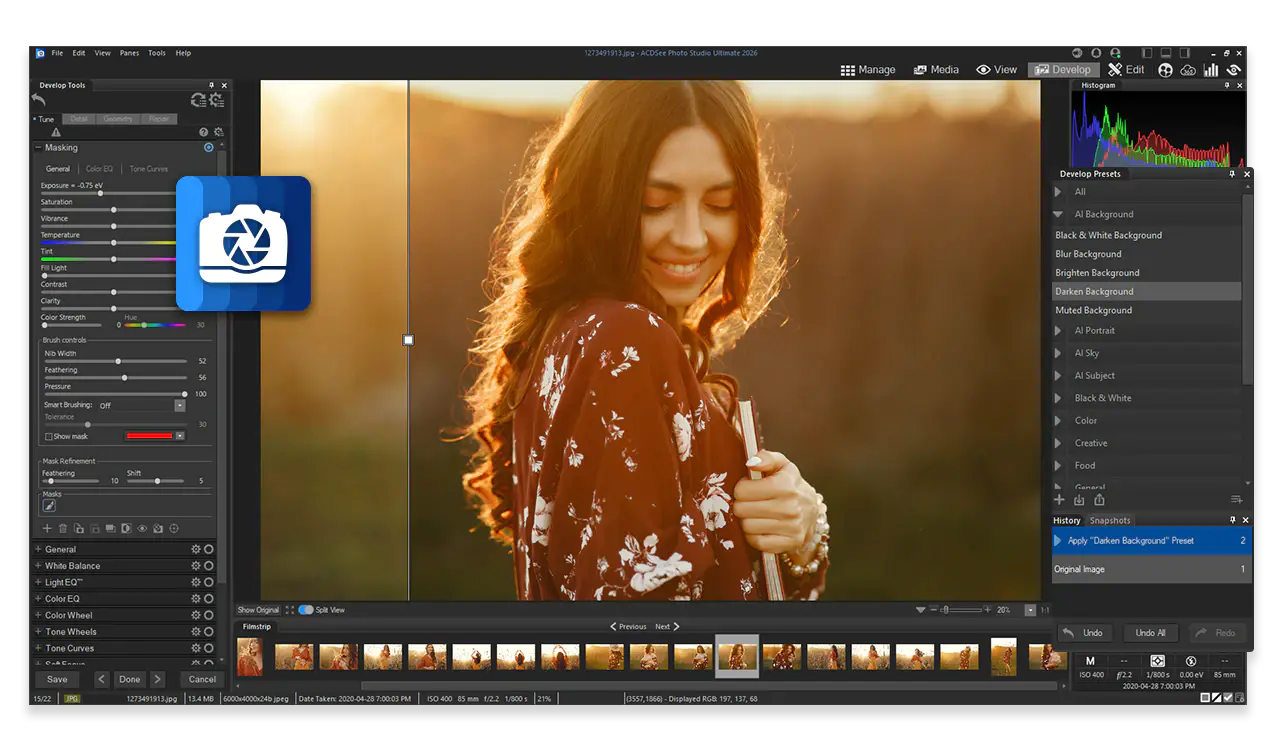
ACDSee Ultimate Pack 2026 — Free Giveaway (Worth $29.99)
The ACDSee Ultimate Pack 2026 includes ACDSee Photo Studio Ultimate 2026, Gemstone Photo Editor 16, LUXEA Pro Video Editor 8, Video Converter Pro 5, and Phot...
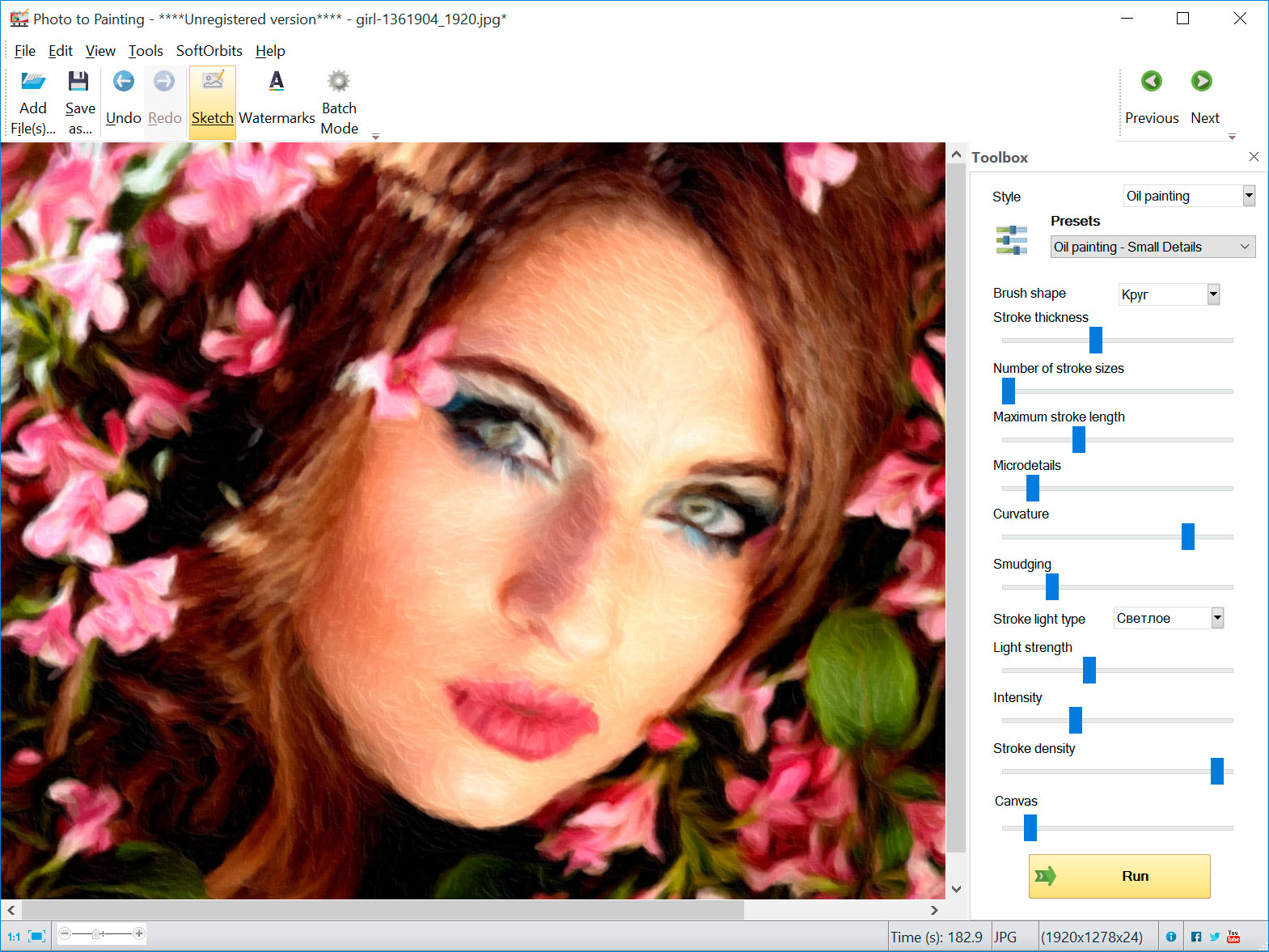
Convert ImageConverter to Oil Painting Style Picture to Painting Converter — Free Giveaway (Worth $49.99)
Picture to Painting Converter is a tool that can convert Image to oil painting style photos. It is simple to operate, and the results are quite good. The oil...
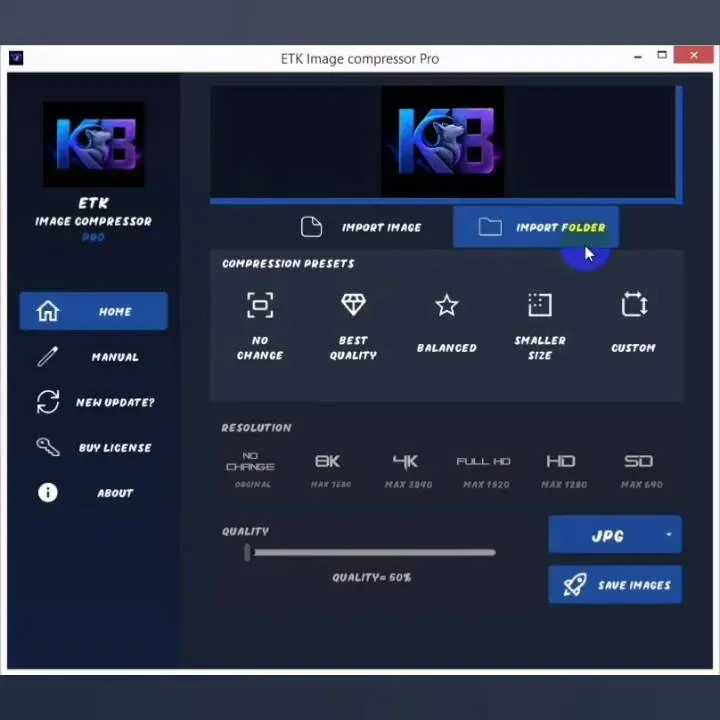
ETK Image Compressor — Free Giveaway (Worth $30.00)
ETK Image Compressor is a professional offline image compression tool, which supports super large size images, batch quick compression, one-click clear metad...