Geekersoft Video Converter — Free Giveaway (Worth $29.99)
Overview
Geekersoft Video Converter is a versatile tool designed to simplify the process of converting video and audio files between different formats. Whether you’re preparing content for playback on a specific device, editing media for social platforms, or organizing files for storage, this software offers a streamlined solution to handle a wide range of multimedia needs. Its ability to support over 1000 audio and video formats makes it an essential utility for users who frequently work with diverse file types. From adjusting resolution and bit rate to fine-tuning frame rates and audio quality, the tool empowers users to customize their media files precisely. Additionally, it includes specialized functions like converting videos to GIFs and compressing files to reduce their size without compromising quality. These features make it a valuable asset for anyone looking to manage their digital media efficiently.
For creators, editors, and casual users alike, the need to convert files often arises when dealing with incompatible formats or optimizing content for different purposes. Geekersoft Video Converter addresses these challenges by providing a user-friendly interface that balances simplicity with advanced capabilities. Its intuitive design ensures that even those with limited technical expertise can navigate the software effortlessly, while its robust feature set caters to more demanding workflows. Whether you’re trimming a video for a quick share, extracting audio from a movie, or reducing file size for faster uploads, this tool is built to adapt to your requirements. By combining flexibility with reliability, it becomes a go-to solution for managing multimedia files across various devices and platforms.
Key Features
- Extensive Format Compatibility : This tool supports a vast array of video and audio formats, including popular ones like MP4, AVI, MKV, and MOV, as well as less common types such as FLV, MTS, and TS. Its broad compatibility ensures that you can convert files for use on different devices, streaming services, or editing software without worrying about format restrictions.
- Customizable Output Settings : Users can freely adjust resolution, bit rate, frame rate, and audio quality to tailor the converted files to their specific needs. For example, lowering the resolution might be ideal for sharing videos on social media, while optimizing bit rate can help reduce file size without significant quality loss.
- Audio Extraction and Conversion : Beyond video conversion, the software allows you to extract audio tracks from videos and convert them to formats like MP3, WAV, or AAC. This is particularly useful for isolating music or voiceovers from clips for use in podcasts, presentations, or personal projects.
- Video-to-GIF Conversion : Creating GIFs from video clips has never been easier with this tool. It enables users to extract frames and convert them into animated images, perfect for social media, websites, or quick visual summaries.
- Video Compression Tools : Large video files can be cumbersome to store or share. The compression feature helps reduce file size while maintaining acceptable quality, making it easier to transfer videos via email, upload them to cloud services, or save space on your device.
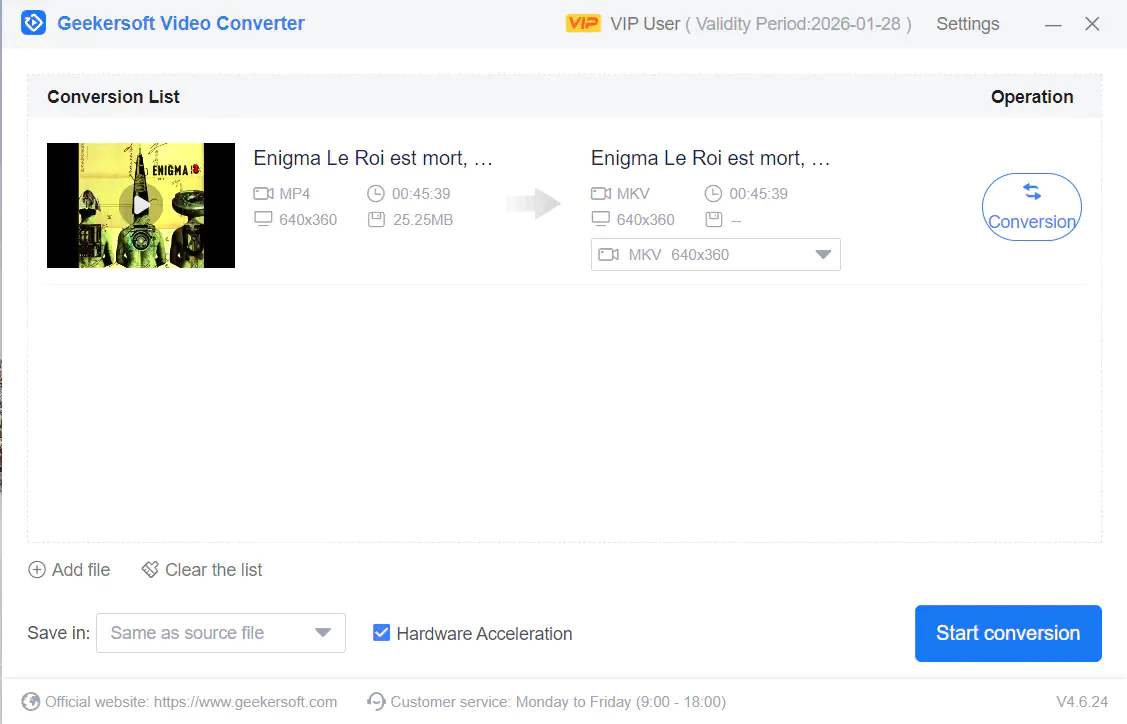
Giveaway Link: https://www.geekersoft.com/video-converter.html
Get It Free Now
Click the link below before the giveaway ends!
Related Deals

Winxvideo Al License — Free Giveaway (Worth $12.85)
Winxvideo AI is a software that can enhance the clarity of videos and photos, it features a lightweight interface designed to simplify each video processing...
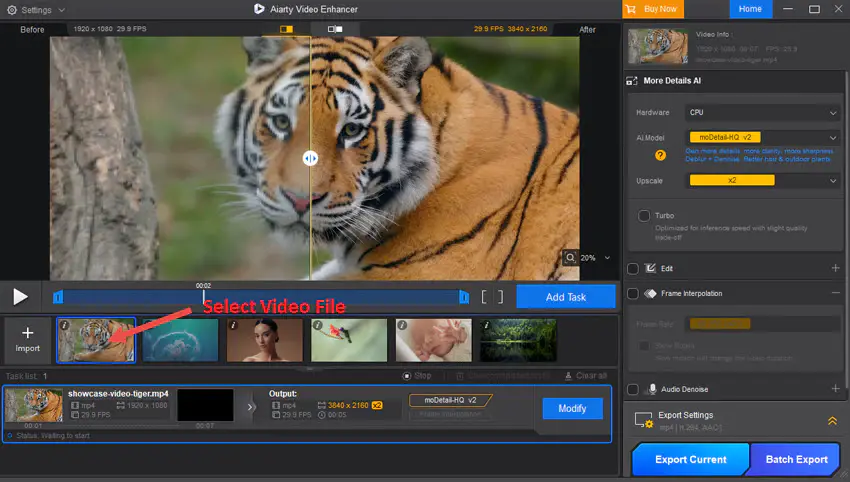
Aiarty Video Enhancer — Free Giveaway (Worth $10.71)
Overview Aiarty Video Enhancer is a powerful yet user-friendly tool designed to transform the quality of your videos using artificial intelligence.
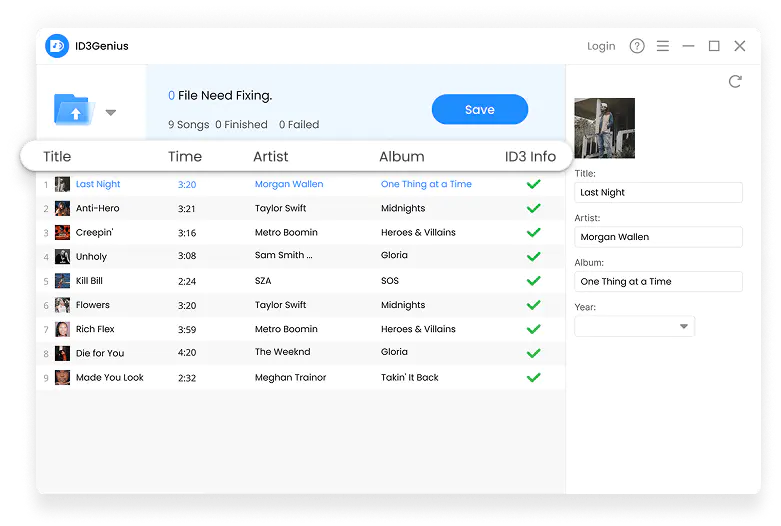
AudioFile Tag Editor ID3Genius — Free Giveaway (Worth $19.99)
ID3Genius is a professional Music Tag Editor, just click once, it can automatically and accurately fix missing or incorrect tags in top resources like Spotif...