External Audio Source Mute Tool beQUIET — Free Giveaway (Worth $40.00)
Overview
Whether you’re studying in a library, working in a shared office space, or simply trying to avoid disturbing others, managing your computer’s audio output can be a frustrating balancing act. Muting your system manually is a common solution, but it often requires repeated adjustments—especially when you need to toggle between silent mode and playing music or podcasts. This is where beQUIET steps in as a practical, user-friendly tool designed to streamline audio management on macOS. By automatically detecting when external speakers are in use and muting them accordingly, beQUIET ensures your system stays quiet when you need it most, while still allowing seamless headphone use. Its intuitive approach eliminates the guesswork of switching audio devices, making it an ideal companion for anyone who values discretion and convenience in their computing setup.
The software operates quietly in the background, monitoring your audio connections without disrupting your workflow. When you plug in headphones, beQUIET recognizes the change and keeps your system volume active, so you can enjoy your media without interruption. Conversely, if you switch back to external speakers, it automatically mutes the system to prevent unwanted noise. This kind of automation is especially useful for users who frequently move between different environments, such as students, remote workers, or creatives who need to focus without distractions. By addressing a common pain point in audio management, beQUIET offers a simple yet effective way to maintain control over your computer’s sound output, ensuring peace of mind in any setting.
Key Features
- Smart Audio Detection : beQUIET intelligently identifies when external speakers are connected, triggering mute mode to prevent accidental noise. This ensures your system remains silent when using shared spaces or quiet environments.
- No Manual Adjustments Needed : Say goodbye to the hassle of toggling mute settings every time you switch audio devices. The tool handles everything automatically, saving you time and reducing the risk of oversight.
- Headphone-Friendly Operation : When headphones are plugged in, beQUIET leaves your system volume untouched, allowing uninterrupted playback of music, videos, or podcasts without requiring additional steps.
- Seamless macOS Integration : Designed specifically for macOS, the tool works effortlessly with your system’s audio settings, ensuring compatibility and a smooth user experience.
- Privacy and Focus Enhancer : Whether you’re in a library, meeting room, or public transport, beQUIET helps maintain a quiet workspace by silencing external speakers when they’re not needed, keeping your surroundings peaceful and your focus sharp.
![beQUIET – External Audio Source Mute Tool for macOS [¥40→$0]](https://pic.paidgonefree.com/images/27eb8de443621e39161a6bd759bba5d1ffd15f07fd9c4b16ed0f37eec13fc62b.webp "beQUIET – External Audio Source Mute Tool for macOS [¥40→$0]")
Giveaway Link: https://apps.apple.com/app/id449472645?mt=8&at=1l3vkVL
About PaidGoneFree
Discovering the best limited-time free software, apps, games, and fonts every day.
Related Deals
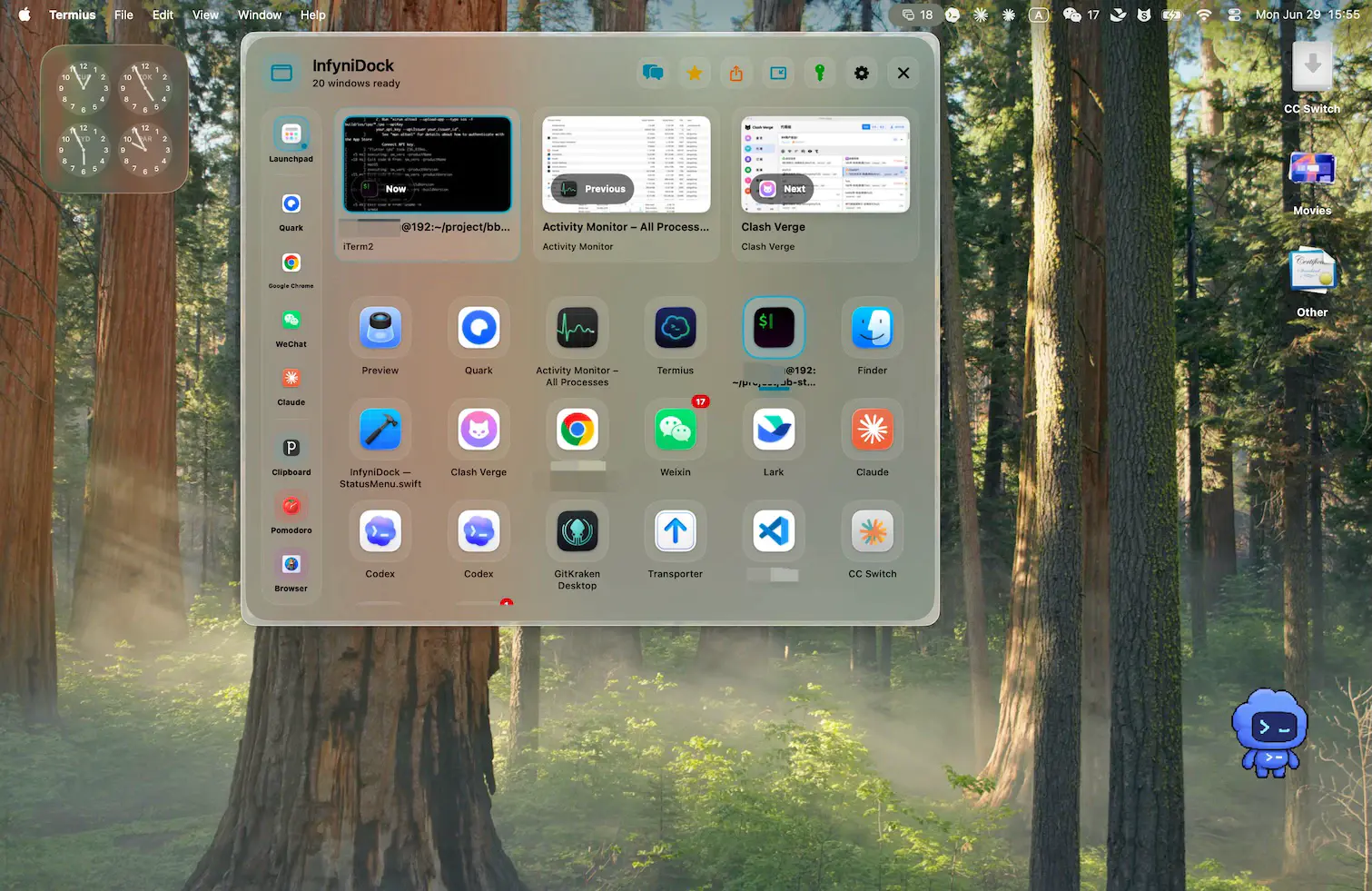
Support multi window Manager's Dock tool InfyniDock Free Giveaway (Worth $29.99) — Free Giveaway (Worth $29.99)
InfyniDock is more like a Mac window Manager. It's not just switching apps, but helping you preview and activate a specific window, suitable for scenarios wh...
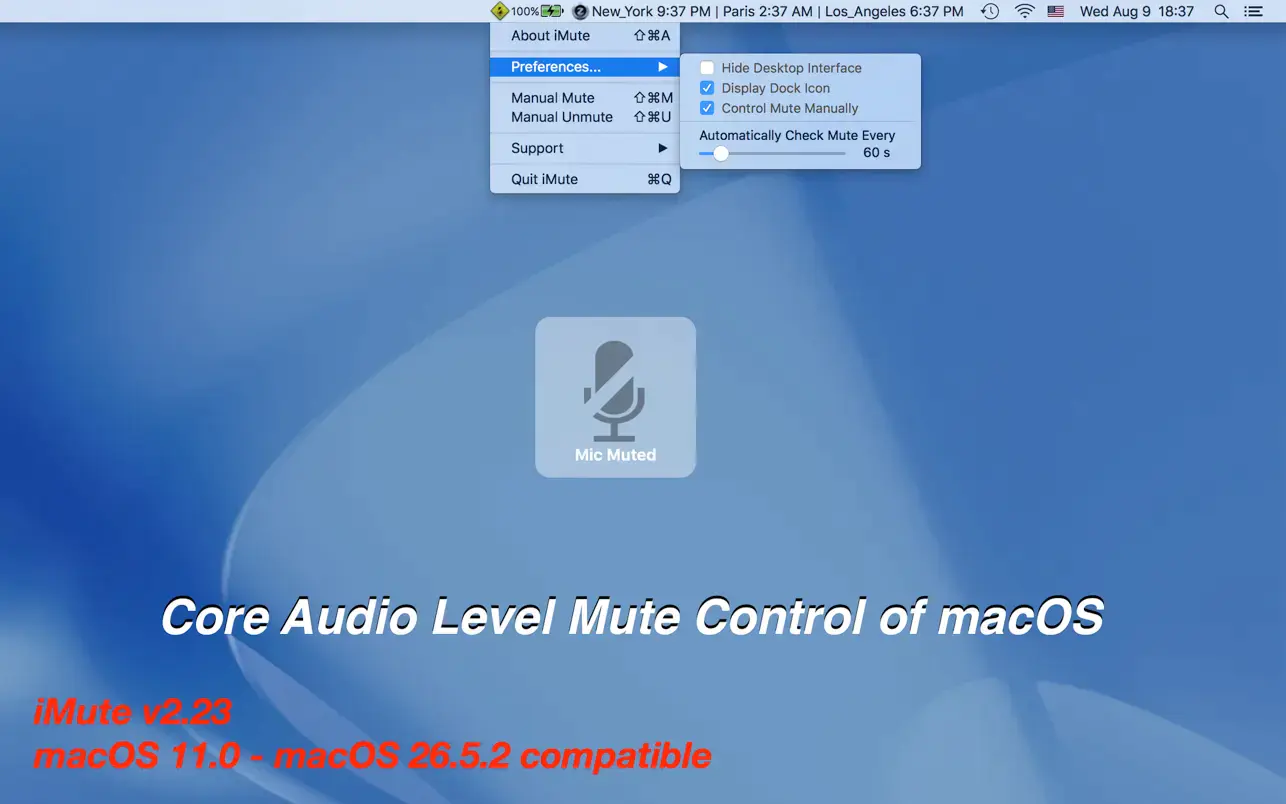
Microphone Mute Tool iMute — Free Giveaway (Worth $12.00)
iMute is a small tool that can mute the microphone of your Mac computer. For safety, it's best to disable both the camera and microphone when not in use. The...
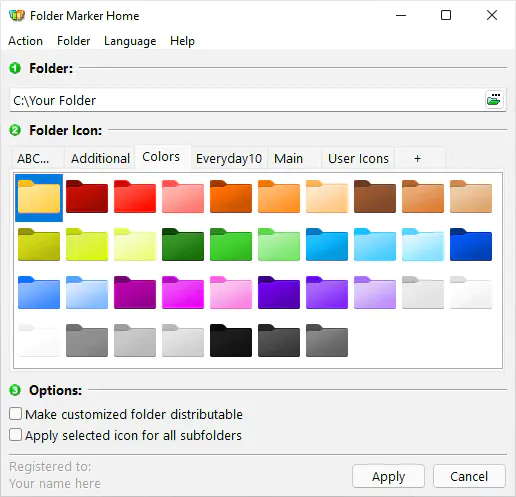
File folder icon color change software Folder Marker Home — Free Giveaway (Worth $24.95)
Folder Marker Home is a software that can change the color of folder icons, offering multiple colors to choose from. It also allows you to set priorities for...