Convert ImageConverter to video Photos to Video — Free Giveaway (Worth $19.00)
Overview
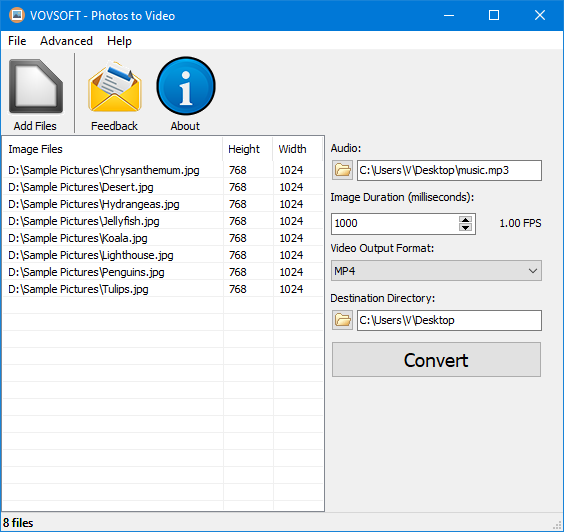
Photos to Video is a versatile utility designed to simplify the process of transforming static images into dynamic video content. Whether you’re a casual user looking to create a personal slideshow or a content creator aiming to repurpose photo collections for social media, this tool offers an intuitive way to bring your visual memories to life. The software eliminates the need for complex video editing workflows by providing a straightforward interface that lets you compile photos into a cohesive video with minimal effort. Its ability to merge images into a seamless timeline, paired with options to enhance the final output with audio, makes it a valuable asset for anyone wanting to share their photos in a more engaging format.
One of the standout aspects of Photos to Video is its focus on accessibility. It’s built for users who may not have advanced video editing skills but still want to create polished, professional-looking videos. By supporting a wide range of image formats, the tool ensures compatibility with most photo files, whether they’re stored locally or imported from cloud services. Additionally, its music album feature allows you to pair your visual content with your favorite tracks, turning a simple slideshow into a personalized multimedia experience. This makes it ideal for events like birthdays, weddings, or travel adventures, where storytelling through visuals and audio is key.
Key Features
- Image-to-Video Conversion : Seamlessly convert photos into video files, preserving the quality and details of your original images while adding motion and structure.
- Music Album Integration : Merge your photo collection with background music to create a themed video, perfect for commemorating special moments or sharing with friends and family.
- Customizable Audio Options : Import personal music files or use built-in soundtracks to set the mood, with controls to adjust volume, fade effects, and synchronization.
- Batch Processing Support : Organize and convert multiple images at once, saving time when working with large photo libraries or event footage.
- Flexible Output Settings : This type of software typically offers options to tweak video resolution, frame rate, and duration, ensuring your final project meets specific needs or platform requirements.
Photos to Video is particularly useful for users who want to repurpose photos for digital storytelling, social media sharing, or even as part of a larger multimedia project. Its combination of simplicity and customization allows you to focus on creativity rather than technical details. Whether you’re compiling a travel diary, creating a family album, or preparing a presentation, the tool empowers you to craft videos that are both visually appealing and emotionally resonant. With its emphasis on ease of use and adaptability, Photos to Video stands out as a reliable solution for turning static images into a moving narrative.
Giveaway Link: https://vovsoft.com/giveaway/free-photos-to-video-2026/
Get It Free Now
Click the link below before the giveaway ends!
Related Deals
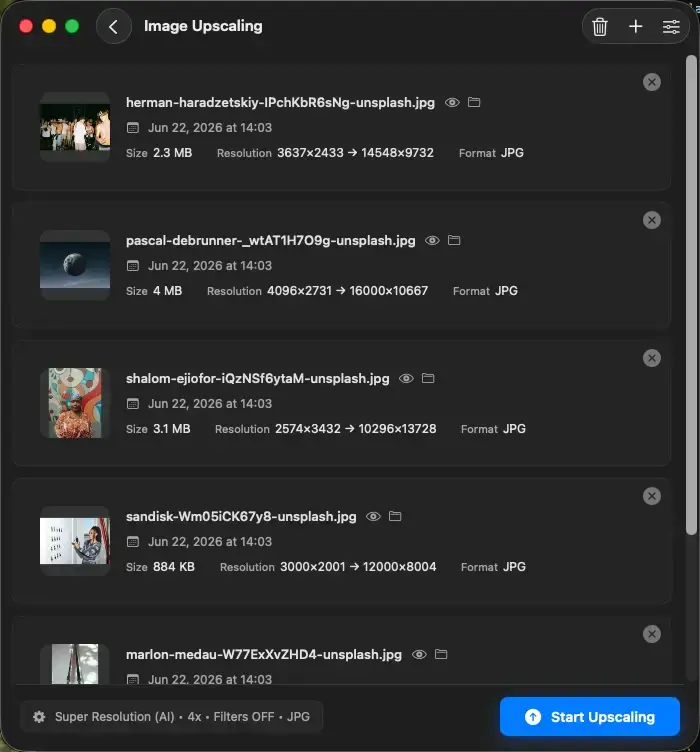
Upscal — Free Giveaway (Worth $39.00)
Upscal can perform super-resolution processing directly on your device, allowing you to enlarge and improve media files without uploading them to a cloud ser...
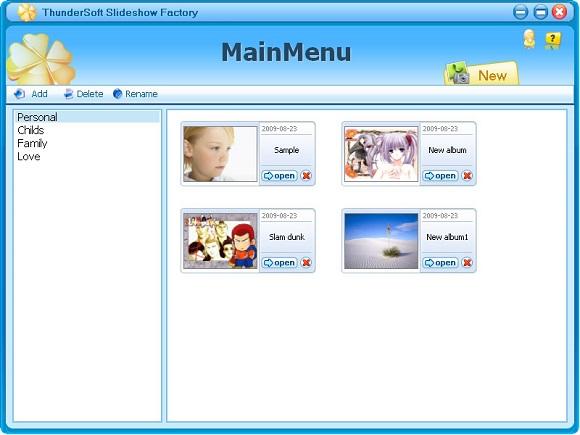
ThunderSoft Slideshow Factory — Free Giveaway (Worth $39.95)
ThunderSoft Slideshow Factory can let you create a presentation application from Image, video. You can add Image effects, audio, and video, with over 70 buil...
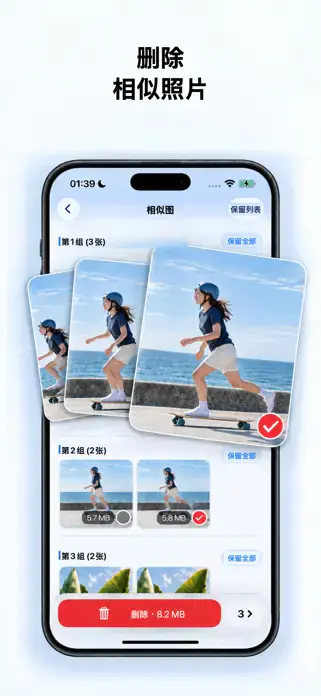
Photo Cleaning, Album Organization and Slides AlbumX — Free Giveaway (Worth $29.99)
AlbumX is a photo cleaning, album organization, and slideshow tool. Limited-time free unlock of 【Lifetime】 permanent privileges, all practical functions in o...