BinaryMark Batch Image Resizer — Free Giveaway (Worth $7.99)
Overview
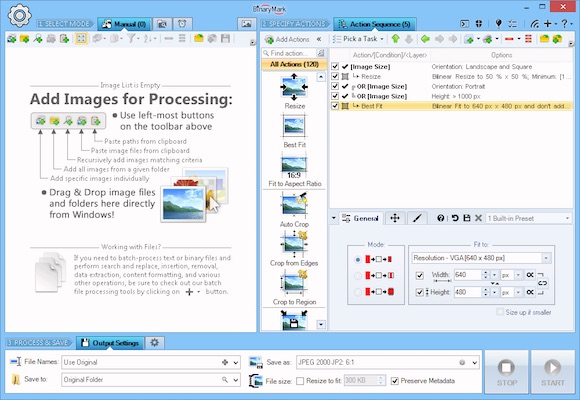
BinaryMark Batch Image Resizer is a powerful yet intuitive tool designed to simplify the often tedious process of managing and editing multiple images at once. Whether you’re a photographer, graphic designer, or anyone who regularly works with digital photos, this software offers a streamlined solution for batch processing tasks. Instead of manually adjusting each image in separate applications, users can handle dozens or even hundreds of files simultaneously, saving time and reducing the risk of errors. The program is particularly useful for tasks like preparing images for websites, social media, or print, where consistency in size, orientation, and quality is essential. With its straightforward interface and robust features, BinaryMark Batch Image Resizer helps users maintain efficiency without compromising on precision or control.
One of the standout aspects of this tool is its ability to handle a wide range of image editing needs while keeping the workflow organized. From resizing images to fit specific dimensions to refining their visual appeal through color adjustments, the software caters to both basic and advanced requirements. Its batch processing capability ensures that repetitive tasks are completed quickly, allowing users to focus on more creative or strategic work. Additionally, the inclusion of features like cropping and rotating makes it a versatile companion for anyone looking to optimize their image collections for different purposes. By automating these processes, BinaryMark Batch Image Resizer becomes an indispensable asset for managing large volumes of images with ease.
Key Features
- Batch Processing for Efficiency : Resize, crop, and rotate multiple images in a single operation, eliminating the need to edit each file individually. This is ideal for users who need to prepare images for online portfolios, social media campaigns, or print projects, where uniformity and speed are critical.
- Customizable Image Adjustments : Fine-tune your images with options to resize to specific dimensions, crop unwanted areas, and rotate for correct orientation. The software also allows for resampling to maintain clarity when scaling, ensuring high-quality output even after significant changes.
- EXIF Metadata Integration : Preserve and apply author information, camera settings, and other metadata from the original files. This feature is especially valuable for professionals who need to retain detailed data while streamlining their workflow.
- Color and Quality Optimization : Adjust colors, brightness, and contrast to enhance the visual appeal of your images. The tool also provides options to fine-tune image resolution and compression, balancing quality with file size for optimal performance.
- Non-Destructive Editing : Make changes without altering the original files, allowing you to experiment freely while keeping a backup of your source images. This ensures flexibility and reduces the risk of accidental data loss during the editing process.
By combining these features into a single, user-friendly application, BinaryMark Batch Image Resizer addresses common pain points in image management. It’s perfect for users who need to maintain consistency across large collections while preserving the integrity of their original files. Whether you’re preparing images for a website, organizing a photo library, or optimizing visuals for print, this tool provides the functionality to handle your needs with minimal effort.
Giveaway Link: https://www.giveawayoftheday.com/batch-image-resizer-2/
Get It Free Now
Click the link below before the giveaway ends!
Related Deals
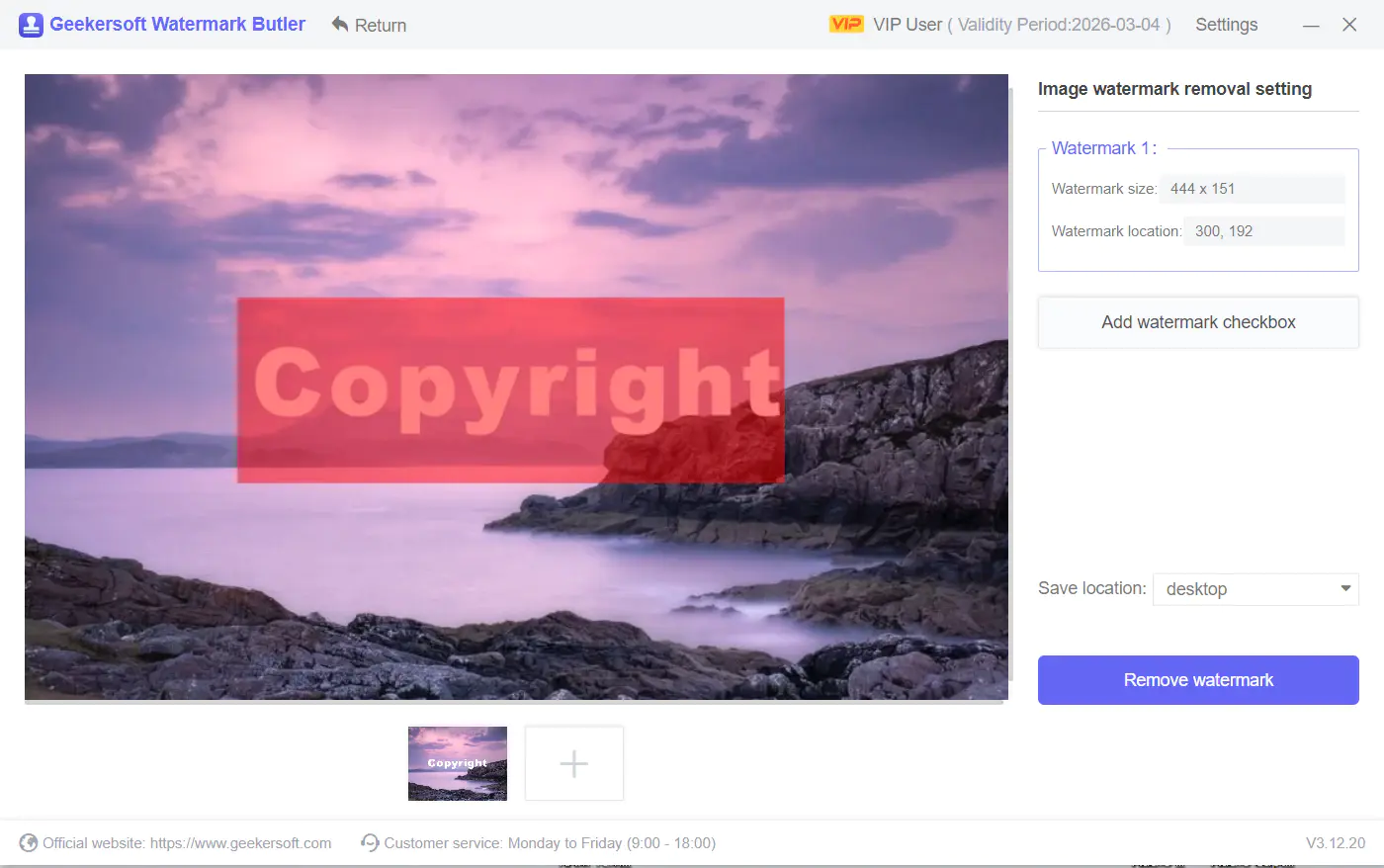
Image Video Watermark Remover Geekersoft Watermark Remover — Free Giveaway (Worth $19.99)
Geekersoft Watermark Remover is a powerful watermark removal software that can easily remove watermarks from Image or video. It supports batch processing, al...
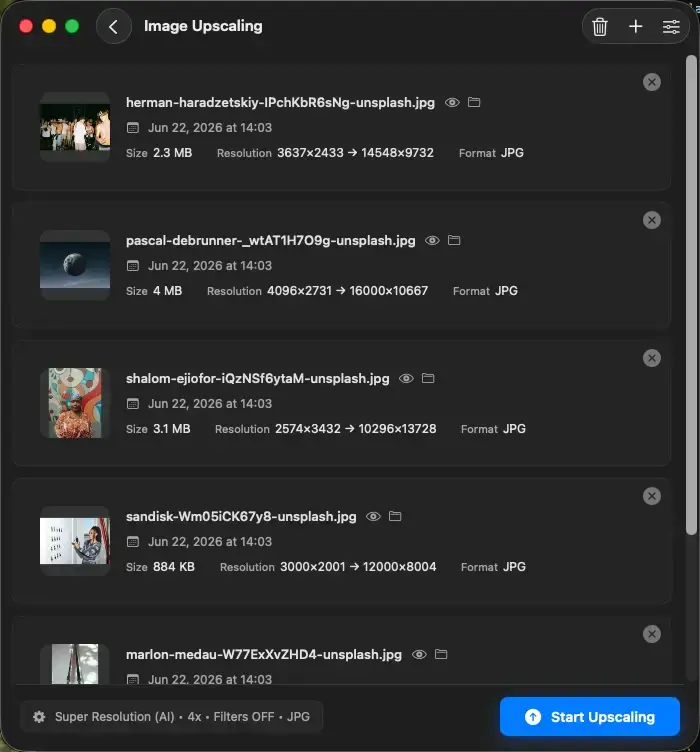
Upscal — Free Giveaway (Worth $39.00)
Upscal can perform super-resolution processing directly on your device, allowing you to upscale and improve media File without uploading it to a cloud server...
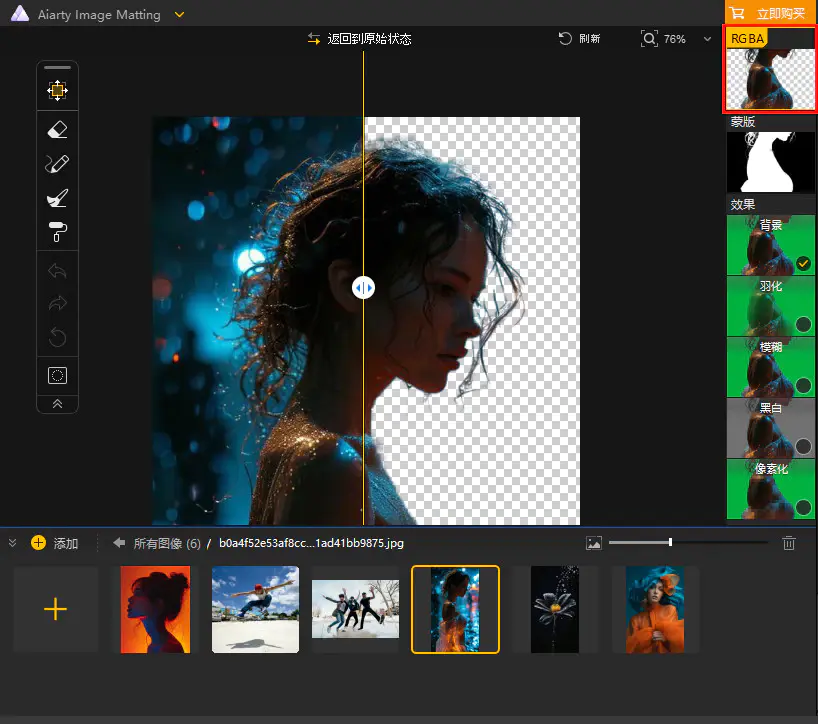
Aiarty Image Matting — Free Giveaway (Worth $10.71)
Aiarty Image Matting is an advanced AI-based image matting software suitable for AIPC, providing precise background removal, using advanced alpha matting tec...