ASCOMP KEYCTRL Pro — Free Giveaway (Worth $19.90)
Overview
ASCOMP KEYCTRL Pro is a powerful hotkey management tool designed to enhance productivity and streamline daily computing tasks. Whether you’re a power user looking to optimize your workflow or a casual computer enthusiast seeking greater control over your system, this software offers a seamless way to automate repetitive actions and access frequently used functions with minimal effort. By assigning custom keyboard shortcuts to applications, commands, or sequences, users can bypass the need for tedious mouse clicks and menu navigation, saving time and reducing frustration. Its intuitive interface and robust features make it an essential addition for anyone who wants to take their efficiency to the next level.
At its core, KEYCTRL Pro acts as a bridge between user intent and system action. It allows you to define shortcuts that trigger specific tasks, such as launching programs, executing file operations, or even running complex scripts. This level of customization is particularly valuable for professionals who rely on quick access to tools or for gamers who need rapid responses during gameplay. The software’s ability to adapt to individual needs ensures that users can tailor their experience to fit their unique workflows, making it a versatile solution for both personal and business use. With KEYCTRL Pro, the goal is to transform how you interact with your computer, turning it into a more responsive and personalized environment.
Key Features
- Customizable Hotkeys: Assign unique keyboard shortcuts to applications, commands, or custom actions, allowing you to prioritize the functions you use most frequently.
- Macro Recording: Automate repetitive tasks by recording sequences of keystrokes, mouse movements, or actions, which can then be replayed with a single shortcut.
- Task Automation: Create shortcuts for common workflows, such as organizing files, launching software suites, or adjusting system settings, to eliminate manual steps.
- Application-Specific Shortcuts: Define shortcuts that work exclusively within certain programs, ensuring you can navigate and control tools like text editors, browsers, or design software with precision.
- Intuitive Interface: This type of software typically offers a user-friendly dashboard where you can easily manage, edit, or delete shortcuts, making it accessible even for those new to automation tools.
By simplifying complex interactions and reducing reliance on traditional input methods, ASCOMP KEYCTRL Pro empowers users to work smarter, not harder. Its flexibility and ease of use make it a standout choice for anyone looking to reclaim control over their computing experience. Whether you’re managing a busy workday or fine-tuning your setup for specific tasks, the ability to customize and automate key functions can significantly improve your efficiency and satisfaction with your system. ![ASCOMP KEYCTRL Pro - Hotkey Manager Tool [Windows]](https://pic.paidgonefree.com/images/44f2802e8a19a1c893be1f2f82b6001195ec6fe0aa67f8f85d0e6297d7c90556.webp "ASCOMP KEYCTRL Pro - Hotkey Manager Tool [Windows]")
Get It Free Now
Click the link below before the giveaway ends!
Related Deals
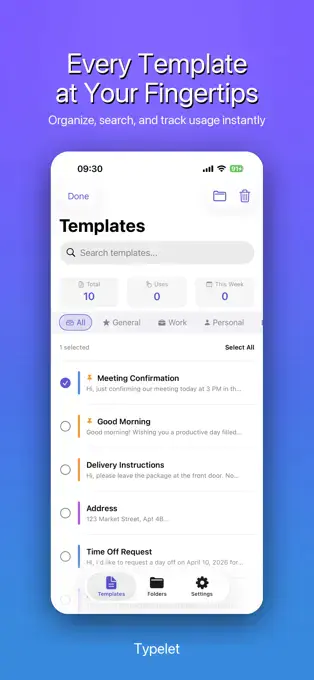
Text Template Keyboard Typelet — Free Giveaway (Worth $29.99)
Typelet is a lightweight and efficient text template keyboard app.
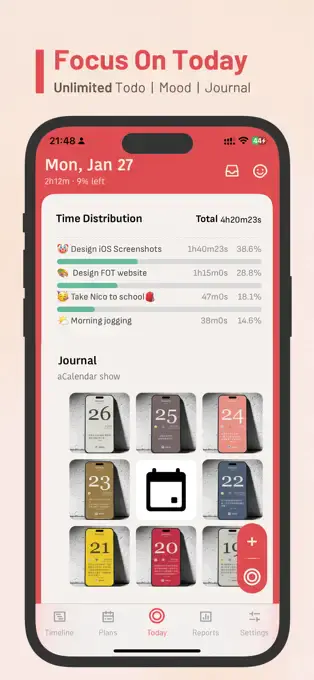
Focus on Today² — Free Giveaway (Worth $29.99)
Focus on Today² is not only a Time Value Manager tool, but also a good partner that leads us into an efficient and focused state. It is carefully crafted for...

Keystroke Visualizer Vovsoft Keystroke Visualizer Free Giveaway (Worth $19.00) — Free Giveaway (Worth $19.00)
Vovsoft Keystroke Visualizer is a lightweight utility designed to enhance the clarity and effectiveness of presentations or software demonstrations.